


.png)


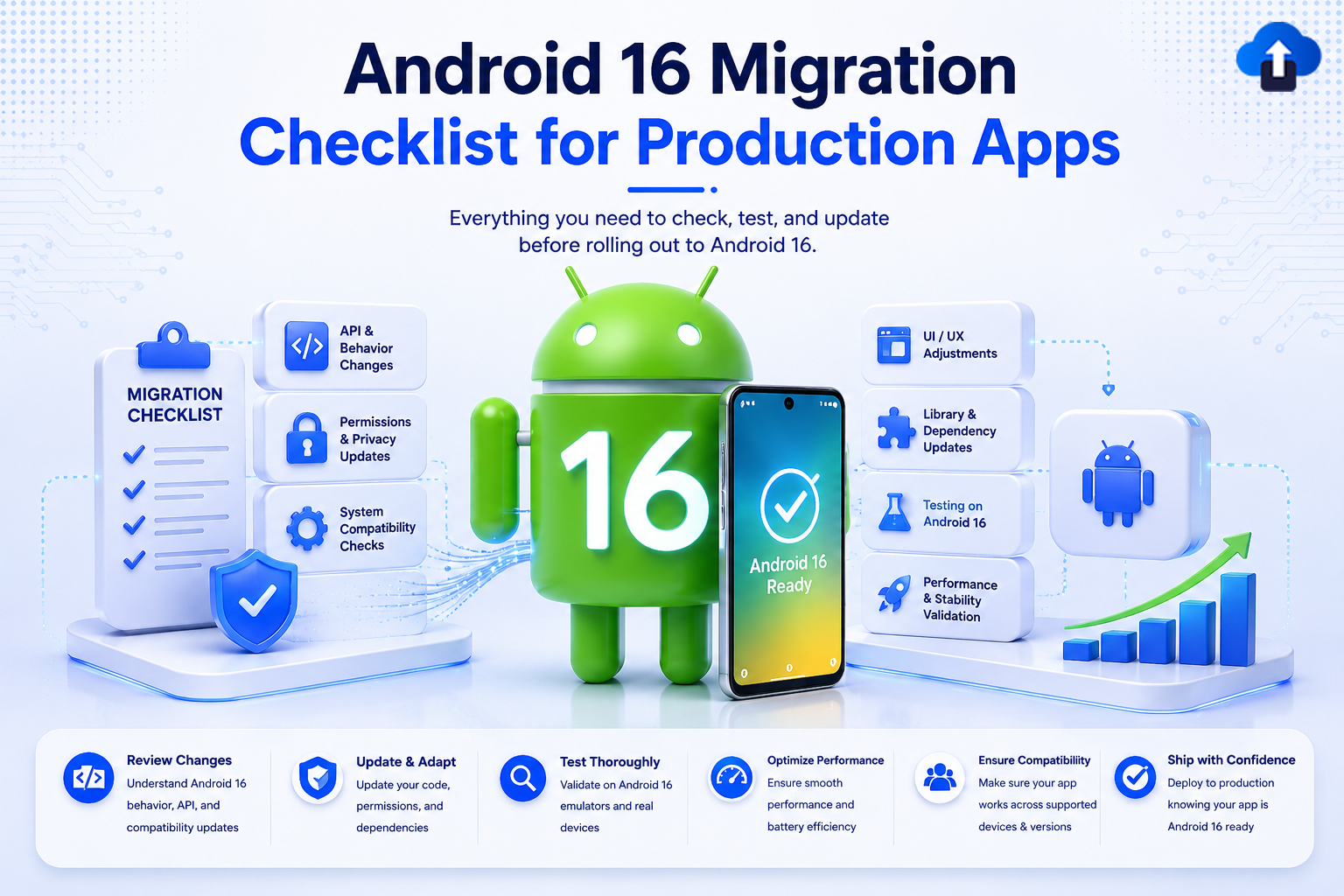
“Your CI just went green. You ship to production. Then crash reports flood in targetSdkVersion mismatch, predictive back gesture crashing, photo picker broken on every Android 16 device in the field.” “Sounds familiar? Android 16 isn’t just a version bump; it’s a behavioral overhaul that breaks assumptions your app has held for years.” “This checklist exists so your team doesn’t find out the hard way on launch day.”
Introduction
Android 16 (API level 36) is not a routine update. Released by Google in mid-2025, it represents one of the most sweeping behavioral and API changes the Android platform has seen since Android 12 introduced the Privacy Dashboard and approximate location permissions.
For production apps, the stakes are high. Google has confirmed that all apps targeting the Play Store must target API 36 to remain fully distributed on new Android 16 devices. Apps that miss the deadline face distribution restrictions and, in some app categories, immediate blocking from new installs.
This blog is your team’s migration command center: a structured, code-backed checklist to ensure every corner of your production app is ready for Android 16.
Problem Statement: What Actually Breaks on Android 16
Most teams assume a targetSdkVersion bump is a one-afternoon job. Android 16 will challenge that assumption. Here’s a snapshot of every major breaking change and who it affects.
Breaking Changes at a Glance
Warning: Apps that use native libraries (.so files) compiled WITHOUT 16 KB page-size alignment will hard-crash silently on Android 16 devices. This includes apps using FFmpeg, OpenCV, SQLCipher, or any custom NDK code. There is no graceful fallback.
Pre-Migration: Environment Setup
Update your entire development environment before touching a single line of app code. Migrating to Android 16 with outdated tooling introduces false lint positives, incorrect emulator behavior, and build failures that mask the real issues.
Required Tool Versions for Android 16
Update build.gradle.kts App Level
// app/build.gradle.kts


android {
  compileSdk = 36                      // Android 16


  defaultConfig {
      applicationId    = "com.yourcompany.app"
      minSdk           = 21
      targetSdk        = 36            // ← Required for Play Store compliance
      versionCode      = 42
      versionName      = "4.2.0"
  }


  compileOptions {
      sourceCompatibility = JavaVersion.VERSION_21
      targetCompatibility = JavaVersion.VERSION_21
  }


  kotlinOptions {
      jvmTarget = "21"
  }
}
Version Catalog (libs.versions.toml)
# gradle/libs.versions.toml


[versions]
agp            = "8.5.0"
kotlin         = "2.0.21"
compose-bom    = "2025.04.00"
core-ktx       = "1.15.0"
activity       = "1.10.1"
lifecycle      = "2.9.0"
hilt           = "2.53"
room           = "2.7.1"


[plugins]
android-app    = { id = "com.android.application",      version.ref = "agp"    }
kotlin-android = { id = "org.jetbrains.kotlin.android", version.ref = "kotlin" }
hilt           = { id = "com.google.dagger.hilt.android", version.ref = "hilt" }
Checklist A Predictive Back Gesture (Now Mandatory)
What Changed
Predictive Back Gesture was opt-in from Android 13, opt-out from Android 14–15. In Android 16, it is mandatory and cannot be disabled. The system intercepts all back events. Apps that still call activity.onBackPressed() directly will receive a deprecation crash in Android 16 and a hard crash in future releases.
Warning: Every override of fun onBackPressed() in your codebase is a ticking crash. Find them all before your next release.
Step 1: Enable in Manifest
<!-- AndroidManifest.xml -->
<application
  android:enableOnBackInvokedCallback="true"
  ...>
</application>=
Step 2: Replace onBackPressed() in Activities
// ❌ OLD — deprecated and crashes on Android 16
override fun onBackPressed() {
  if (someCondition) doSomething()
  else super.onBackPressed()
}


// ✅ NEW — OnBackPressedDispatcher
class DetailActivity : AppCompatActivity() {


  override fun onCreate(savedInstanceState: Bundle?) {
      super.onCreate(savedInstanceState)


      onBackPressedDispatcher.addCallback(this) {
          if (someCondition) {
              doSomething()
          } else {
              isEnabled = false                         // disable this callback
              onBackPressedDispatcher.onBackPressed()   // delegate to system
          }
      }
  }
}
Step 3: WebView Back Navigation
// In a Fragment or Activity that hosts a WebView
requireActivity().onBackPressedDispatcher.addCallback(viewLifecycleOwner) {
  if (webView.canGoBack()) {
      webView.goBack()      // navigate back in web history
  } else {
      isEnabled = false
      requireActivity().onBackPressedDispatcher.onBackPressed()
  }
}
Checklist
- android:enableOnBackInvokedCallback="true" added to <application>
- All onBackPressed() overrides were removed and replaced with OnBackPressedDispatcher
- WebView back handled via OnBackPressedCallback
- Custom dialogs and bottom sheets use the dispatcher
- Tested predictive back animation on Android 16 emulator
Checklist B Photo Picker (READ_EXTERNAL_STORAGE Removed)
What Changed
Android 16 permanently removes READ_EXTERNAL_STORAGE for media access. Apps must use the system Photo Picker or the granular media permissions (READ_MEDIA_IMAGES, READ_MEDIA_VIDEO) introduced in Android 13.
Update Your Manifest
<!-- AndroidManifest.xml -->


<!-- ❌ REMOVE — invalid on API 36 -->
<!-- <uses-permission android:name="android.permission.READ_EXTERNAL_STORAGE" /> -->
<!-- <uses-permission android:name="android.permission.WRITE_EXTERNAL_STORAGE" /> -->


<!-- ✅ ADD — granular media permissions -->
<uses-permission android:name="android.permission.READ_MEDIA_IMAGES" />
<uses-permission android:name="android.permission.READ_MEDIA_VIDEO" />
<uses-permission android:name="android.permission.READ_MEDIA_AUDIO" />


<!-- Partial access for Android 14+ (user selects specific photos) -->
<uses-permissionandroid:name="android.permission.READ_MEDIA_VISUAL_USER_SELECTED" />
Implement the System Photo Picker
// No runtime permission needed for Photo Picker — system handles it
import androidx.activity.result.PickVisualMediaRequest
import androidx.activity.result.contract.ActivityResultContracts


class GalleryFragment : Fragment() {


  // Single image selection
  private val pickSingleImage = registerForActivityResult(
      ActivityResultContracts.PickVisualMedia()
  ) { uri ->
      uri?.let { loadImage(it) }
  }


  // Multi-select (up to 10 items)
  private val pickMultiple = registerForActivityResult(
      ActivityResultContracts.PickMultipleVisualMedia(maxItems = 10)
  ) { uris ->
      uris.forEach { uri -> processImage(uri) }
  }


  // Launch — images only
  fun openImagePicker() {
      pickSingleImage.launch(
          PickVisualMediaRequest(ActivityResultContracts.PickVisualMedia.ImageOnly)
      )
  }


  // Launch — images + videos
  fun openMediaPicker() {
      pickMultiple.launch(
          PickVisualMediaRequest(ActivityResultContracts.PickVisualMedia.ImageAndVideo)
      )
  }
}
Checklist
- READ_EXTERNAL_STORAGE and WRITE_EXTERNAL_STORAGE were removed from the manifest
- Photo Picker (PickVisualMedia) implemented for all image/video selection
- Granular permissions added with correct maxSdkVersion attributes
- Partial access (READ_MEDIA_VISUAL_USER_SELECTED) handled for Android 14+ devices
- FileProvider is still configured for sharing files with external apps
Checklist C 16 KB Memory Page Size (NDK Apps)
What Changed
Android 16 ships on devices with 16 KB memory page sizes (previously 4 KB). Any .solibrary compiled without 16 KB alignment will fail to load with a hard crash, no warning, no fallback.
E/linker: "libmynative.so" is 4KB-page-aligned only.
        Cannot load on 16KB-page devices.
        Process terminated.
Fix CMakeLists.txt
# CMakeLists.txt


cmake_minimum_required(VERSION 3.22.1)
project("mynativelib")


# ✅ Required — 16 KB alignment linker flag
set(CMAKE_SHARED_LINKER_FLAGS
  "${CMAKE_SHARED_LINKER_FLAGS} -Wl,-z,max-page-size=16384")


add_library(
  mynativelib
  SHARED
  src/main/cpp/native-lib.cpp
)


target_link_libraries(mynativelib android log)
Update NDK Version
// app/build.gradle.kts


android {
  ndkVersion = "27.2.12479018"   // r27c — minimum version for 16KB support


  defaultConfig {
      ndk {
          abiFilters += listOf("arm64-v8a", "x86_64")
      }
  }
}
Verify Your .so Files.
# Run from your project root after a release build
# Check LOAD segment alignment — must be 0x4000 (16384 = 16 KB)


readelf -l app/build/intermediates/merged_native_libs/release/out/lib/arm64-v8a/libyourlib.so \
| grep "LOAD"


# ✅ GOOD:  LOAD  ... p_align 0x4000
# ❌ BAD:   LOAD  ... p_align 0x1000   ← 4KB — recompile with linker flag
Warning: Popular libraries such as SQLCipher, OpenCV 4.x, and older FFmpeg builds ship 4 KB-aligned .so files. Check each library’s changelog for Android 16 / 16 KB support before relying on an update alone.
Checklist
- NDK updated to r27c (27.2.12479018) or later
- CMakeLists.txt has -Wl,-z,max-page-size=16384 linker flag
- All first-party .so files verified with readelf
- All third-party native libraries updated to 16 KB-compatible versions
- Tested on Android 16 emulator with 16 KB kernel page image
Checklist D Notification Permissions (Strictly Enforced)
What Changed
POST_NOTIFICATIONS (introduced in Android 13) is now strictly enforced on Android 16. Posting a notification without permission throws a SecurityException instead of silently failing.
Implement the Full Permission Flow
class NotificationHelper(private val activity: AppCompatActivity) {


  private val launcher = activity.registerForActivityResult(
      ActivityResultContracts.RequestPermission()
  ) { granted ->
      if (granted) createChannelAndSchedule()
      else showPermissionRationale()
  }


  fun requestIfNeeded() {
      if (Build.VERSION.SDK_INT < Build.VERSION_CODES.TIRAMISU) {
          createChannelAndSchedule()   // API < 33 — no permission needed
          return
      }
      val status = ContextCompat.checkSelfPermission(
          activity, Manifest.permission.POST_NOTIFICATIONS
      )
      when {
          status == PackageManager.PERMISSION_GRANTED ->
              createChannelAndSchedule()
          activity.shouldShowRequestPermissionRationale(
              Manifest.permission.POST_NOTIFICATIONS
          ) -> showPermissionRationale()
          else ->
              launcher.launch(Manifest.permission.POST_NOTIFICATIONS)
      }
  }


  private fun createChannelAndSchedule() {
      val channel = NotificationChannel(
          "general",
          "General Notifications",
          NotificationManager.IMPORTANCE_DEFAULT
      )
      activity.getSystemService(NotificationManager::class.java)
          .createNotificationChannel(channel)
  }
}
Checklist
- POST_NOTIFICATIONS declared in manifest (with minSdkVersion="33")
- Runtime permission request implemented with rationale flow
- Notification channels created before posting (required since API 26)
- FCM / push notification integration tested on Android 16
- Deep links from notifications tested end-to-end
Checklist E Large Screen & Foldable Adaptations
What Changed
Android 16 introduces stricter adaptive layout enforcement for Play Store listing quality on large-screen devices. Apps that don’t adapt to multi-window, resizable, and foldable layouts receive lower Play Store rankings on tablets and foldables.
Jetpack Compose WindowSizeClass
// Adaptive layout driven by WindowSizeClass


@Composable
fun AdaptiveHomeScreen(windowSizeClass: WindowSizeClass) {
  when (windowSizeClass.widthSizeClass) {
      WindowWidthSizeClass.Compact  -> SingleColumnLayout()   // phone
      WindowWidthSizeClass.Medium   -> TwoPaneLayout()        // folded / small tablet
      WindowWidthSizeClass.Expanded -> ListDetailLayout()     // full tablet
  }
}


class MainActivity : ComponentActivity() {
  override fun onCreate(savedInstanceState: Bundle?) {
      super.onCreate(savedInstanceState)
      setContent {
          val windowSizeClass = calculateWindowSizeClass(this)
          AdaptiveHomeScreen(windowSizeClass)
      }
  }
}
Manifest Declarations
<!-- AndroidManifest.xml -->
<application android:resizeableActivity="true" ...>
  <activity
      android:name=".MainActivity"
      android:configChanges="orientation|screenSize|smallestScreenSize|screenLayout|density">
      <meta-data
          android:name="android.max_aspect"
          android:value="2.4" />
  </activity>
</application>
Checklist
- android:resizeableActivity="true" set in the manifest
- WindowSizeClass is used for all adaptive layout decisions
- App tested in split-screen multi-window mode
- App tested on foldable emulator (Pixel Fold profile in AVD)
- No hardcoded pixel dimensions — all values in dp
- Landscape orientation functional (not blocked without reason)
Checklist F Kotlin, Compose & Jetpack Updates
Compose BOM & Material 3 Expressive
# libs.versions.toml
[versions]
compose-bom  = "2025.04.00"        # Android 16 Material 3 Expressive support
material3    = "1.4.0-alpha07"
lifecycle    = "2.9.0"
room         = "2.7.1"
hilt         = "2.53"
ViewModel + Compose State Modern Pattern
// ViewModel with structured concurrency (Android 16 enforced)
class HomeViewModel : ViewModel() {


  private val _uiState = MutableStateFlow<UiState>(UiState.Loading)
  val uiState: StateFlow<UiState> = _uiState.asStateFlow()


  fun load() {
      viewModelScope.launch {
          _uiState.value = UiState.Loading
          runCatching { repository.fetch() }
              .onSuccess { _uiState.value = UiState.Success(it) }
              .onFailure { _uiState.value = UiState.Error(it.message) }
      }
  }
}


// Composable — lifecycle-aware collection
@Composable
fun HomeScreen(vm: HomeViewModel = hiltViewModel()) {
  val state by vm.uiState.collectAsStateWithLifecycle()   // ← not collectAsState()
  when (state) {
      is UiState.Loading -> CircularProgressIndicator()
      is UiState.Success -> ContentView((state as UiState.Success).data)
      is UiState.Error   -> ErrorView((state as UiState.Error).message)
  }
}
Checklist
- Compose BOM updated to 2025.04.00 or later
- Material 3 components used throughout (Material 2 deprecated)
- collectAsStateWithLifecycle() used instead of collectAsState()
- Room migrated to KSP (Kapt is deprecated)
- Hilt updated to 2.53+
- Kotlin 2.0.21+ with K2 compiler enabled in gradle.properties
Checklist G ProGuard / R8 Full Mode
What Changed
AGP 8.5 enables R8 Full Mode by default. This is more aggressive than the previous compat mode — it strips code that older ProGuard rules preserved, which can cause ClassNotFoundException crashes in release builds.
// app/build.gradle.kts
android {
  buildTypes {
      release {
          isMinifyEnabled    = true
          isShrinkResources  = true
          proguardFiles(
              getDefaultProguardFile("proguard-android-optimize.txt"),
              "proguard-rules.pro"
          )
      }
  }
}
# proguard-rules.pro


# Data classes (Gson / Moshi / kotlinx.serialization)
-keepclassmembers class com.yourapp.model.** { *; }


# Retrofit service interfaces
-keep interface com.yourapp.api.** { *; }


# Parcelable
-keep class * implements android.os.Parcelable {
  public static final android.os.Parcelable$Creator *;
}


# OpenJDK 21 reflection fix (Android 16)
-keepattributes Signature
-keepattributes *Annotation*
Checklist
- Release build tested with R8 Full Mode (not just debug)
- ProGuard rules updated for all serialization libraries in use
- No ClassNotFoundException in release build crash logs
- APK size reduction verified (R8 Full Mode should reduce further)
- Deobfuscation mapping file uploaded to Play Console for crash analysis
Final Validation Table
Run through this gate before every Play Store submission targeting Android 16.
Key Takeaways
- Android 16 is not optional: Google Play restricts distribution for apps that miss the targetSdk 36 deadline.
- Predictive Back Gesture is mandatory: every onBackPressed() override must be migrated before your next release.
- 16 KB page size is a silent hard crash: NDK apps must recompile with alignment flags and use NDK r27c+.
- Photo Picker replaces READ_EXTERNAL_STORAGE: the permission is gone; use PickVisualMedia for all media access.
- R8 Full Mode is now the default: test release builds thoroughly; it strips more aggressively than before.
- Large screen adaptability is a ranking signal: implement WindowSizeClass to improve Play Store placement on tablets and foldables.
Conclusion
Android 16 raises the bar for production-quality Android apps. The behavioral changes mandatory predictive back, strict media permissions, 16 KB alignment for native code, and R8 Full Mode defaults demand a deliberate, tested migration approach.
Use this checklist as your team’s pre-release gate. Work through each section before your next Play Store submission, and you’ll ship a faster, safer, and fully compliant Android 16 app.
The Android 16 emulator is available in Android Studio Meerkat today. There is no reason to wait; start your migration this sprint.
References
- Android 16 Behavior Changes developer.android.com
- Predictive Back Gesture Migration Guide
- Android Photo Picker
- 16 KB Page Size Support
- WindowSizeClass for Adaptive Layouts
- Compose BOM Mapping
- R8 Full Mode
- Health Connect API Reference








