


.png)


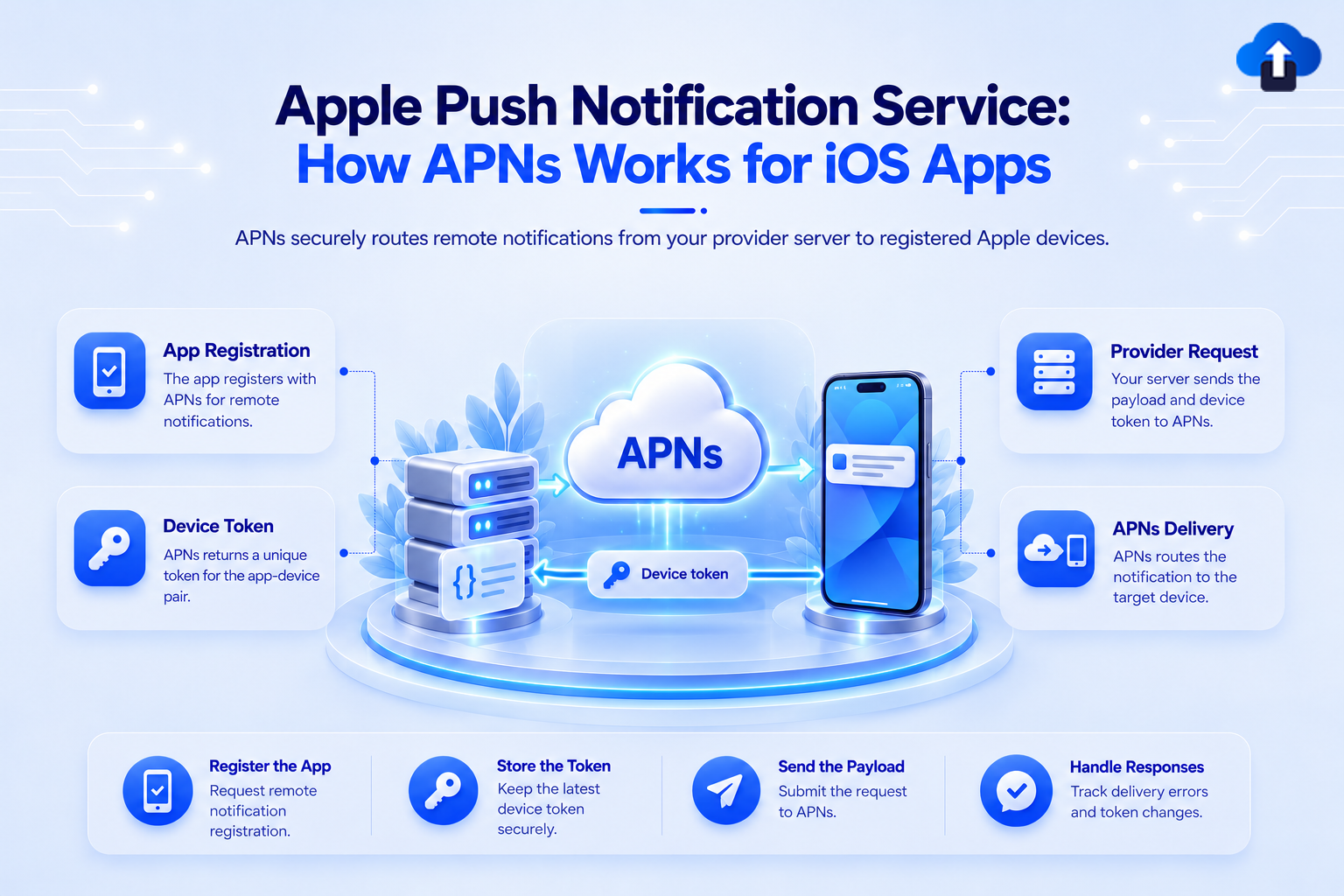
APNs is the only path for delivering push notifications to iOS devices. Understanding the full delivery chain - authentication, token lifecycle, payload structure, and error handling — is required knowledge for any team shipping iOS at production scale.
What APNs Is
Apple Push Notification service (APNs) is Apple's infrastructure for delivering push notifications to iOS, iPadOS, macOS, watchOS, and tvOS devices. It is a persistent, always-on connection layer maintained between Apple's servers and every enrolled device.
Your server never communicates directly with a device. There is no socket you open to a device's IP, no long polling, no direct connection. All notification delivery goes through APNs. Your server sends a notification request to APNs; APNs delivers it to the target device over a persistent TLS connection that the device maintains with Apple's infrastructure.
This design exists for practical reasons: devices roam networks, change IP addresses, go offline, and are behind NAT. APNs abstracts all of that. You send to a stable identifier (the device token) and APNs resolves the routing.
Architecture: The Delivery Chain
The delivery chain is linear: Your server → APNs → Device
Each segment has distinct responsibilities:
- Your server authenticates to APNs, constructs the payload, and sends an HTTP/2 POST request per notification
- APNs authenticates your request, validates the device token, routes the notification to the correct device over its persistent connection, and returns a success or error response to your server
- The device receives the notification from APNs, and the system displays it (or wakes the app for background pushes)
- What APNs guarantees: Delivery is best-effort. APNs will attempt to deliver a notification to the device and will store it for a limited period if the device is temporarily offline. For standard notifications, APNs stores at most one notification per app while the device is offline - if a second notification arrives before the device reconnects, the first is discarded. For background pushes (content-available), there is no queuing guarantee. There is no delivery receipt confirming the notification was displayed or tapped - only a send-level confirmation that APNs accepted the request.
Authentication
APNs supports two authentication mechanisms. Only one is current.
Token-Based Authentication (.p8 key + JWT) — Preferred
You generate a .p8 private key file in the Apple Developer portal under Certificates, Identifiers & Profiles → Keys. One `.p8` key can authenticate push requests for all apps in your team.
Your server uses this key to sign a JWT (JSON Web Token) and sends it with every APNs request in the Authorization header. JWTs expire after 60 minutes- your server must generate a new JWT before expiry and reuse it across requests within that window.
JWT structure for APNs:
Header:
{
  "alg": "ES256",
  "kid": "YOUR_KEY_ID"    // 10-character key ID from Apple Developer portal
}
Payload:
{
  "iss": "YOUR_TEAM_ID",  // 10-character Apple Developer team ID
  "iat": 1698000000       // Unix timestamp of issuance
}
Sign the JWT using the .p8 key with ES256 (ECDSA with P-256 and SHA-256). Include it in the request:
http
POST /3/device/DEVICE_TOKEN HTTP/2
Host: api.push.apple.com
Authorization: Bearer SIGNED_JWT
apns-topic: com.yourcompany.yourapp
apns-push-type: alert
apns-priority: 10
Content-Type: application/json
Certificate-Based Authentication (.p12) - Deprecated
.p12 push certificates are deprecated. Apple has not announced a hard shutdown date, but certificate-based auth is not supported for newer push types (including Live Activity pushes). Do not use `.p12` for new integrations and plan migration to `.p8` if you have not already.
Device Tokens
When a user grants notification permission, iOS registers the device with APNs and returns a device token - a 32-byte opaque identifier — to your app via `application(_:didRegisterForRemoteNotificationsWithDeviceToken:)`. Your app forwards this token to your server, which stores it and uses it as the destination for notification requests.
Device tokens are not permanent. They rotate:
- After the app is uninstalled and reinstalled
- After a major iOS upgrade in some cases
- At Apple's discretion as part of its security model — this can happen without any user action
Handling rotation server-side: Every time didRegisterForRemoteNotificationsWithDeviceToken fires on app launch, compare the received token to the stored value and update your server if it differs. Additionally, handle APNs error responses that indicate a stale token:
APNs tracks sends to invalid tokens. Persistent sends to invalid tokens can result in rate limiting of your endpoint.
APNs Environments
APNs operates two environments with separate hostnames:
- Sandbox (development): api.sandbox.push.apple.com - for apps signed with a development provisioning profile
- Production: api.push.apple.com - for apps distributed via App Store, TestFlight, or Ad Hoc distribution
The same .p8 key authenticates against both environments. The environment is selected by which hostname you send to, not by any property of the key.
Common mistake: Sending a production device token to the sandbox endpoint, or a sandbox token to the production endpoint. Both return a `BadDeviceToken` error. If you see `BadDeviceToken` on a token you recently registered, verify that the environment used for your send matches the provisioning profile of the installed app.
Payload Structure
The APNs payload is a JSON object with an `aps` dictionary containing reserved Apple keys. The total payload size limit is 4 KB.
{
  "aps": {
    "alert": {
      "title": "Build ready",
      "body": "v2.4.1 is available for testing"
    },
    "badge": 1,
    "sound": "default",
    "content-available": 0,
    "mutable-content": 1,
    "apns-push-type": "alert"
  },
  "custom-key": "any-custom-value"
}
Key fields
alert: The visible notification content. Can be a string or an object with title, subtitle, and body.
badge: Integer badge count to display on the app icon. Set to 0 to clear the badge.
sound: “default” plays the system sound. Pass a filename to use a bundled custom sound.
content-available: 1: Triggers a background push. The payload must not include alert, sound, or badge when using this alone.
mutable-content: 1: Required flag for the system to invoke a Notification Service Extension before display. Without this flag the extension is never called, regardless of whether it is configured.
apns-push-type: header — Required for all requests. Values include alert, background, voip, complication, fileprovider, mdm, and liveactivity.
Priority
apns-priority: 10: Immediate delivery. Required for alerts. Cannot be used with content-available only payloads.
apns-priority: 5: Deliver at a time the system determines is power-efficient. Required for background pushes and complications.
APNs Error Responses
APNs returns HTTP/2 response codes and JSON error bodies. Handle these in your send path:
The Unregistered response also includes a timestamp field indicating when the token became invalid. If your server received a new token from the device after that timestamp, the new token is valid and should not be removed.
Conclusion
APNs is a well-specified system, but production correctness requires handling the full surface: JWT expiry and refresh, token rotation and stale token cleanup, environment routing, payload construction per push type, and conditional error response handling. Teams that skip any of these layers accumulate silent delivery failures that are difficult to diagnose after the fact because APNs gives you a send-level confirmation, not a device-level delivery receipt.
AppsOnAir push notifications removes the server-side APNs implementation from your stack. Configure your .p8 key once in the AppsOnAir portal — key ID, team ID, and the key file itself. The platform handles JWT signing and automatic token refresh on the 60-minute cycle, routes sends to the correct sandbox or production endpoint based on your app's distribution type, and removes tokens from the active set when APNs returns BadDeviceToken or Unregistered responses. You do not write APNs request code, manage JWT expiry, or build token hygiene logic. If you are already using AppsOnAir for OTA distribution, push credentials plug into the same portal and target the same distribution groups you already have configured. Also providing you notification analytics.









