


.png)


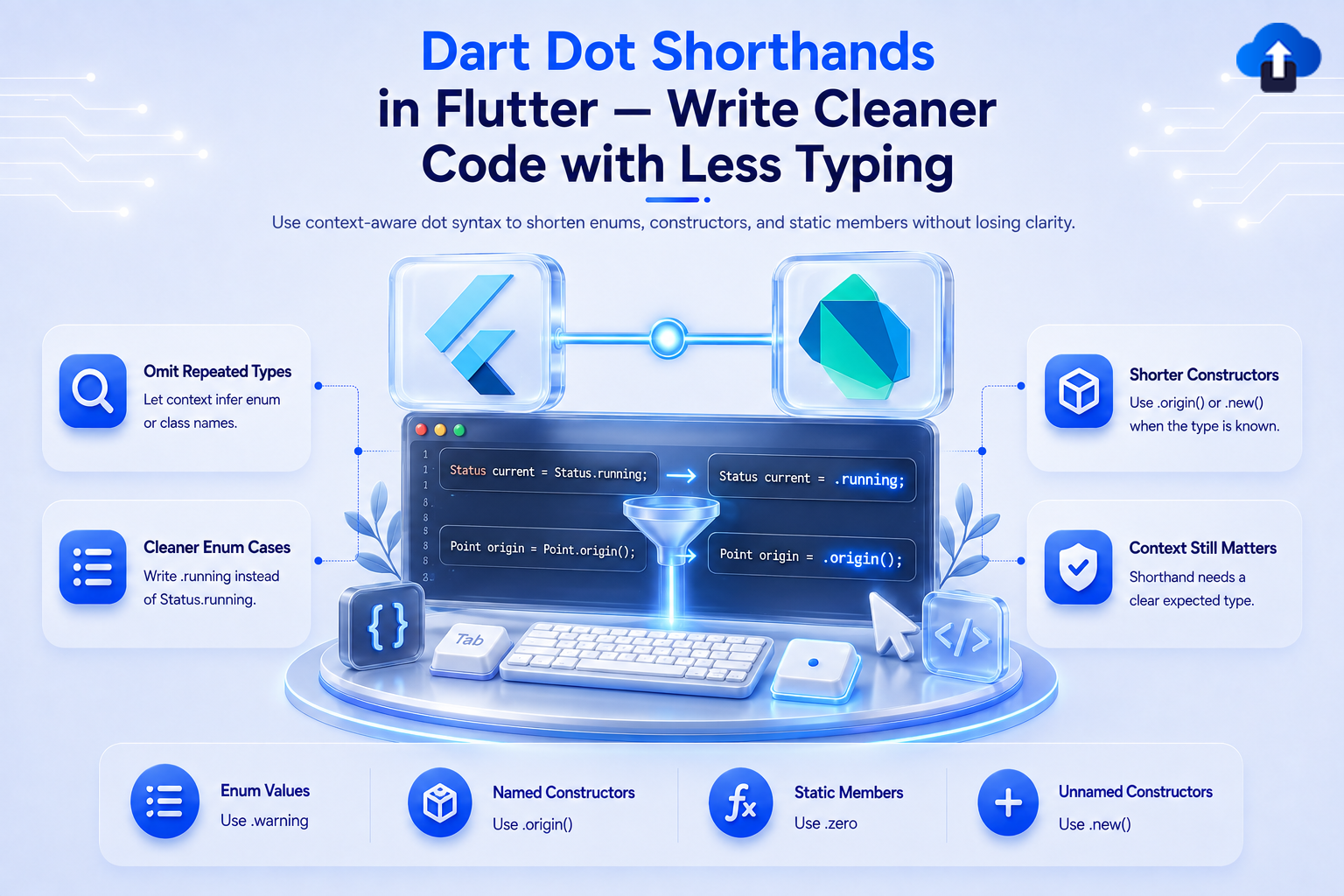
You know that feeling when your Flutter build method looks like a wall of repeated type names? There's a smarter way now — and it takes just a dot.
Dart 3.10 / Flutter 3.38+ The Problem Every Flutter Developer Knows
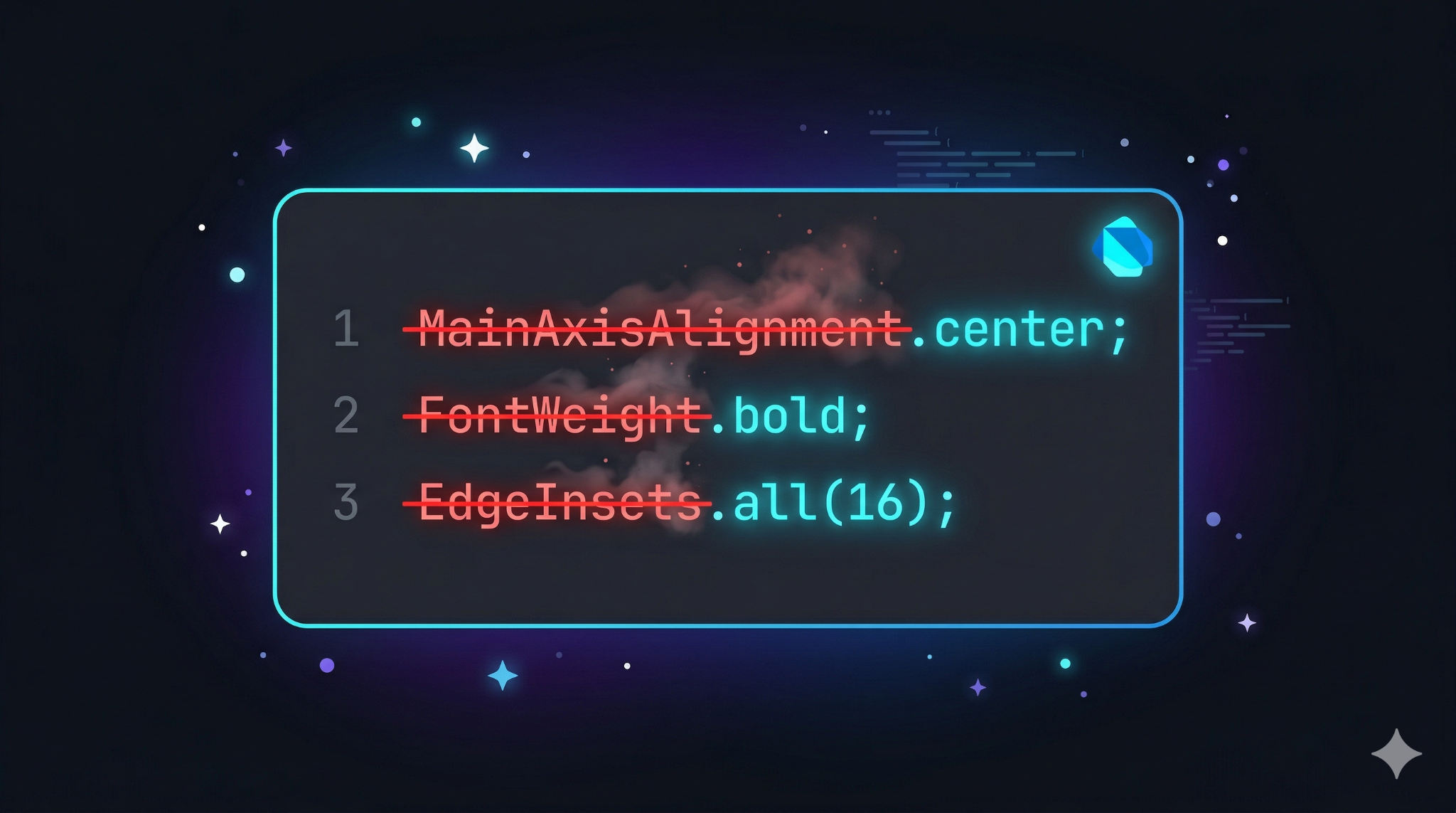
Flutter developers frequently encounter excessive repetition of type names like MainAxisAlignment, CrossAxisAlignment, and FontWeight in their build() methods. You find yourself typing the type name just to immediately follow it with the value.

Before Shorthands:
Column(
  mainAxisAlignment: MainAxisAlignment.center,
  crossAxisAlignment: CrossAxisAlignment.start,
  mainAxisSize: MainAxisSize.min,
  children: [
    Padding(
      padding: EdgeInsets.all(16),
      // ...
    ),
  ],
)
This issue is elegantly solved by Dart Dot Shorthands, which shipped in Dart 3.10 alongside Flutter 3.38 in November 2025.💡 What Are Dart Dot Shorthands?
Dot shorthands let you skip the type name when Dart can infer the expected type from context. Instead of writing MainAxisAlignment.center, you simply write .center. The compiler figures out the rest.
Key Rule: Dot shorthand only works when Dart can infer the type from context, such as a typed variable declaration, a function parameter with a known type, or a switch case. If the context is ambiguous, you must still write the full type name.⚙️ How to Enable It
If you are using Flutter 3.38 or later (Dart 3.10+), dot shorthands are enabled by default. Ensure your pubspec.yaml targets the correct SDK:
environment:
sdk: '^3.10.0' # Dart 3.10 = Flutter 3.38+The 4 Ways to Use Dot Shorthands. Enum values — The most common use case
This is where shorthands shine, especially in switch statements and variable declarations for enums.
2. Widget tree parameters — Flutter's biggest win
Since Flutter widget parameters already carry type information, Dart automatically infers the enum.
3. Static members — Built-in Flutter types
This supports static methods and constants for types like int, List, and Duration.
- int port = .parse('8080'); (replaces int.parse('8080'))
- Duration timeout = .zero; (replaces Duration.zero)
- List<int> items = .filled(5, 0); (replaces List<int>.filled(5, 0))
Caveat: Colors.blue is a static member of the Colors class, not a shorthand of Color. You must still write Color accent = Colors.blue; in full.4. Named constructors — Cleaner object creation
This is especially helpful for layout classes like EdgeInsets and BorderRadius.
Real-World Flutter Example
Here is a user profile card after applying dot shorthands, showing how the logic becomes front and center:
enum UserRole { admin, editor, viewer }
class ProfileCard extends StatelessWidget {
  final String name;
  final UserRole role;
  const ProfileCard({required this.name, required this.role, super.key});

  @override
  Widget build(BuildContext context) {
    return Padding(
      padding: .all(16),            // EdgeInsets.all(16)
      child: Column(
        mainAxisAlignment: .center,   // MainAxisAlignment.center
        crossAxisAlignment: .start,   // CrossAxisAlignment.start
        mainAxisSize: .min,           // MainAxisSize.min
        children: [
          Text(
            name,
            textAlign: .left,         // TextAlign.left
            style: TextStyle(
              fontWeight: .bold,      // FontWeight.bold
            ),
          ),
          SizedBox(height: 8),
          Text(
            _roleLabel(role),
            style: TextStyle(
              color: _roleColor(role),
            ),
          ),
        ],
      ),
    );
  }

  String _roleLabel(UserRole role) {
    return switch (role) {
      .admin  => 'Administrator',   // UserRole.admin
      .editor => 'Editor',
      .viewer => 'Viewer',
    };
  }

  Color _roleColor(UserRole role) {
    return switch (role) {
      .admin  => Colors.red,
      .editor => Colors.orange,
      .viewer => Colors.grey,
    };
  }
}
Platform Support & Performance
Dot shorthands are a Dart language feature, meaning they work identically across all Flutter targets and have zero runtime cost because they are resolved entirely at compile time. Your compiled app is identical; only your source code is cleaner.
Pitfalls to Avoid
Team Consistency: Mixed usage (e.g., MainAxisAlignment.center and .center in the same file) can lead to inconsistencies. It is recommended to align with your team and set a lint rule or style guide convention.🏆 Pro Tips from Senior Flutter Devs
- Start with switch statements. This is the most natural place to introduce shorthands, as the intent is crystal clear.
- Use in widget trees, not in logic. Shorthands read well inside build() methods. In complex business logic where type clarity matters, keep the full name.
- Never use with var. If you write var x = .something, Dart cannot infer the type and will throw an error. Always use an explicit type declaration.
- Refactor gradually. Do not perform a global find-replace; migrate screen by screen and run dart analyze after each change.
- Enable DCM's shorthand lint rule. The DCM static analysis tool flags inconsistent usage and suggests automatic refactors.
The Conclusion
Dart dot shorthands solve a real, everyday annoyance: the endless repetition of type names. They provide a ~35% reduction in boilerplate with the same functionality and compiled output. Start using them in your switch statements and Column/Row parameters today.








