


.png)


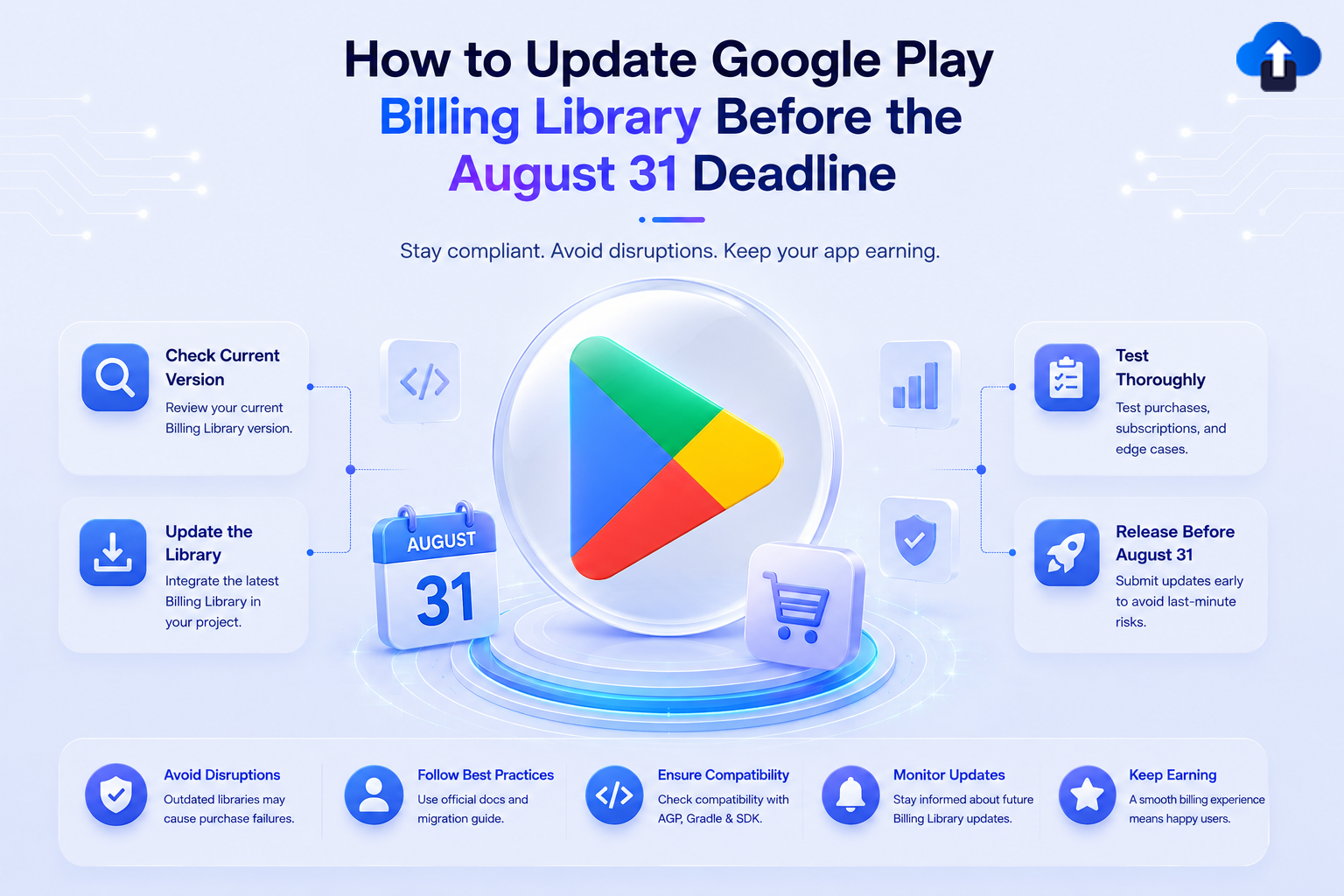
A step-by-step guide to identifying your current version, upgrading, and validating before Google starts rejecting updates.
The Situation
Platform Android · Google Play Store
Status Upcoming enforcement - August 31, 2026
Google Play Console is actively surfacing warnings for apps using a deprecated version of the Google Play Billing Library. From August 31, 2026, any app update that doesn't meet the minimum version requirement will be rejected. If you need more time, you can request an extension until November 1, 2026 via Play Console.
Google recommends updating to version 9 to access the latest monetization features, though any version 8.0.0 or later satisfies the enforcement requirement.
Developers should also review third-party SDK providers - RevenueCat, Adapty, Purchasely, and framework-specific billing plugins all bundle the Play Billing Library and must be at 8.0.0+ as well.
Step 1: Check Your Current Version
In Play Console
1. Open Google Play Console.
2. Select your app → Policy status (under Policy and programs).
3. If you see "App must use Google Play Billing Library version 8.0.0 or later," the warning is active.
In Your Code
Open your app-level build.gradle (or build.gradle.kts):
// Groovy
implementation 'com.android.billingclient:billing:X.X.X'
// KTS
implementation("com.android.billingclient:billing:X.X.X")
```
If `X.X.X` is below `8.0.0`, you're affected.
Step 2: Update the Dependency
Update to version 9 (recommended):
// Groovy
implementation 'com.android.billingclient:billing:9.0.0'
// KTS
implementation("com.android.billingclient:billing:9.0.0")
Review the Google Play Billing release notes and the migration guide to v9 for the full API diff from earlier versions.
Step 3: Check Third-Party SDKs
Many SDKs bundle their own version of the Play Billing Library. Run:
./gradlew app:dependencies | grep billingclient
This prints all resolved versions, including transitive dependencies. If any version is below 8.0.0, update the affected SDK or force a resolution:
configurations.all {
    resolutionStrategy {
        force 'com.android.billingclient:billing:9.0.0'
    }
}
Key SDKs to check RevenueCat, Adapty, Purchasely, and any framework-level billing plugin (Flutter, React Native, Unity).
Step 4: Validate All Purchase Flows
Run through every monetization path:
- One-time purchase (consumable and non-consumable)
- New subscription purchase
- Subscription upgrade / downgrade
- Subscription cancellation and restore
- Purchase acknowledgement (unacknowledged purchases refunded after 3 days)
- Pending transactions
- Error states: cancellation, payment failure, network error
Use the Google Play Billing test environment with test accounts.
Step 5: Publish to Internal Track First
- Build a release AAB with the updated Billing Library.
- Upload to Internal Testing in Play Console.
- Verify the Policy status warning clears (may take a few hours after processing).
- Run the purchase validation checklist.
- Roll out to production before August 31.
If You Need More Time
Eligible developers can request a one-time extension through Play Console. Approved extensions move your deadline to November 1, 2026. Extension request forms will be available in Play Console. Only request if you have a concrete blocker — the August 31 enforcement date itself is not changing.
Timeline
Official References
- Google Play Billing Integration Guide
- Google Play Billing Release Notes
- Migrate to Play Billing Library v9
- Google Play Billing Deprecation FAQ
Conclusion
To avoid Google Play update rejections after August 31, 2026, developers should ensure their app uses Google Play Billing Library 8.0.0 or later. Upgrading to version 9.0.0 is recommended for access to the latest billing capabilities and improvements.
Before releasing, verify both your direct and third-party billing dependencies, test all purchase and subscription flows, and validate the updated build through the Internal Testing track in Play Console. If additional time is required, eligible developers can request an extension until November 1, 2026.
In short: update, test, validate, and publish before the deadline to keep your app compliant and avoid disruption to future updates.








