


.svg)




AI Moves Into the Development Environment Itself
The biggest mobile story in June 2026 isn't a framework release or a new SDK. It's a structural shift: AI is no longer something you bolt onto your workflow. It's becoming part of the platform itself.
WWDC 2026 made that explicit on the Apple side. Google has been doing the same with Gemini inside Android Studio. And the implications for mobile teams are significant. Here's everything that mattered this month.
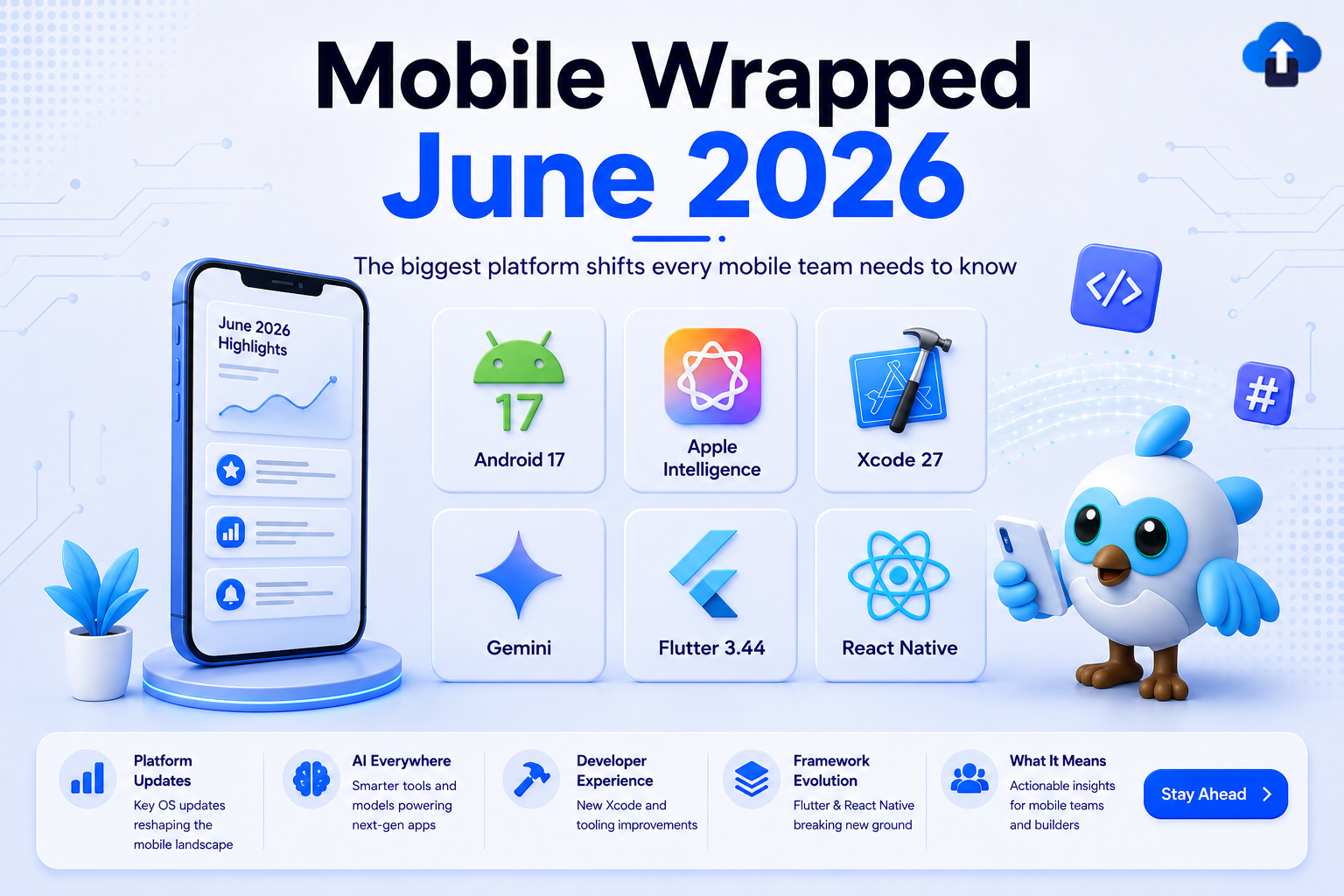
The convergence is hard to ignore. Apple embedded AI into the OS at WWDC 2026. Google shipped Android 17 ahead of schedule and deepened Gemini inside Android Studio. Flutter's Impeller engine removed its Skia fallback on Android entirely. React Native's legacy bridge is being dropped by major libraries. Every platform is moving in the same direction at the same time, and the teams that adapt their workflows and infrastructure now will be significantly ahead by Q4 2026.
Android 17 Ships: What You Need to Know
Google shipped Android 17 (API level 37) in June 2026, roughly two months ahead of the traditional Q3 release window. This is a signal worth paying attention to: the Android release cadence is compressing, which means adaptation windows for production teams are shrinking. Android 17 brings both breaking behavior changes and new APIs worth adopting.
Breaking Changes
The following changes affect all apps targeting API 37:
- Activity recreation: Android 17 no longer restarts activities by default for configuration changes that don't require a full UI redraw, including CONFIG_KEYBOARD, CONFIG_KEYBOARD_HIDDEN, CONFIG_NAVIGATION, CONFIG_TOUCHSCREEN, and CONFIG_COLOR_MODE. Activities now receive these updates via onConfigurationChanged() instead. If your app explicitly relies on a full restart to reload resources, opt in using the new android:recreateOnConfigChanges manifest attribute.
- OTP SMS protection: Android 17 expands SMS OTP protection with a 3-hour access delay. WebOTP format messages are delayed for all apps that are not the intended domain recipient. Standard SMS OTPs are delayed for all apps targeting SDK 37 and above. Default SMS apps, assistant apps, and connected companion apps are exempt. Migrate to SMS Retriever API or SMS User Consent API to bypass the delay entirely.
- Background audio restrictions: The audio framework now enforces restrictions on background audio interactions, including audio playback initiation, audio focus requests, and volume change APIs, for apps running in the background. Review your audio session management before targeting API 37.
- Large screen resizing: Apps targeting API 37 on devices with sw >= 600dp can no longer opt out of resizing or orientation changes. Review large-screen layout behavior before shipping.
New APIs Worth Adopting
- PhotoPickerUiCustomizationParams: The photo picker now supports UI customization. Developers can switch the grid view aspect ratio from the default 1:1 square to 9:16 portrait, useful for apps focused on video or portrait-oriented content.
- ImageFormat.RAW14: Professional camera apps can now capture 14-bit per pixel RAW images using the new ImageFormat.RAW14 constant, enabling higher dynamic range captures for photography-focused applications.
- FEATURE_NEURAL_PROCESSING_UNIT: Apps that need direct access to the device's Neural Processing Unit must now declare the FEATURE_NEURAL_PROCESSING_UNIT hardware feature in the manifest. This gates NPU access behind an explicit capability declaration.
- EyeDropper API and privacy-preserving Contacts Picker: The Contacts Picker allows users to share individual contact details with apps without granting full contacts access, a meaningful privacy improvement for apps that only need a single contact.
Android 16 and 16 KB Page Size
Android 16 is expanding across devices, and the behavior changes are real. Privacy permissions, notification handling, and large-screen layout behavior have all shifted. Teams that haven't started validation against Android 16 are already behind.
The 16 KB memory page size requirement continues to require attention. Google is pushing native library compatibility as a firm requirement going forward. If your app uses Flutter, React Native, game engines, or any native shared libraries, audit your third-party SDKs and confirm vendor roadmaps before 16 KB page size becomes a hard store requirement.
Action: Run your production app against Android 16 builds. Identify any notification permission or privacy flow regressions. Check every native dependency for 16 KB page size compatibility status.
Android Studio and Gemini
Android Studio's Gemini integration has quietly crossed a threshold this cycle: it is no longer a sidebar panel you open occasionally. Inline code generation now produces full method implementations with awareness of surrounding class context, not token-level completions. Gemini drafts Javadoc and KDoc inline as you write, reducing the friction of documentation to near zero.
Test scaffolding is where the productivity argument becomes hardest to ignore. Gemini can inspect an existing function, infer its intent from naming and implementation, and generate JUnit tests with edge-case coverage, not just happy-path stubs. The result is that the unit test gap that accumulates in fast-moving codebases now has a practical path to closure.
WWDC 2026: Apple Intelligence Becomes a Platform Feature
Apple's headline announcement at WWDC 2026 wasn't a device or a new SDK. It was an architectural declaration: Apple Intelligence is no longer a feature. It is platform infrastructure. The implications for developers are significant and immediate.
Practically, "platform infrastructure" means Apple Intelligence now mediates interactions between the user and your app that previously required the user to open the app directly. Siri, Spotlight, system-level suggestions, and the new ambient interaction layer all route through Apple Intelligence, and they all surface app functionality through App Intents.
If your app doesn't expose App Intents, Siri cannot act on it, and in iOS 27, that means the OS's most prominent ambient interface simply doesn't know your app exists for the interactions users will increasingly expect.
The rebuilt Siri in iOS 27 is a fundamentally different assistant from previous versions. It understands screen context, meaning it can read what is currently displayed in your app and act on it. It maintains conversation state across multiple turns, so users can refer back to earlier parts of a conversation without repeating context. And it can execute complex cross-app interactions, chaining actions across multiple apps in a single request. For developers, this capability is only available to apps that have implemented App Intents.
Implementing App Intents requires defining intent types, their parameters, return types, and localized display strings. For multi-step user flows, App Intent Sequences allow Siri to chain discrete intents into a single user-facing action. Apps that expose common workflows (payments, bookings, content sharing, search) through App Intents will be surfaced by Siri proactively in iOS 27, not just when users explicitly ask.
"The future isn't apps that use AI. It's an OS that is AI — and apps that integrate deeply with it."
Action: Audit your app's core user workflows and implement App Intents for each one. Prioritize flows where the user regularly switches context: payments, search, bookings, sharing. App Intents adoption is no longer optional for apps aiming at deep platform integration.
Apple's Biggest Child Safety Update in Years
Apple announced sweeping child safety and parental control features coming in iOS 27, iPadOS 27, and macOS 27. This is the most comprehensive update to Apple's family tools in years.
New Features for Users
- Child Account: Required for users under 13, and available for users up to 18. This is the foundation for all other parental controls and age-appropriate experiences.
- Ask to Browse: Children must request parental permission before visiting new websites in Safari.
- Communication Controls: Parents can manage who children communicate with in Messages, FaceTime, and Phone, and require approval before children connect with anyone new.
- Time Allowances: Flexible per-category screen time management across Entertainment, Games, and Social Media.
New Developer Frameworks
- PermissionKit: Require parental approval before children connect with new contacts inside your app. Designed to reduce the friction of building safe social experiences for younger users.
- Declared Age Range API: Tailor app experiences by age range without collecting exact birth dates. Apps can adjust content, features, and UI based on a declared age range, preserving user privacy while enabling age-appropriate experiences.
- SensitiveContentAnalysis: Prevent children from being exposed to nudity or violent content in your app. The framework runs on-device and does not require sending content to Apple servers.
Action: If your app targets younger audiences, review App Store Kids category compliance requirements for iOS 27 now. Adopt PermissionKit and the Declared Age Range API early, as these are likely to become App Store requirements for apps in the Kids category.
Liquid Glass: What Changes for Your App
Liquid Glass is Apple's updated visual design language shipping in iOS 27, and this release marks its second iteration following feedback from iOS 26. iOS 27 introduces a transparency intensity slider that lets users dial back the effect, a direct response to accessibility research documenting contrast failures in iOS 26's implementation where translucent elements against busy backgrounds fell below readable thresholds.
For developers, the implementation differs by framework. In UIKit, Liquid Glass is exposed via UIGlassEffect wrapped inside a UIVisualEffectView, and it requires explicit adoption; it is not applied automatically. In SwiftUI, developers use the .glassEffect() modifier, coordinated by a GlassEffectContainer that automatically blends overlapping shapes, applies consistent blur and lighting, and enables smooth morphing transitions between states.
Liquid Glass is mandatory in iOS 27. Apps that span both UIKit and SwiftUI should audit their GlassEffectContainer boundaries: UIGlassEffect and .glassEffect() do not automatically synchronize visual identity across a mixed codebase. Tab bars, navigation bars, sheets, and modal surfaces are the primary breakage points for apps with custom UI components.
If your team built custom accessibility code paths in iOS 26 to compensate for contrast failures, test whether iOS 27's intensity slider resolves the underlying issue before deciding whether to maintain those workarounds.
Action: Run your app on a physical iOS 27 device, not just Simulator. The GPU-composited blur rendering behaves differently on device. Test navigation bars, tab bars, and any custom overlays specifically.
Xcode 27: AI Comes to the IDE
Xcode 27 is the most significant IDE update Apple has shipped in years. The headline feature is on-device AI code completion powered entirely by Apple Silicon's Neural Engine; no source code is transmitted to any server. This removes the compliance friction that has blocked AI tooling adoption at many enterprise teams.
Beyond completion, Xcode 27 introduces agentic coding capabilities. Coding agents from Anthropic, Google, and OpenAI can be integrated directly into the workflow. These agents support interactive planning, multi-turn Q&A, and a canvas that renders Markdown and displays code changes with live previews. Agents can write and run tests, try ideas in Playgrounds, check visual changes with previews, and interact with the Simulator, all autonomously.
Xcode 27 is now Apple Silicon-only, dropping Intel Mac support. This enables a 30% reduction in installer size and faster launch and indexing times. If your team has Intel Macs in the development workflow, this is a hard constraint to plan around before iOS 27 betas require Xcode 27.
The new Device Hub consolidates physical device management, simulator resizing, and interactive testing into a single workspace. Agent-driven localization automatically discovers localizable content, creates String Catalogs, and generates context-aware translations.
Action: For teams blocked from cloud AI tools by compliance requirements, on-device completion in Xcode 27 removes that blocker entirely. Evaluate the agentic coding workflow on a non-critical feature branch first to understand output quality before adopting broadly.
Flutter 3.44 and Dart 3.12
Flutter 3.44 ships with a significant architectural change: the Skia rendering backend has been removed for Android 10 and above. Impeller, Flutter's replacement renderer, is now the default and only rendering pipeline on modern Android. Impeller pre-compiles all shaders, eliminating the first-launch jank that Skia's runtime shader compilation produced. Teams upgrading from older Flutter versions should validate rendering on mid-range Android devices specifically; frame timing improvements are most visible there.
The release also marks a genuine architectural expansion in how Flutter apps can be built. Agentic Hot Reload, built on the Flutter MCP server, enables AI coding agents to automatically find and connect to running Flutter applications and trigger hot reloads directly. The Flutter GenUI SDK, built on the open A2UI (Agent-to-UI) protocol, allows an AI agent to compose real Flutter widgets dynamically, generating fully interactive screens without full app store updates.
Swift Package Manager is now the default for iOS and macOS plugin distribution, replacing the CocoaPods integration that has been the Flutter iOS dependency standard for years. If your app or its plugins use CocoaPods, verify SPM compatibility before upgrading.
Dart 3.12 ships two features worth knowing before upgrading. Primary Constructors (experimental) allow instance variables to be declared directly in the class header, reducing boilerplate significantly in ViewModels and data classes. Dart build hooks allow native code compilation and native asset downloads directly within a Dart package, bypassing platform-specific build file complexity, relevant for packages that wrap native libraries.
Before rolling out either upgrade organization-wide, validate package compatibility. Breakages in Dart 3.12 upgrades typically surface at the package boundary rather than in application code; check your critical third-party dependencies first, specifically any that wrap native code or use code generation.
More Flutter teams are integrating AI-assisted workflows directly into their development process, including automated test generation, code review assistance, and release note generation. Flutter's MCP server is central to this direction; it is the bridge between AI agents and the running Flutter application.
React Native: The Window for Gradual Migration Is Narrowing
React Native's New Architecture (Fabric for the renderer, TurboModules for native module access, Hermes as the default JavaScript engine) is no longer an experimental path. It is the direction, and the community has moved decisively in 2026.
The consequence of staying on the legacy bridge is becoming concrete. Several widely-used community libraries have dropped legacy bridge support: react-native-screens, react-native-reanimated 3.x, and react-native-vision-camera 4.x have all made the New Architecture a requirement, not an option.
The compounding problem is that legacy bridge incompatibility doesn't always surface as a hard build error. It can manifest as silent runtime instability: subtle rendering inconsistencies, gesture handler failures under load, or memory behavior that only appears in production. By the time these issues are visible, the migration pressure is already urgent.
The practical path forward: run npx react-native info and cross-reference your dependency list against each library's New Architecture compatibility status on reactnative.directory. Prioritize the highest-traffic native modules first, specifically navigation, gesture handling, and camera/media, since these carry the most risk and the most complexity.
The teams that delay until a critical library forces the issue will face a compressed, high-pressure migration. The teams that migrate incrementally now will complete the transition on their own schedule.
The Bigger Picture
Across every platform this month, the pattern is consistent: AI is moving from external tooling into the development environment itself. Xcode 27 runs models on-device in the Neural Engine. Android Studio's Gemini integration generates tests and documentation inline. Flutter's MCP server enables agentic hot reload. This isn't a trend; it's the new baseline.
The question for mobile teams isn't whether to use AI in development. Every team will. The question is whether your infrastructure can keep pace with the velocity AI-assisted development enables. Teams generating code faster than they can validate, test, and ship it safely will accumulate technical debt at an accelerated rate.
The organizations that extract the most value from this shift will be the ones with strong CI/CD pipelines, automated quality gates, reliable OTA distribution, and clear release processes. AI makes the writing part faster. The bottleneck moves to everything that happens after the code is written: review, testing, security scanning, and deployment.
The teams that win in the second half of 2026 won't write the most code. They'll be the teams that can safely validate, ship, and iterate on that code faster than everyone else.
Happy coding! 🚀








