


.png)


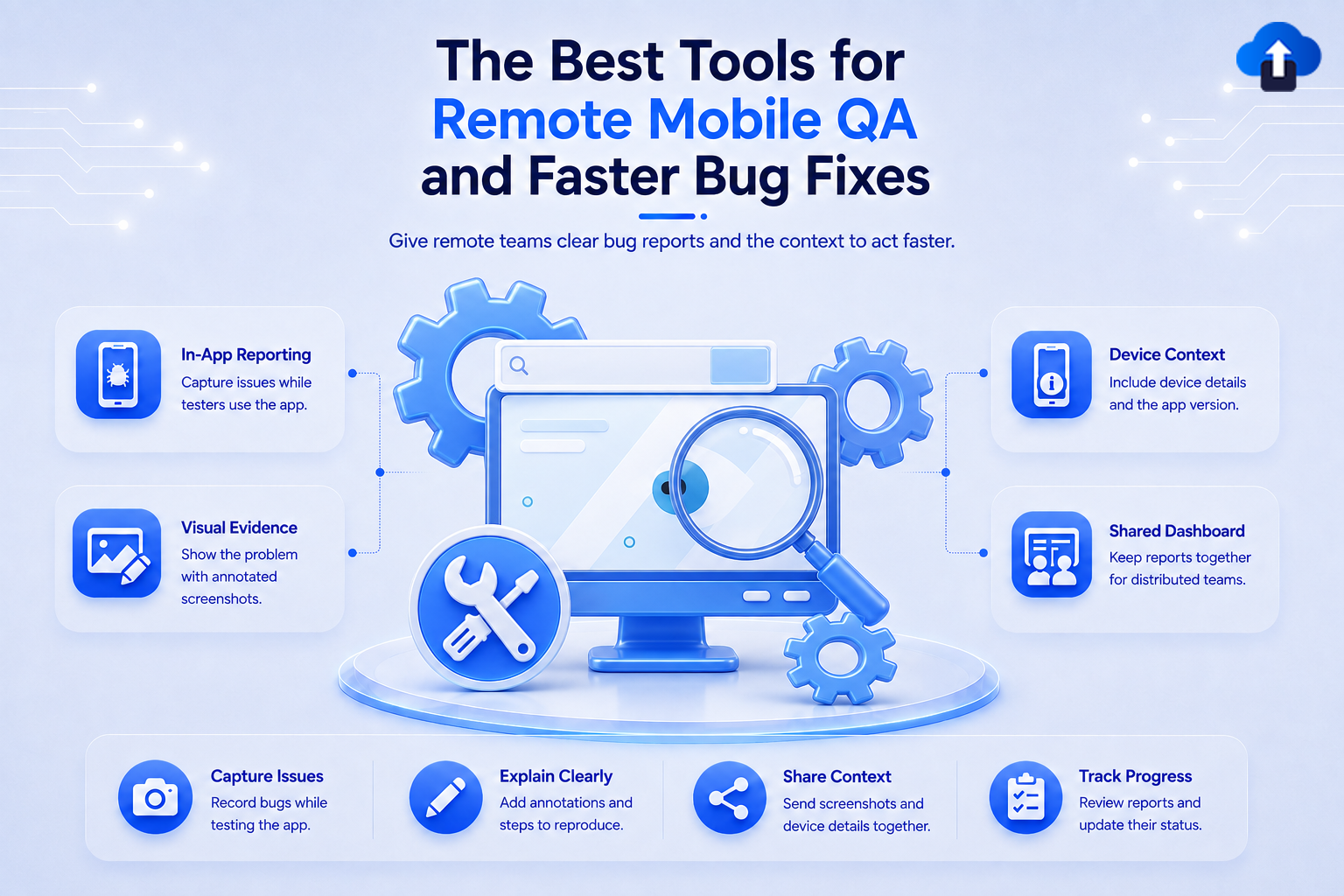
Mobile QA no longer happens only between developers and testers sitting in the same office. Remote teams may test builds from different locations, use different devices, and report problems across multiple time zones. Without the right workflow, a simple mobile bug can quickly turn into a long conversation involving screenshots, chat messages, device details, and repeated attempts to reproduce the issue.
The best remote mobile QA tools solve different parts of this problem. Some help teams test apps on real devices, some distribute builds to remote testers, while others capture crashes or turn tester feedback into actionable bug reports. A strong QA setup often combines several of these tools instead of expecting one platform to handle every stage.
For example, we built AppsOnAir AppRemark around the bug-reporting side of this workflow, allowing mobile teams to collect contextual in-app feedback with screenshots, annotations, and device information. Combined with testing, distribution, monitoring, and issue-management tools, this can create a much faster path from discovering a problem to fixing it.
What Should a Remote Mobile QA Tool Help You Do?
A remote mobile QA workflow needs to make testing easy even when testers and developers are not working together physically.
The right tools should reduce the amount of manual work involved in distributing builds, reproducing bugs, collecting technical context, and communicating what went wrong.
Test Across Real Devices
Mobile apps can behave differently depending on device model, operating system version, screen size, orientation, and network conditions.
Remote device testing platforms give QA teams access to devices they may not physically own. This makes it easier to test a wider range of environments without maintaining a large internal device lab.
Collect Better Bug Reports
A bug report should explain enough for a developer to begin investigating the issue without immediately asking several follow-up questions.
Screenshots, annotations, app versions, device details, reproduction information, and crash data can make remote reports much more useful. The easier this context is to capture, the faster the development team can understand what happened.
Get Test Builds to Remote Testers
Remote QA also depends on distribution. Testers need a simple way to receive new builds and know when another version is available.
Dedicated beta distribution tools can help teams organize testers, distribute pre-release versions, and collect feedback before an application reaches production.
1. AppsOnAir AppRemark for In-App Bug Reporting
AppRemark is our in-app feedback and bug-reporting SDK designed to shorten the distance between discovering a mobile issue and giving developers the information they need.
Testers can trigger feedback inside the application, capture screenshots, annotate them using drawings or text, add notes, and submit the report. Feedback is then available through a centralized dashboard together with device details and app version information.
Why It Helps Remote QA Teams
Remote testers do not need to capture a screenshot, leave the app, open another tool, manually enter device information, and then explain which part of the screenshot contains the problem.
Instead, the reporting process stays closer to the moment when the issue occurs. AppRemark also supports manual screenshot uploads when testers want to report something they captured earlier.
This makes it particularly useful for UI problems, visual bugs, incorrect states, layout issues, and other problems where visual context can help developers understand the report.
AppRemark currently supports Android, iOS, Flutter, and React Native integrations.
2. BrowserStack for Real Device Testing
BrowserStack is useful when the main remote QA challenge is device coverage. Its mobile testing infrastructure lets teams run applications and automated tests on real Android and iOS devices in the cloud.
This can help teams identify issues that appear on particular device models, operating system versions, resolutions, orientations, or network conditions.
Best for Device and Compatibility Testing
BrowserStack supports manual mobile testing as well as automated testing through frameworks such as Appium, Espresso, XCUITest, Flutter, Detox, and Maestro.
Teams can also test different network conditions and run automation in parallel across devices. That can be valuable when a remote QA team needs broader coverage without buying and maintaining every physical device itself.
BrowserStack is therefore a strong fit for teams whose biggest question is not simply "Does the app work?" but "Does it work consistently across the devices our users actually have?"
3. Firebase App Distribution for Remote Beta Testing
Firebase App Distribution focuses on getting pre-release Android and iOS builds into testers' hands.
Teams can distribute builds through the Firebase console or integrate distribution into development workflows using tools such as the Firebase CLI, fastlane, Gradle for Android, and APIs.
Best for Managing Remote Test Groups
Testers can be organized into groups and invited to specific releases. Teams can also see whether testers have accepted invitations and downloaded the application.
This makes App Distribution useful when developers and QA testers are in different locations but need a repeatable way to share new builds.
Firebase also connects App Distribution with Crashlytics, allowing teams using both products to review stability information for distributed builds.
4. Firebase Crashlytics for Crash Reporting
Some mobile problems are difficult for testers to explain because the app crashes before they can record what happened.
Firebase Crashlytics focuses on this part of mobile QA by collecting crash and stability information from applications.
Best for Finding Crashes and Stability Problems
On Android, Crashlytics can report crashes, non-fatal errors, and Application Not Responding events. Firebase also supports Crashlytics across other mobile environments, including Apple platforms and Flutter.
Crash reports give development teams technical information that is difficult to capture through a normal written bug report.
Crashlytics is therefore particularly useful alongside manual QA. Testers can report what they were doing, while crash monitoring provides technical evidence about what happened inside the application.
5. TestFlight for iOS Beta Testing
For teams developing iOS applications, Apple's TestFlight is an important part of remote beta testing.
TestFlight lets developers distribute beta versions, manage testers, collect feedback, and review information about how test builds perform before submitting the application to the App Store.
Best for Testing With iOS Users
Apple currently allows TestFlight beta programs to include internal testers and up to 10,000 external testers. Testers can install builds through the TestFlight app and submit feedback during testing.
Tester feedback can include screenshots and comments. Crash-related feedback can also be reviewed in App Store Connect, alongside details such as app version, build, OS version, and device.
For iOS-focused teams, TestFlight provides a natural bridge between development and App Store release.
6. Jira for Bug Tracking and Team Workflow
Finding a bug is only part of QA. Teams also need to decide who will fix it, how important it is, and whether it has been resolved.
Jira is commonly used for this issue-management stage. Teams can create bug work items containing information such as descriptions, severity, screenshots, versions, and other relevant details.
Best for Managing Bugs After They Are Reported
Jira provides workflows that can move issues through stages such as backlog, development, testing, and completion.
This makes it useful for remote teams because developers, QA testers, product managers, and other stakeholders can see the current status of an issue without relying entirely on messages or meetings.
A bug-reporting tool may help capture the problem, while Jira can help manage what happens to that problem afterward.
How to Choose the Right Remote Mobile QA Tools
The best QA stack depends on where your current workflow is slowing down.
If testers cannot reproduce device-specific problems, a real device platform may be the first priority. If distributing builds is difficult, beta distribution tools can solve a different problem. If developers spend too much time asking testers for screenshots and technical context, improving bug reporting may have a bigger impact.
Choose Tools Based on the Bottleneck
A remote team might use a workflow such as:
A pre-release build is distributed to testers. Testers run it across real or cloud-hosted devices. Bugs are captured with screenshots and contextual information. Crash monitoring catches stability problems that testers may not fully explain. Confirmed issues are then moved into the team's development workflow for prioritization and resolution.
No single tool needs to perform every part of this process.
The goal is to remove unnecessary gaps between each step.
Common Mistakes in Remote Mobile QA
One common mistake is adding many QA tools without defining what each one is supposed to solve. This can create more dashboards and notifications without improving the actual testing workflow.
Another problem is making testers manually copy information between systems. Device details, screenshots, app versions, and bug descriptions can easily become separated when the process depends heavily on chat messages and spreadsheets.
Teams should also avoid testing only on a small number of devices. Mobile bugs can depend on operating system versions, screen dimensions, hardware, or network conditions that are not visible during limited local testing.
Frequently Asked Questions
What are remote mobile QA tools?
Remote mobile QA tools help distributed development and testing teams test applications, distribute builds, collect bug reports, monitor crashes, and manage issues without needing testers and developers in the same location.
Different tools usually focus on different parts of the QA process rather than replacing the entire workflow.
What is the best tool for testing mobile apps on real devices?
A cloud-based real device platform such as BrowserStack can be useful when teams need to test Android and iOS applications across many device and operating system combinations.
The right choice depends on the devices, automation frameworks, and testing requirements of the project.
What is the best way to report mobile app bugs remotely?
Remote bug reports should include enough context for developers to understand and reproduce the issue.
Useful information can include screenshots, annotations, a clear description, reproduction steps, app version, operating system, and device details.
Do remote QA teams need both testing and bug-tracking tools?
Often, yes. Testing tools help teams discover issues, while bug-reporting and issue-management tools help communicate, prioritize, and resolve those issues.
Using tools for different stages can create a clearer workflow than trying to manage everything through one system.
What is the difference between crash reporting and bug reporting?
Crash reporting focuses on technical failures where an application crashes or becomes unstable. It often collects technical information automatically.
Bug reporting is broader and can include UI issues, incorrect behavior, missing content, workflow problems, and other issues that may not cause the app to crash.
Final Thoughts
The best remote mobile QA tools are the ones that remove friction between testing and fixing. BrowserStack can expand device coverage, Firebase App Distribution and TestFlight can help deliver beta builds, Crashlytics can surface stability problems, and Jira can keep confirmed issues moving through the development workflow.
The biggest opportunity is often connecting these stages. Remote testers should be able to find a problem, capture useful context, and get that information to developers without rebuilding the bug report manually across several tools.
That is where AppsOnAir AppRemark fits into the QA workflow. By keeping screenshot capture, annotations, contextual feedback, app-version information, and device details close to the in-app reporting experience, we help teams shorten the path between discovering a mobile bug and having enough information to investigate it.








