


.png)


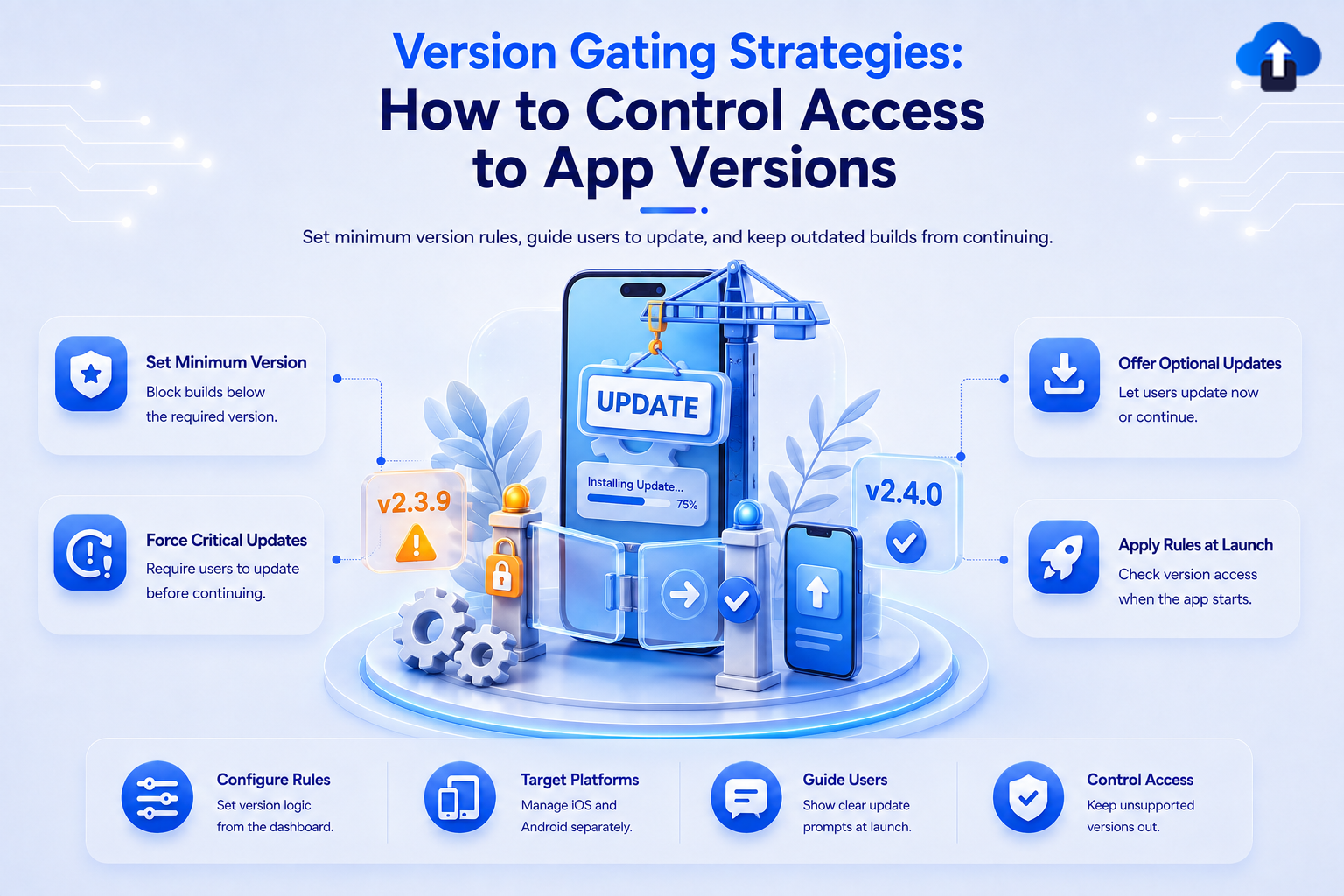
Mobile apps rarely have every user on the latest version. Some users update immediately, while others may continue using an older build for weeks or even months. That creates a challenge when older versions become incompatible, insecure, or unable to support new backend changes.
App version gating helps mobile teams control which app versions users can continue using. Instead of supporting every old version forever, teams can define rules that recommend an update or require one before users continue.
With AppsOnAir AppSync, we help teams manage minimum supported versions, optional updates, and forced updates remotely. Update rules can be controlled by platform and applied when the app launches, without hardcoding every future version rule into the application.
What Is App Version Gating?
App version gating is the process of controlling access to a mobile application based on the version installed on a user's device. Teams define which versions are supported and what should happen when someone opens an older version.
Depending on the situation, the user may continue normally, receive an optional update prompt, or be required to install a newer version before accessing the app.
Why Version Gating Is Important
Every new mobile app release can introduce API changes, security improvements, new features, or fixes. Over time, older versions may no longer work correctly with the systems behind the app.
Without version gating, teams may need to keep backend services compatible with many old builds. This increases complexity and can make it harder to remove outdated behavior safely.
Version gating gives teams a clear boundary. Instead of asking whether every historical version still works, they can define a minimum version that remains supported.
How Mobile App Version Gating Works
A version-gating system usually checks the installed app version when the application starts. It then compares that version with the rules currently defined by the development team.
The result determines what the user sees. A supported version may continue normally, while an outdated version may receive an optional or mandatory update message.
Minimum Supported Version
A minimum supported version is the oldest app version that users are still allowed to use.
For example, imagine the latest app version is 5.4.0, but versions 5.2.0 and above still work correctly. The team could keep 5.2.0 as the minimum supported version while allowing users on 5.2.0, 5.3.0, and 5.4.0 to continue.
If an older release becomes incompatible or unsafe, the minimum supported version can be moved forward.
Optional Update
An optional update informs users that a newer version is available without blocking access to the app.
This strategy works well when an update contains improvements, performance changes, or new features but the older version is still safe and functional. Users are encouraged to update while retaining control over when they install it.
Optional updates are also useful immediately after a new release. Teams can encourage adoption while watching the new version before making it mandatory.
Force Update
A force update prevents users on unsupported versions from continuing until they install the required update.
This approach is useful when an old version has a serious security issue, contains a critical bug, or no longer works correctly with backend services. Users below the required version see an update prompt and cannot continue normally until they upgrade.
Force updates should be used carefully because they interrupt the user's normal app experience.
App Version Gating Strategies for Mobile Teams
There is no single version-gating rule that works for every release. The right strategy depends on the importance of the update and the risk of allowing older versions to remain active.
Teams can combine different approaches as an app moves through its release lifecycle.
Start With an Optional Update
For a normal release, consider making the update optional first. This gives early users time to install the new build while other users continue with the existing supported version.
During this period, teams can monitor crashes, user feedback, backend behavior, and other signals. If the release remains stable, the update can later become the expected version.
This approach reduces the risk of forcing every user onto a newly released build immediately.
Move From Optional to Forced Updates
Some releases may eventually need to become mandatory. A common strategy is to start with an optional update and later make the new version required once the team is confident in its stability.
For example, a team could recommend the update during the first phase and later raise the minimum supported version when old builds should no longer remain active.
This creates a gradual path from release to wider adoption instead of forcing every update from day one.
Gate Versions When Backend Compatibility Changes
Mobile apps and backend systems often evolve together. A new API may replace an older endpoint, authentication behavior may change, or a data format may be updated.
If an older app can no longer communicate correctly with the current backend, continuing to allow access can create errors or incomplete workflows.
Version gating allows teams to require a compatible release before removing support for the older application behavior.
Use Force Updates for Critical Fixes
Some issues cannot wait for users to update voluntarily. A serious security problem, broken payment flow, authentication issue, or major production bug may require users to move to a fixed version quickly.
A forced update can prevent affected older versions from continuing. However, the replacement version should already be available to users before access is blocked.
Manage Android and iOS Separately
Android and iOS releases may not always reach users at the same time. Store reviews, platform-specific bugs, or different release schedules can create situations where each platform needs its own rules.
Version gating should therefore support platform-level decisions rather than assuming that both platforms always follow the same version lifecycle.
This makes it easier to enforce an update on one platform while keeping the current version supported on another.
How AppsOnAir AppSync Helps With Version Gating
AppSync provides a remote way to manage app update behavior after the SDK has been integrated. AppSync supports force updates, optional updates, and maintenance mode, with rules applied when the app launches.
Set a Minimum Supported Version
AppSync lets teams define minimum supported app versions. Users running a version below the required minimum can receive a forced update experience that prevents continued use until they install the newer release.
Instead of hardcoding a new minimum-version rule every time requirements change, the rule can be managed through the dashboard. This is useful when an older app version must be retired after a new release becomes available.
Choose Between Optional and Forced Updates
Not every release needs to block users. AppSync allows teams to use an optional update when the existing version can continue safely, then move to a forced update when the newer version becomes necessary.
For optional updates, users can dismiss the prompt and continue. For forced updates, users below the required version receive an update prompt without the normal option to continue using the outdated release.
Control Rules by Platform and Version
AppSync supports targeting specific app versions on a platform-wise basis. This gives teams more control when Android and iOS have different release timelines or version requirements.
Once the SDK is integrated, update checks can run when the application launches. AppSync currently supports Android, iOS, Flutter, and React Native development stacks.
Common Mistakes With App Version Gating
One common mistake is forcing every update. If every small design change or minor improvement blocks users, update prompts can become frustrating rather than useful.
Another mistake is waiting too long before retiring versions that are no longer compatible. Supporting too many old releases can increase backend complexity and make future changes harder to manage.
Teams should also avoid forcing an update before confirming that the replacement version is available and stable. Version gating should protect the user experience, not accidentally prevent users from accessing a working application.
Frequently Asked Questions
What is app version gating?
App version gating controls whether users can access a mobile app based on the version installed on their device. Older versions can remain supported, receive an optional update prompt, or be blocked until the user installs a newer release.
It helps mobile teams define a clear minimum supported version instead of maintaining every historical app version indefinitely.
What is a minimum supported app version?
The minimum supported app version is the oldest version that users are still allowed to run.
If a user's installed version falls below that minimum, the app can require them to update before they continue.
What is the difference between an optional update and a force update?
An optional update tells users that a newer version is available but allows them to continue using their current version.
A force update requires users to install the newer version before they can continue using the app.
When should a mobile app force an update?
Force updates are most appropriate when older versions create significant security, compatibility, compliance, or functionality problems.
They should generally be reserved for updates where allowing the old version to continue creates greater risk than interrupting the user with a mandatory update.
Should every new app version become the minimum supported version?
No. A new release does not automatically mean every previous version must stop working.
Teams can keep several recent versions supported and increase the minimum version only when there is a clear technical, security, or product reason.
Can Android and iOS use different version-gating rules?
Yes. Using separate rules can be useful because Android and iOS releases may follow different schedules or encounter different platform-specific issues.
Platform-level version control helps teams avoid forcing both platforms into the same update policy when their circumstances are different.
Final Thoughts
App version gating gives mobile teams a structured way to decide how long older releases should remain accessible. Optional updates can encourage adoption, while minimum supported versions and forced updates provide stronger control when outdated builds become risky or incompatible.
The best strategy is usually progressive. Let users update voluntarily when possible, monitor new releases, and make updates mandatory only when there is a clear reason to retire an older version.
With AppsOnAir AppSync, we make these version rules easier to manage remotely across supported mobile platforms. Teams can move between optional and forced update strategies and control minimum supported versions without rebuilding version-check logic for every change.








