


.png)


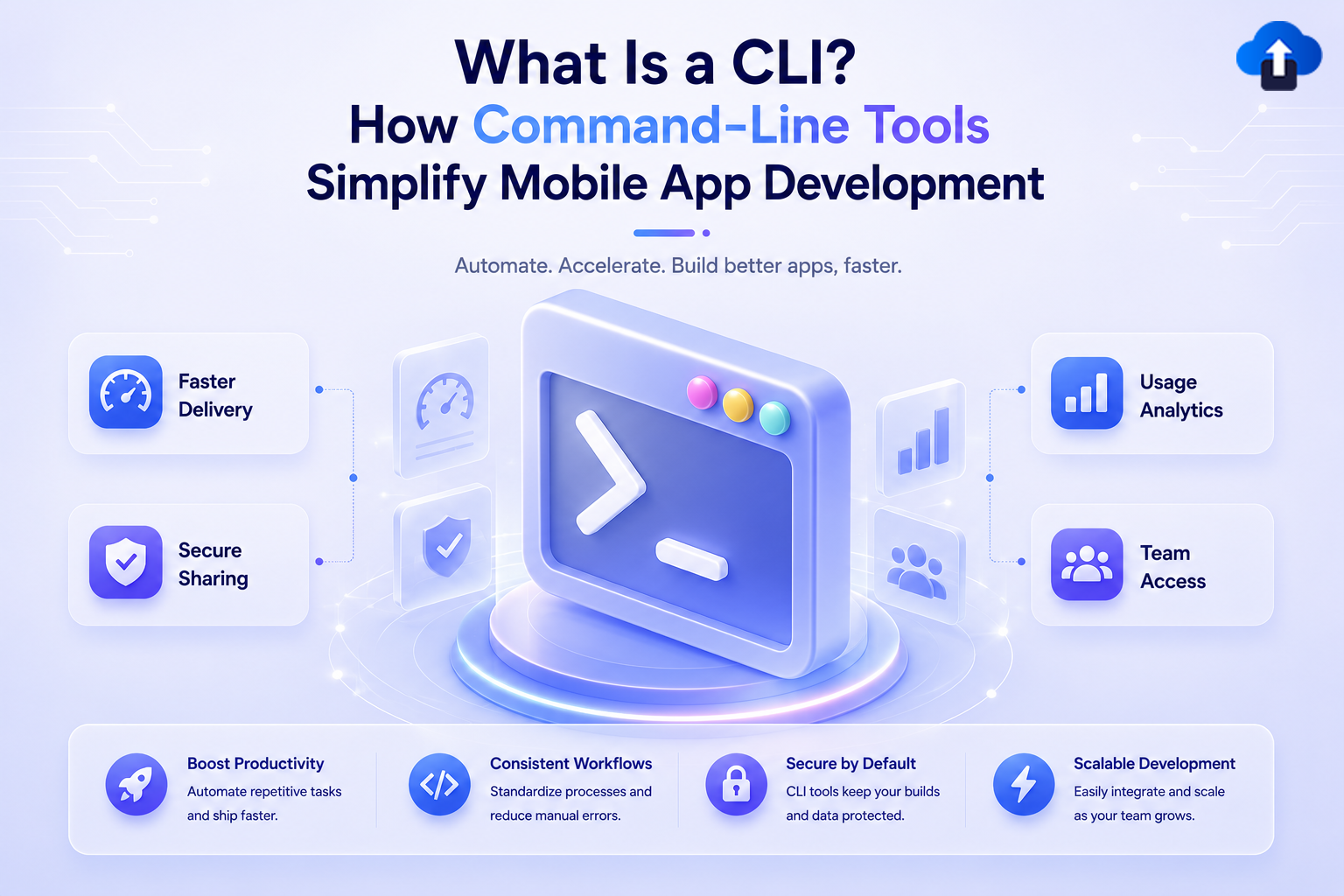
Modern mobile app development requires speed, consistency, and automation. Developers work with multiple tools every day to write code, manage projects, build applications, and release new versions. As development workflows become more advanced, command-line tools have become an important part of building and managing applications efficiently.
A Command-Line Interface (CLI) allows developers to perform tasks by entering commands in a terminal instead of using a graphical dashboard. This makes repetitive processes faster, easier to automate, and more consistent across teams.
For mobile app development, CLI tools help developers manage projects, automate workflows, and distribute application builds. Platforms like AppsOnAir provide CLI support for OTA Distribution, allowing teams to upload Android APK and iOS IPA builds directly from the terminal.
This guide explains what a CLI is, why developers use command-line tools, and how AppsOnAir CLI simplifies mobile app build distribution.
What Is a CLI?
Understanding Command-Line Interface
A Command-Line Interface (CLI) is a text-based way of interacting with software through a terminal. Instead of clicking buttons or navigating through menus, developers type commands that instruct the system to perform specific actions.
For example, developers can use CLI commands to create projects, install packages, run builds, upload application files, and automate release workflows. These commands can be repeated whenever needed, making development processes more reliable.
CLI tools are widely used because they reduce manual work and allow developers to stay inside their existing development environment. Once developers become familiar with common commands, many tasks become faster compared to completing the same steps through a dashboard.
CLI vs GUI: What Is the Difference?
A Graphical User Interface (GUI) uses visual elements such as buttons, menus, and forms. GUIs are often easier for beginners because users can interact with software visually without remembering commands.
A CLI focuses on speed, flexibility, and automation. Developers can complete repetitive tasks with fewer steps and reuse commands across different projects. CLI commands can also be added to scripts and CI/CD pipelines, which makes them valuable for modern development teams.
Both CLI and GUI tools have their own advantages. GUIs are useful for visual management, while CLIs are preferred for automation, repeated workflows, and large-scale development tasks.
CLI vs GUI Comparison
Why Do Developers Use CLI Tools?
Faster Development Workflows
One of the biggest benefits of a CLI is speed. Developers can complete common tasks without switching between multiple applications or browser tabs.
For mobile app teams, this is especially useful during build and release processes. Instead of manually opening dashboards, selecting projects, uploading files, and repeating the same steps for every release, developers can automate parts of the workflow using simple commands.
This helps teams save time and maintain a consistent process across different releases.
Better Automation With CI/CD
Modern development teams use Continuous Integration and Continuous Deployment (CI/CD) pipelines to automate building, testing, and releasing applications.
CLI tools work well with CI/CD because commands can run automatically after specific events, such as code updates or successful builds. This reduces manual effort and helps teams release applications more reliably.
By adding CLI commands to automation workflows, developers can create repeatable release processes that require fewer manual steps.
Improved Team Collaboration
CLI tools also make collaboration easier between developers. When teams use the same commands and configurations, everyone follows a similar workflow.
This reduces confusion and helps new team members understand how projects are managed. Documented CLI commands can also make development processes easier to maintain over time.
How Does CLI Help Mobile App Development?
Managing Mobile App Build Workflows
Mobile applications usually go through several stages before reaching users. Developers need to create builds, test changes, and distribute new versions to different groups.
CLI tools simplify these processes by allowing developers to manage tasks directly from the terminal. Instead of moving between different dashboards and tools, developers can use commands to perform common actions quickly.
This creates a smoother workflow for Android, iOS, and cross-platform applications.
Simplifying OTA Distribution With AppsOnAir CLI
Over-the-air (OTA) Distribution helps developers share mobile application builds with testers, internal teams, and stakeholders without relying on manual upload processes.
For teams that release apps frequently, uploading Android APK and iOS IPA files manually can become repetitive. Developers may need to find build files, open a dashboard, upload the application, add release information, and share the build after every release.
AppsOnAir CLI simplifies this workflow by allowing developers to upload builds directly from the terminal. Teams can set up the CLI once and upload future builds using the same repeatable process.
The typical AppsOnAir OTA Distribution workflow includes:
- Initialize the project.
- Configure Android and iOS build output paths.
- Generate application builds.
- Upload builds using the CLI.
- Share builds internally with testers and team members.
To initialize OTA Distribution for a project, developers can use:
appsonair init ota
After setup, developers can upload builds using:
appsonair-ota upload
The CLI automatically selects the latest APK and IPA files from the configured output folders and uploads them to the AppsOnAir dashboard.
Developers can also upload specific platforms when required:
appsonair-ota upload --androidor:
appsonair-ota upload --ios
This makes mobile app distribution faster and easier to integrate into existing development workflows.
Benefits of Using AppsOnAir CLI for OTA Distribution
One-Time Setup and Easy Future Uploads
A major advantage of CLI-based workflows is that setup only needs to happen once. After initializing the project and configuring build locations, developers can reuse the same setup for future releases.
This removes repeated configuration work and creates a more predictable release process.
Faster Internal App Sharing
After successful uploads, AppsOnAir provides shareable install links for the generated builds. Teams can use these links to share applications internally with testers and stakeholders.
This helps development teams collect feedback faster and validate builds before wider distribution.
Support for Release Notes
Release notes provide important context about changes included in each build. AppsOnAir CLI allows developers to add notes during the upload process.
For example:
appsonair-ota upload --note "Bug fixes and improvements"
Developers can also add separate notes for Android and iOS builds when needed.
appsonair-ota upload --android-note "Android improvements" --ios-note "iOS updates"
This helps testers understand what has changed in each release.
Common Mistakes When Using CLI Tools
One common mistake is treating automation as a replacement for testing. Even when builds are uploaded automatically, teams should always validate applications before sharing them with users or testers.
Another mistake is ignoring security practices. Authentication details and sensitive configuration information should always be protected and never exposed in public repositories.
Teams should also avoid creating complicated workflows too early. Start with frequently used commands, document the process, and gradually add automation as the workflow grows.
Frequently Asked Questions
What is a CLI in mobile app development?
A CLI in mobile app development is a tool that allows developers to perform tasks such as project setup, build management, and app distribution by entering commands in a terminal instead of using graphical interfaces.
Why do developers prefer CLI tools?
Developers prefer CLI tools because they are faster for repetitive tasks, easier to automate, and work well with CI/CD pipelines. They help teams create consistent workflows and reduce manual steps.
How does AppsOnAir CLI help with OTA Distribution?
AppsOnAir CLI allows developers to upload Android APK and iOS IPA builds directly from the terminal. It simplifies build distribution, supports release notes, and helps teams share builds internally.
Can AppsOnAir CLI be used with CI/CD pipelines?
Yes. AppsOnAir CLI commands can be added to CI/CD workflows so teams can automatically upload builds after successful application builds and testing.
Final Thoughts
Command-Line Interfaces have become an important part of modern software development because they make workflows faster, more consistent, and easier to automate.
For mobile app teams, CLI tools simplify repetitive tasks such as build uploads and application distribution. Instead of manually completing the same dashboard steps for every release, developers can use simple commands to create a reliable release workflow.
AppsOnAir CLI brings these benefits to OTA Distribution by allowing teams to upload Android and iOS builds directly from the terminal. With one-time setup, automated uploads, release notes, and internal sharing, developers can create a smoother and more efficient mobile app distribution process.









