


.png)


What's Happening
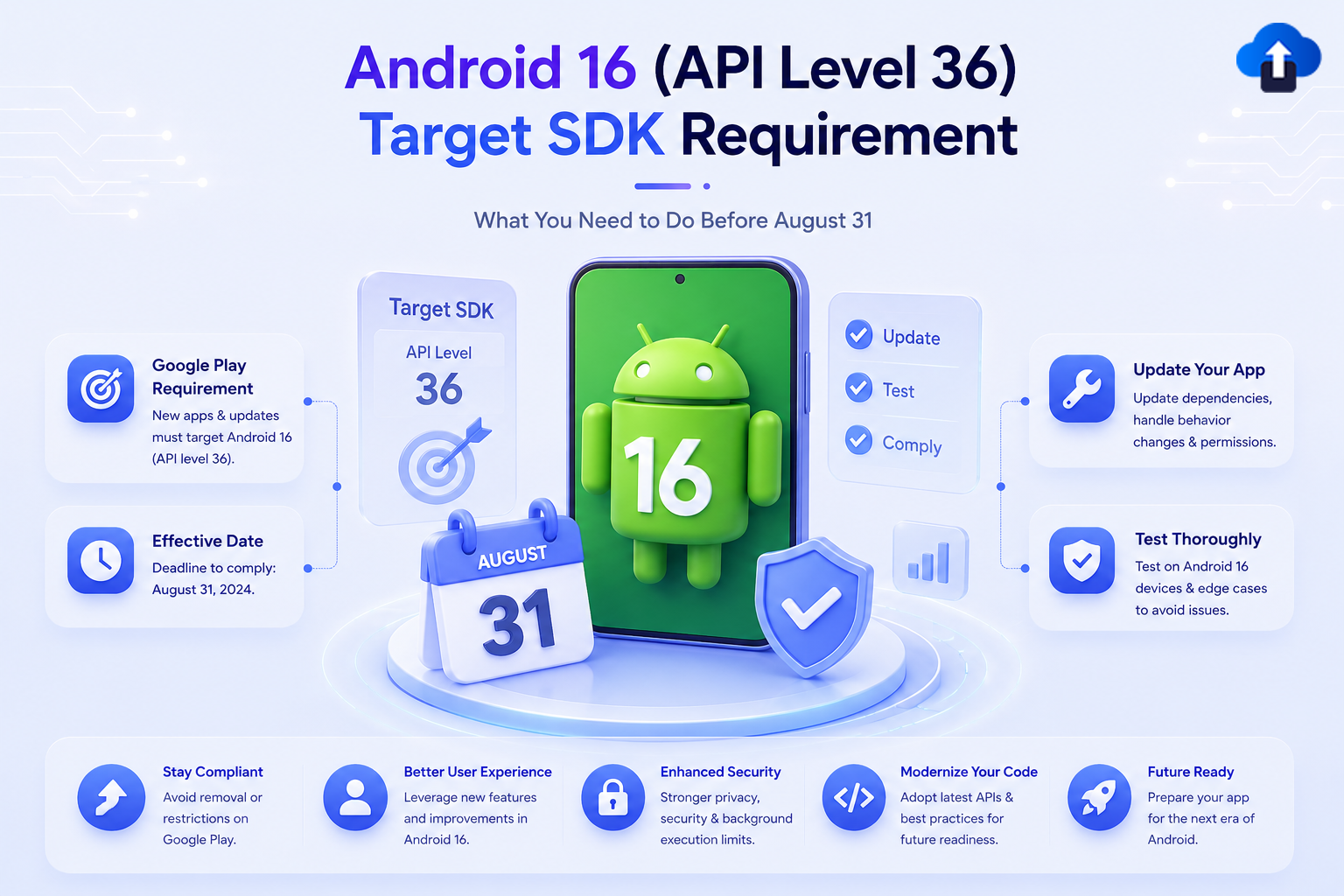
Google Play requires all new app submissions and app updates to target Android 16 (API level 36 or higher starting August 31, 2026 This is Google's annual API level enforcement, ensuring apps adopt the latest Android security, privacy, and performance improvements.
Apps targeting older API levels will not be eligible to publish updates after the enforcement date.
Announced: June 10, 2025 (Android 16 stable release)
Effective: August 31, 2026
Extension available until: November 1, 2026 (eligible developers only)
Minimum Requirements by App Type
Existing apps must target Android 15 (API level 35) or higher to remain discoverable to new users on devices running a newer Android OS than the app's target. Apps targeting API 34 or lower will only appear on devices running that API level or older.
Step 1: Update compileSdk and targetSdk
Open android/app/build.gradle (or build.gradle.kts):
android {
    compileSdk = 36
    defaultConfig {
        targetSdk = 36
        minSdk = 24  // your minimum stays the same
    }
}
Setting compileSdk to 36 is required for the compiler to have access to Android 16 APIs. `targetSdk = 36` is what Google Play enforces.
Step 2: Review Android 16 Behavior Changes
Android 16 introduces behavior changes that affect all apps targeting API 36, regardless of whether you use new APIs. Key areas to review:
Privacy & Permissions
- Health & fitness permissions — new granular permissions replace `ACTIVITY_RECOGNITION` for some use cases.
- Photo picker — now enforced for certain media access patterns.
UI & Navigation
- Predictive back gesture — apps targeting API 36 must handle the predictive back animation. The legacy `onBackPressed()` behavior has changed. Use `OnBackPressedDispatcher` (AndroidX) or `predictiveBackProgress` APIs.
- Edge-to-edge display — enforced for apps targeting API 35+; verify inset handling with `WindowInsetsController`.
Security
- OpenSSL 3.x — the default TLS/SSL provider update may affect custom certificate pinning implementations.
- Safer intents — additional validation on implicit intents targeting other apps.
Check the full Android 16 behavior changes documentation for the complete list.
Step 3: Check Third-Party SDK Compatibility
Before publishing, verify that all third-party SDKs in your project support `compileSdk 36` and `targetSdk 36`. Focus on:
- Native modules (camera, biometrics, NFC, Bluetooth)
- Analytics and attribution SDKs
- Crash reporting libraries
- Ad mediation SDKs
- Payment and billing SDKs
Run "./gradlew app:dependencies" and review any SDK that accesses system APIs. Check the SDK vendor's release notes for Android 16 compatibility status.
Step 4: Test Thoroughly
Test on an Android 16 device or emulator (API level 36):
- Launch and navigation flows
- Predictive back gesture on all back-navigable screens
- All permission request flows (especially health, media, location)
- Any background service or JobScheduler usage
- Push notification delivery and display
- In-app purchases and subscriptions
- Deep links and intent handling
- Edge-to-edge layout on various screen sizes
Use the Android Emulator with API 36 or a physical device running Android 16 for final validation.
Step 5: Build, Upload, and Verify in Play Console
Eligible developers can request a one-time extension through Google Play Console. Approved extensions move the compliance deadline to November 1, 2026. Extension request forms will be made available in Play Console. Only request if you have a concrete blocker.
- Build a release AAB with compileSdk = 36 and targetSdk = 36.
- Upload to the Internal Testing track in Play Console.
- Confirm no policy warnings appear in Policy status.
- Run through your full test checklist on the new build.
- Roll out to production before August 31.
If You Need More Time
Eligible developers can request a one-time extension through Google Play Console. Approved extensions move the compliance deadline to November 1, 2026. Extension request forms will be made available in Play Console. Only request if you have a concrete blocker.
How This Intersects With Other August 31 Deadlines
Google is enforcing two separate requirements on the same date:
Update both in the same release to avoid two separate compliance builds.
Timeline
Official References
- Meet Google Play's Target API Level Requirement
- Android 16 Behavior Changes
- Target API Level Requirements for Google Play Apps
Conclusion
To remain compliant with Google Play requirements, all standard new apps and app updates should target Android 16 (API level 36) by August 31, 2026. Developers should update compileSdk and targetSdk, upgrade Play Billing Library to 8.0.0 or later, verify third-party SDK compatibility, and thoroughly test the app on Android 16.
Completing these updates and releasing a compliant build before August 31, 2026 will help avoid update publishing restrictions. Eligible developers who need additional time may request an extension until November 1, 2026.








