


.png)


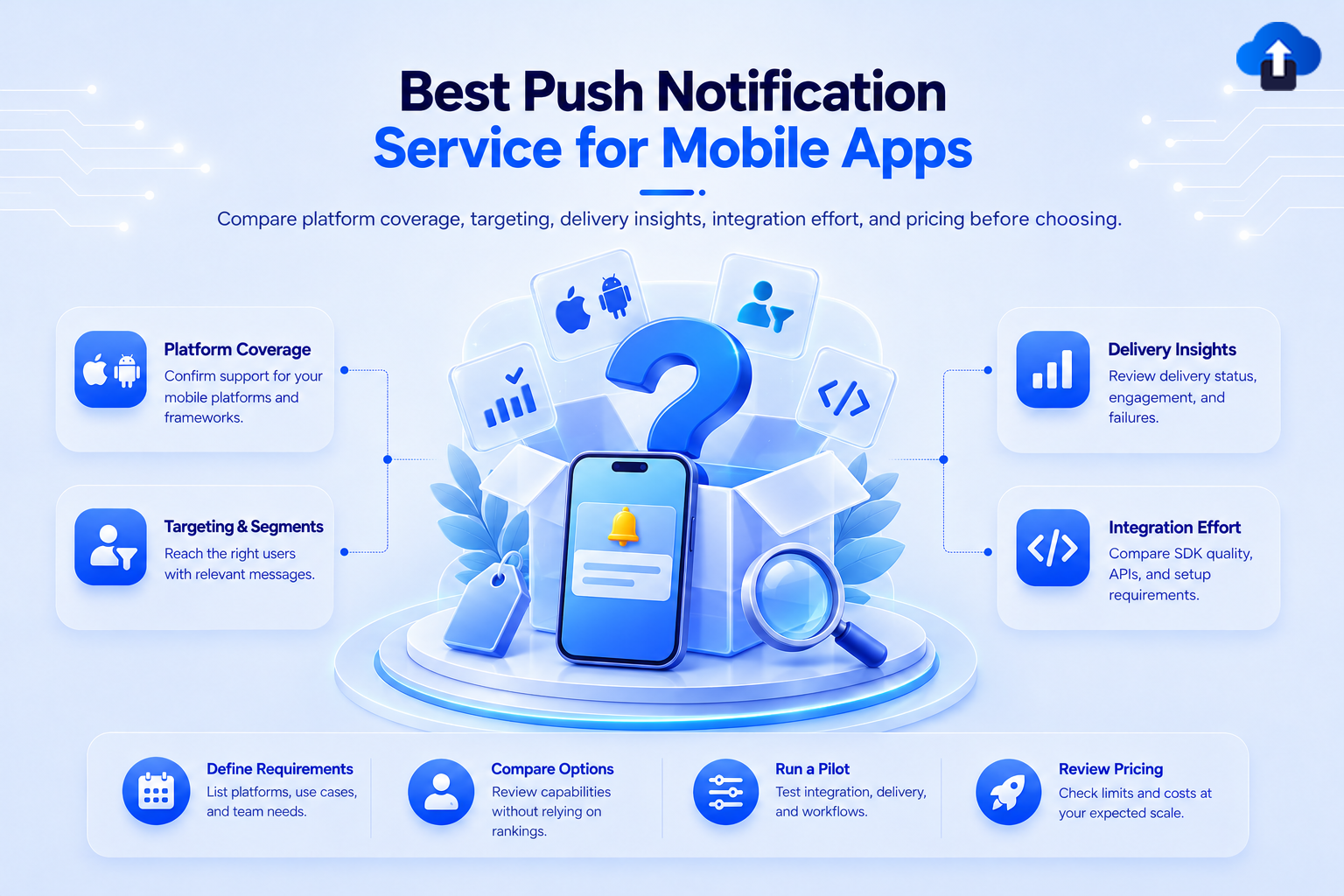
The best push notification service is the one that fits your app, team, messaging needs, and expected scale. Developers may prioritize APIs and infrastructure control, while product teams may need segmentation, multilingual messaging, and accessible reporting.
At AppsOnAir, we work with mobile teams that need push to fit into a broader app workflow. This guide compares five services using information published by each provider, so you can create a practical shortlist without relying on unsupported rankings.
Pricing and product details were verified in October 2026. Providers can change their plans, limits, and features, so confirm the final terms before making a purchase.
Best push notification service: the quick answer
There is no single winner for every mobile app.
- Firebase Cloud Messaging suits developer-led teams using Firebase.
- OneSignal suits teams wanting push, journeys, and broader messaging automation.
- Airship suits organizations needing enterprise cross-channel orchestration.
- Amazon SNS suits AWS teams building programmatic notification workflows.
- AppsOnAir suits mobile teams wanting focused iOS and Android push management.
The options below are not ranked. “Best fit” is an editorial assessment based on the official capabilities and pricing models listed by each provider.
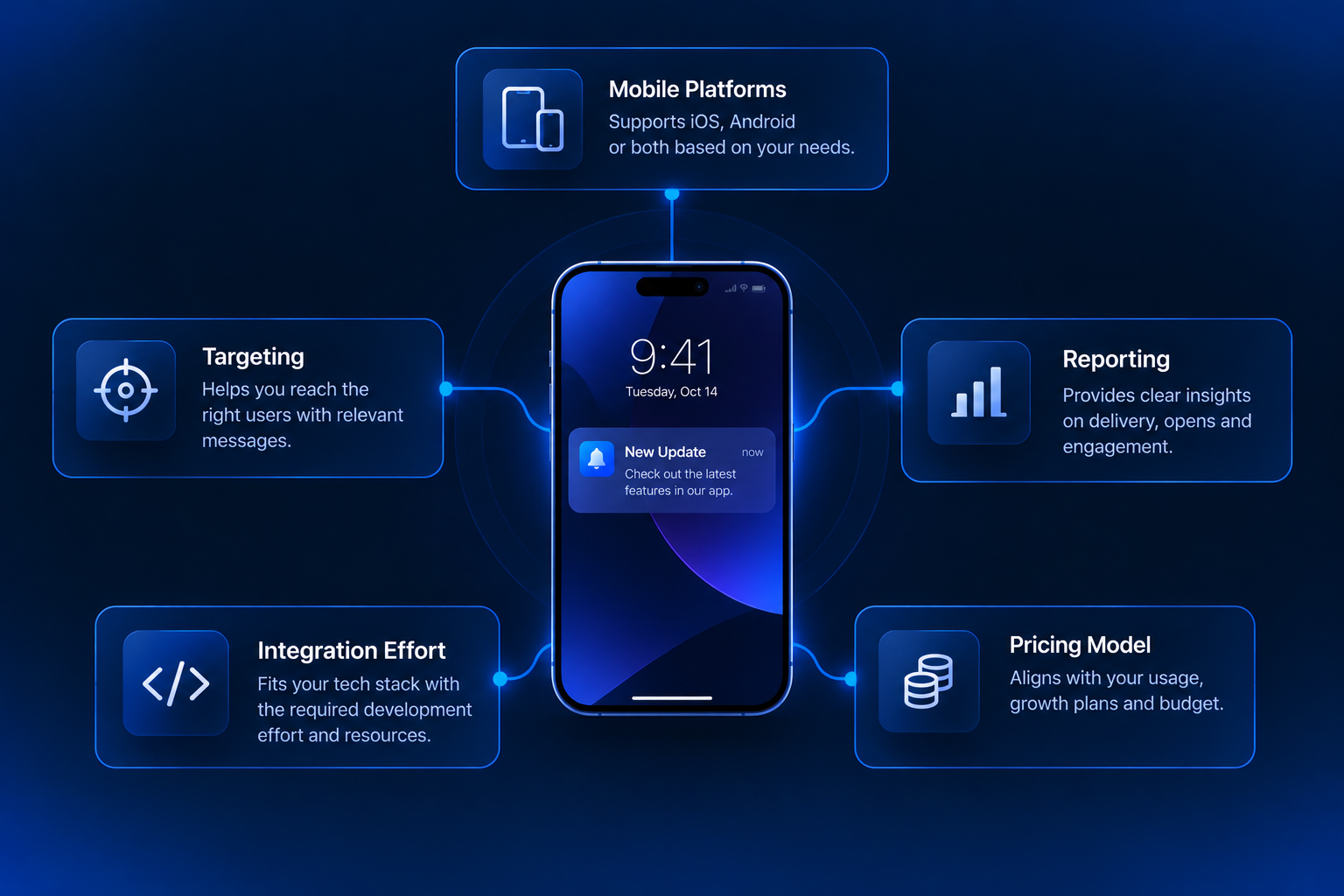
What to compare before choosing a push notification service
A useful push notification service comparison should examine more than the number of notifications a provider can send.
Mobile platform and SDK support
Confirm support for your platforms and frameworks, including any required React Native, Flutter, Unity, or native SDK.
Targeting and personalization
Check whether targeting can use the data you collect, such as platform, language, app version, activity, topics, or custom attributes.
Delivery and outcome reporting
Review how the provider defines sent, delivered, opened, and clicked. Confirm that its reporting supports the outcomes your team measures.
Integration and migration effort
If you are switching providers, confirm how credentials, tokens, audience data, and message history will move.
Pricing at your expected scale
Model each provider using the same audience and usage. MAU-based, subscriber-based, usage-based, and quote-based pricing can scale differently.
1. Firebase Cloud Messaging
Firebase Cloud Messaging supports iOS, Android, and web. Google lists segment, topic, and individual-device targeting, plus scheduling, custom data, Google Analytics integration, and A/B testing.
Google states that Cloud Messaging has no usage cost. Implementation and maintenance still require engineering resources, while other Firebase or Google Cloud services may have separate charges.
Best fit: developer-led teams that use Firebase and want control of the surrounding workflow.
2. OneSignal
OneSignal supports iOS, Android, Huawei, Amazon, and web push. Its documentation lists dashboard and API sending, segments, personalization, multilingual messages, journeys, A/B testing, scheduling, and migration guidance.
Its current pricing page lists free mobile push for organizations with up to 1,000 mobile MAU. Growth has a $19 platform fee plus $0.012 per mobile MAU, while higher plans use custom pricing.
Best fit: teams that want push and wider messaging automation in one interface.
3. Airship
Airship places push inside a broader customer experience platform. Published capabilities include cross-channel messaging, customer data, dynamic segmentation, journey orchestration, testing, integrations, and outcome reporting.
Airship publishes SDK guidance for iOS, Android, and several cross-platform frameworks. Its main platform uses quote-based pricing, while Airship Essentials is a self-service option.
Best fit: larger teams whose requirements extend into customer journeys, data activation, and enterprise support.
4. Amazon SNS
Amazon Simple Notification Service can send directly to mobile endpoints or publish to subscribed topics. AWS documents support for APNs, FCM, Amazon Device Messaging, and other endpoints.
Amazon SNS uses pay-as-you-go pricing with no upfront fee or minimum commitment. Charges depend on API requests and endpoint deliveries. Delivery-status logging may create separate CloudWatch costs.
SNS provides infrastructure building blocks rather than a complete lifecycle marketing workspace.
Best fit: AWS-based engineering teams that will build their own audience and campaign logic.
5. AppsOnAir
AppsOnAir Push Notification supports iOS and Android notifications from one platform. Teams can segment audiences using language, platform, app version, activity, and their own customer data. They can also prepare multiple language versions and track what was sent, delivered, and opened.
AppsOnAir publishes a Free plan for up to 2,000 MAU. Paid plans start at $9 for up to 10,000 MAU. Migration can reuse existing APNs or FCM credentials and imported audiences.
This focused scope suits mobile teams that want push alongside app distribution, OTA updates, deep linking, and related workflows. See the AppsOnAir and OneSignal comparison for a direct feature and pricing view.
How to identify the best mobile push notification service
Start with the workflow your team must support:
- List your platforms, frameworks, expected MAU, and sending patterns.
- Separate transactional alerts from engagement campaigns.
- Define the audience data needed for targeting.
- Decide who will create and monitor messages.
- Compare reporting using the same required outcomes.
- Estimate cost at today's audience and at your next growth stage.
- Test SDK integration, permission flows, deep links, delivery data, and migration steps before committing.
The best push notification service should match how your team works after implementation, not simply have the longest feature list.
Common mistakes when comparing push notification service providers
Treating every platform as the same type of product
FCM and Amazon SNS emphasize messaging infrastructure. OneSignal, Airship, and AppsOnAir add different audience, campaign, reporting, and workflow layers. Compare the operating model.
Comparing entry prices only
Model expected MAU, channels, data retention, support, and engineering effort instead of comparing entry prices alone.
Assuming every metric has the same definition
Confirm what accepted, sent, confirmed, delivered, opened, and clicked mean for each provider.
Selecting features without testing the workflow
Test integration, segmentation, localization, deep links, reporting, and opt-outs. Then apply established push notification best practices.
Frequently asked questions
What is the best push notification service for mobile apps?
The best push notification service depends on your platforms, team, targeting needs, reporting requirements, integration resources, and expected audience size. Compare providers against a defined workflow instead of choosing from feature count alone.
Is Firebase Cloud Messaging completely free?
Google lists Firebase Cloud Messaging as a no-cost product. However, teams still carry implementation and maintenance costs, and other Firebase or Google Cloud services used with it may have separate charges.
What should a push notification service provider include?
A provider should support your mobile platforms, secure credential setup, token handling, audience targeting, message creation or APIs, delivery monitoring, deep links, permissions, and the reporting required by your use cases.
Should a mobile app use FCM directly or a push platform?
Use FCM directly when your engineering team wants infrastructure control and can build the surrounding workflow. Use a push platform when your team needs additional audience, campaign, localization, reporting, or operational tools.
How should teams compare push notification pricing?
Calculate cost using the same MAU, subscriber count, notification volume, channels, data retention, and support needs. Also include integration, maintenance, and migration effort.
Final thoughts
The best push notification service is not necessarily the provider with the longest feature list. It is the option that supports your platforms, data, team workflow, reporting needs, and growth without adding unnecessary complexity.
Create a shortlist from verified requirements, test the real workflow, and recalculate pricing at your expected scale. If your priority is focused iOS and Android push management with targeting, multilingual delivery, and clear public pricing, explore AppsOnAir Push Notifications.









