


.png)


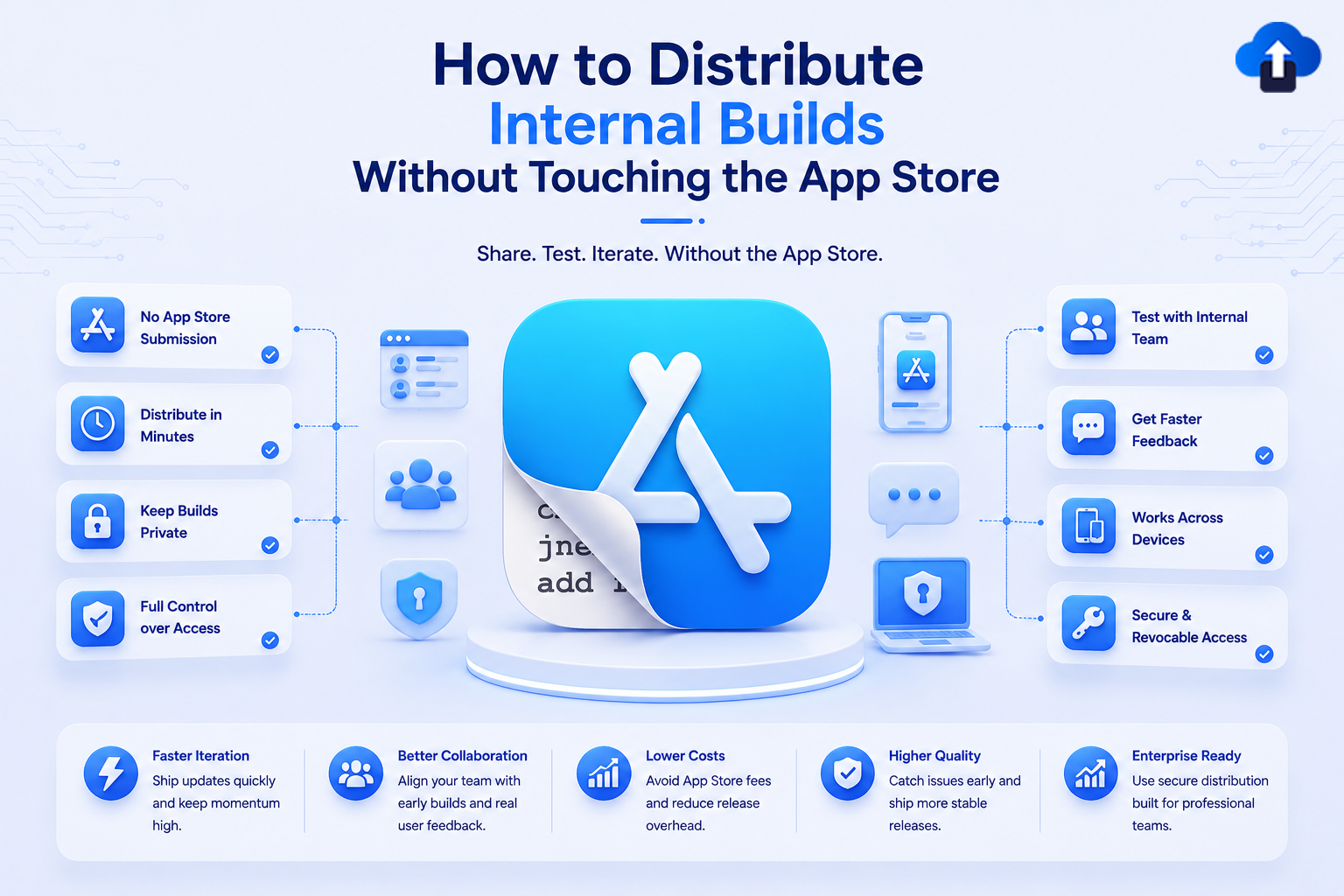
Developing a mobile app involves constant testing, feedback, and improvements. Before an app reaches customers, it usually goes through multiple rounds of internal reviews involving developers, QA engineers, product managers, designers, and clients.
Sharing these builds efficiently is often a challenge. Uploading every development build to the App Store or Google Play is unnecessary and slows the testing process. Even TestFlight, while useful for beta testing, may not be the fastest option when teams need to distribute several builds in a single day.
This is where internal app distribution becomes valuable. It allows organizations to securely share development builds with authorized users without publishing them on public app stores. Teams can test new features, verify bug fixes, and gather feedback much faster.
In this guide, you'll learn how internal build distribution works, its benefits, best practices, and how modern OTA (Over-the-Air) distribution platforms like AppsOnAir help streamline the entire process.
What Is Internal App Distribution?
Internal app distribution is the process of sharing pre-release mobile application builds with a limited group of authorized users instead of making them publicly available through the App Store or Google Play.
These users may include:
- Developers
- QA engineers
- Product managers
- Designers
- Internal employees
- Clients
- Stakeholders
The goal is to collect feedback, identify issues, and validate new features before the app reaches production.
Who Benefits from Internal Distribution?
How Internal Distribution Works
Developers generate a signed development or testing build and upload it to an internal distribution platform.
Authorized testers receive a secure download link or invitation that allows them to install the latest version on their devices.
Whenever a new build is available, the platform distributes the updated version without requiring a public app store release.
Typical Internal OTA Workflow:
1. Developer generates signed build (.ipa / .apk)

2. Upload to OTA platform (e.g., AppsOnAir)

3. Platform generates secure download link

4. Notify tester groups via email / in-app

5. Tester installs directly on device

6. New build available → Repeat instantly
Why Teams Use Internal Distribution
Modern development teams release builds frequently.
Instead of waiting for traditional distribution methods, internal build sharing enables faster collaboration and shorter development cycles.
Why Avoid the App Store for Internal Testing?
App stores are designed for distributing production-ready applications to end users.
Internal testing has different requirements.
Faster Development Cycles
Development teams often create multiple builds every day.
Submitting each build through traditional app store workflows would significantly slow development.
Internal distribution allows testers to receive updates almost immediately.
Quicker Bug Verification
After fixing a bug, developers want QA teams to verify the solution as soon as possible.
Waiting for external distribution introduces unnecessary delays.
Internal build sharing speeds up this feedback loop.
Better Collaboration With Clients
Many organizations involve clients throughout the development process.
Sharing internal builds directly allows clients to review progress, approve features, and request changes earlier.
This reduces misunderstandings and shortens project timelines.
Methods for Distributing Internal Builds
There are several ways to distribute development builds depending on your team's workflow.
TestFlight for iOS
TestFlight is Apple's official beta testing platform.
It works well for structured testing but may involve build processing and additional review steps for some external testing scenarios.
Many teams use TestFlight during later stages of development.
Internal OTA Distribution
OTA (Over-the-Air) distribution allows teams to share builds directly with authorized users through secure download links.
This approach is ideal for rapid internal testing because builds become available immediately after upload.
Enterprise Distribution
Organizations with internal applications sometimes use enterprise distribution methods for employees.
This approach is typically reserved for business applications that are not intended for public app stores.
Mobile Device Management (MDM)
Large enterprises often use Mobile Device Management solutions to distribute applications securely across company-owned devices.
MDM platforms are especially useful when managing hundreds or thousands of employees.
Internal Distribution Methods Comparison
Benefits of Direct OTA Distribution
Direct OTA distribution has become a preferred solution for many mobile development teams.
Faster Build Availability
Once a build is uploaded, testers can install it immediately.
There is no need to wait for public distribution channels before collecting feedback.
More Efficient QA
QA teams frequently test multiple builds in a single day.
Direct OTA distribution reduces downtime between development and testing, allowing issues to be identified much sooner.
Simplified Client Reviews
Clients can receive updated builds through a secure link whenever new features or bug fixes are ready.
This creates a smoother review process and accelerates approvals.
Better Version Management
Modern OTA platforms help teams organize multiple builds and ensure testers always install the correct version.
This reduces confusion during active development.
Best Practices for Internal Build Distribution
Choosing the right distribution method is only part of the process.
Following best practices helps teams maintain efficiency and security.
Automate Build Generation
Integrating your CI/CD pipeline with your distribution platform allows builds to be generated and shared automatically after successful code changes.
Automation reduces manual effort and speeds up release cycles.
Organize Tester Groups
Not every tester needs every build.
Create separate groups for:
- Developers
- QA engineers
- Product managers
- Clients
- Stakeholders
This helps ensure each audience receives the appropriate version.
Maintain Clear Release Notes
Every build should include a summary of:
- New features
- Bug fixes
- Known issues
- Testing objectives
Clear release notes help testers focus on the areas that require validation.
Protect Build Access
Development builds often contain unfinished features or confidential functionality.
Always use secure authentication and access controls to prevent unauthorized downloads.
Common Challenges With Internal Build Distribution
Although internal distribution improves development speed, teams may still encounter obstacles.
Version Confusion
Multiple active builds can create uncertainty about which version testers should install.
A centralized build management system helps avoid this problem.
Manual Distribution
Sending builds individually through email or messaging platforms becomes difficult as teams grow.
Automated distribution platforms simplify this process.
Delayed Feedback
If testers do not receive builds promptly, bug fixes remain unverified and release schedules slip.
Fast distribution helps keep projects moving forward.
Limited Visibility
Without centralized reporting, it can be difficult to know:
- Who installed the latest build
- Which version is being tested
- Whether feedback has been submitted
Visibility is essential for efficient release management.
How AppsOnAir Simplifies Internal Build Distribution
AppsOnAir helps mobile development teams distribute internal iOS and Android builds quickly without relying on public app stores.
With secure OTA distribution, teams can upload development builds, share them with authorized testers, manage versions, and track installations from a centralized platform. This makes it easier for developers, QA teams, clients, and stakeholders to stay aligned throughout the development process.
By reducing delays between development and testing, AppsOnAir helps organizations release higher-quality applications faster while maintaining complete control over build distribution.
Common Mistakes to Avoid
One common mistake is relying on manual file sharing for every build. As projects grow, this quickly becomes difficult to manage and increases the risk of testers using outdated versions.
Another issue is distributing every build to every tester. Organizing users into targeted groups makes testing more efficient and prevents unnecessary confusion.
Some teams also neglect release documentation. Without clear release notes, testers may miss important changes or duplicate previously completed testing.
Finally, security should never be overlooked. Internal builds often contain experimental features and sensitive business logic, so access should always be restricted to authorized users.
Frequently Asked Questions
What is internal app distribution?
Internal app distribution is the process of sharing development or testing builds with authorized users without publishing them on the App Store or Google Play.
Why should I distribute builds without the App Store?
Internal distribution allows teams to share builds faster, collect feedback sooner, and reduce delays during development and QA.
Is OTA distribution secure?
Yes. Modern OTA distribution platforms use secure authentication, access controls, and version management to ensure only authorized users can install internal builds.
Can clients test apps through internal distribution?
Yes. Many development teams use internal distribution to share builds with clients for feature reviews, design validation, and approval before public release.
How does AppsOnAir help with internal build distribution?
AppsOnAir provides secure OTA distribution for iOS and Android applications, enabling teams to manage builds, organize testers, track installations, and accelerate QA and client feedback without relying on public app stores.
Final Thoughts
Fast and reliable internal build distribution is essential for modern mobile app development. Waiting for public app store workflows during every testing cycle can slow development, delay feedback, and extend release timelines.
By using secure OTA distribution, organizations can deliver builds to developers, QA teams, clients, and stakeholders within minutes. This leads to faster bug verification, better collaboration, and more efficient release management.
As development teams continue adopting agile and continuous delivery practices in 2026, internal build distribution has become more than a convenience—it is a critical part of building and releasing high-quality mobile applications. With the right tools and processes in place, teams can move from development to approval faster while maintaining security, visibility, and control.









