

Over-the-air (OTA) app distribution has become a vital part of the mobile app development process.
For developers, QA testers, and product managers, the ability to quickly share iOS and Android builds without going through the app stores saves time and keeps the feedback loop tight.
Meet AppsOnAir
AppsOnAir was created to address the shortcomings of legacy distribution tools like Install On Air. It delivers a smooth, fast, and secure experience for mobile app sharing.
Designed with modern teams in mind, AppsOnAir supports both iOS and Android, offering real-time app sharing capabilities that help developers, testers, and stakeholders stay in sync.
Users can organize stakeholders into groups, choose between public access or password protection, and even set custom expiration dates for app links.
A centralized dashboard simplifies the process of accessing all apps shared with you, while version tracking ensures that everyone is using the latest build.
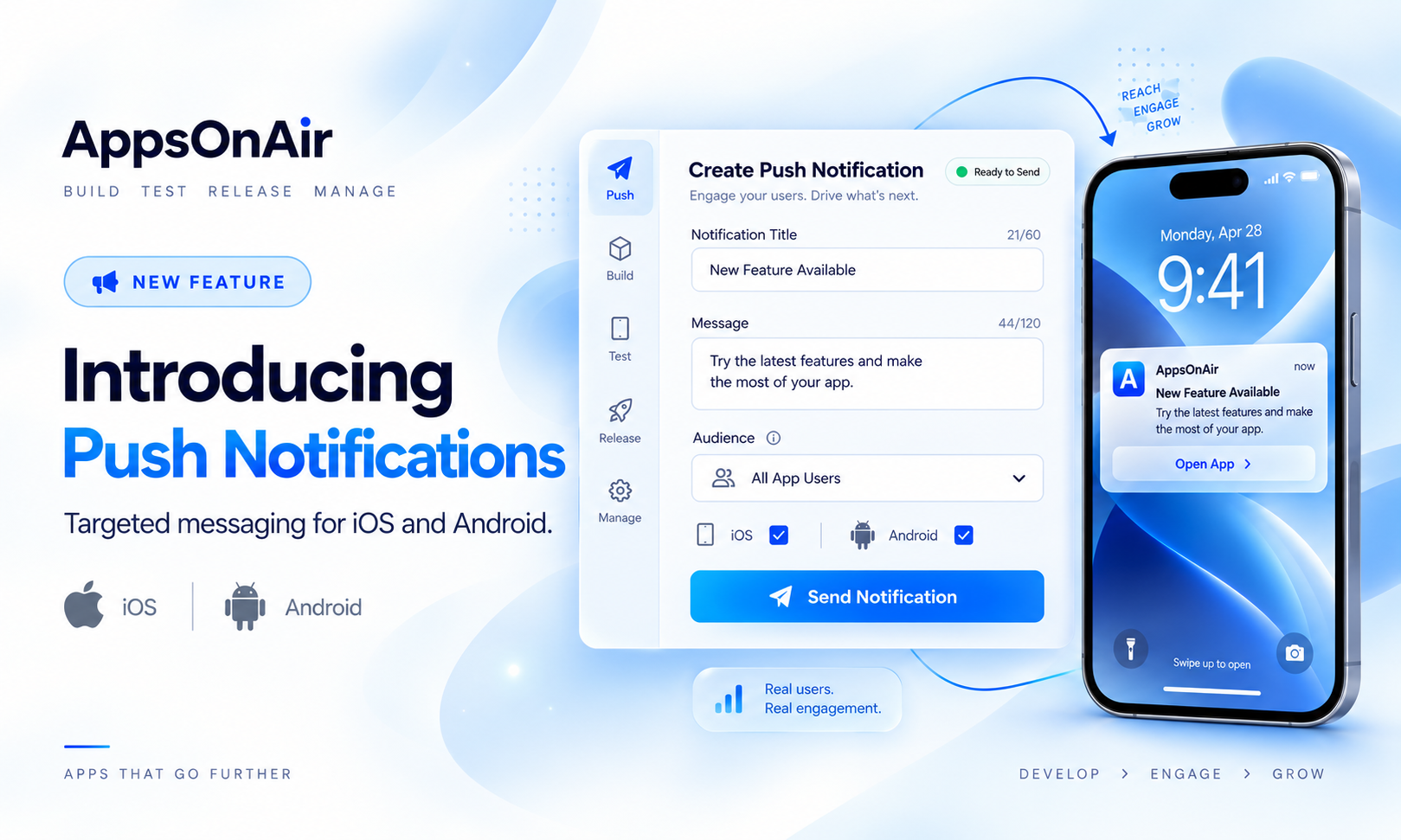
Real-time notifications enhance collaboration, and features like instant UDID collection, push updates, and maintenance mode give you more control than ever before.
All these make AppsOnAir a more than app distribution platform.
Feature Comparison
Unlike Install On Air, which offers basic upload and sharing functionality, AppsOnAir enhances the experience with faster performance and lots of team-friendly features.
Below is a detailed comparison to help you understand the key differences:
Getting Started with AppsOnAir (It’s Easy!)
Getting started with AppsOnAir is simple and intuitive. Here are the steps to begin distributing your apps efficiently:
Step 1
Invite your team members, clients, or stakeholders to the platform. You can manage users by grouping them according to projects or roles.
Step 2
Upload your IPA or APK file using the drag-and-drop uploader. AppsOnAir supports super-fast uploads so you can get your build online quickly.
Step 3
Notify your users by either sending them real-time notifications or sharing a custom installation link.
Step 4
Control access by setting password protection, adjusting link expiration dates, or enabling forced updates to ensure everyone is on the latest version.
All of these steps can be completed in under a minute, which makes AppsOnAir an easy-to-adapt and integrate into any existing workflow.