
App Distribution

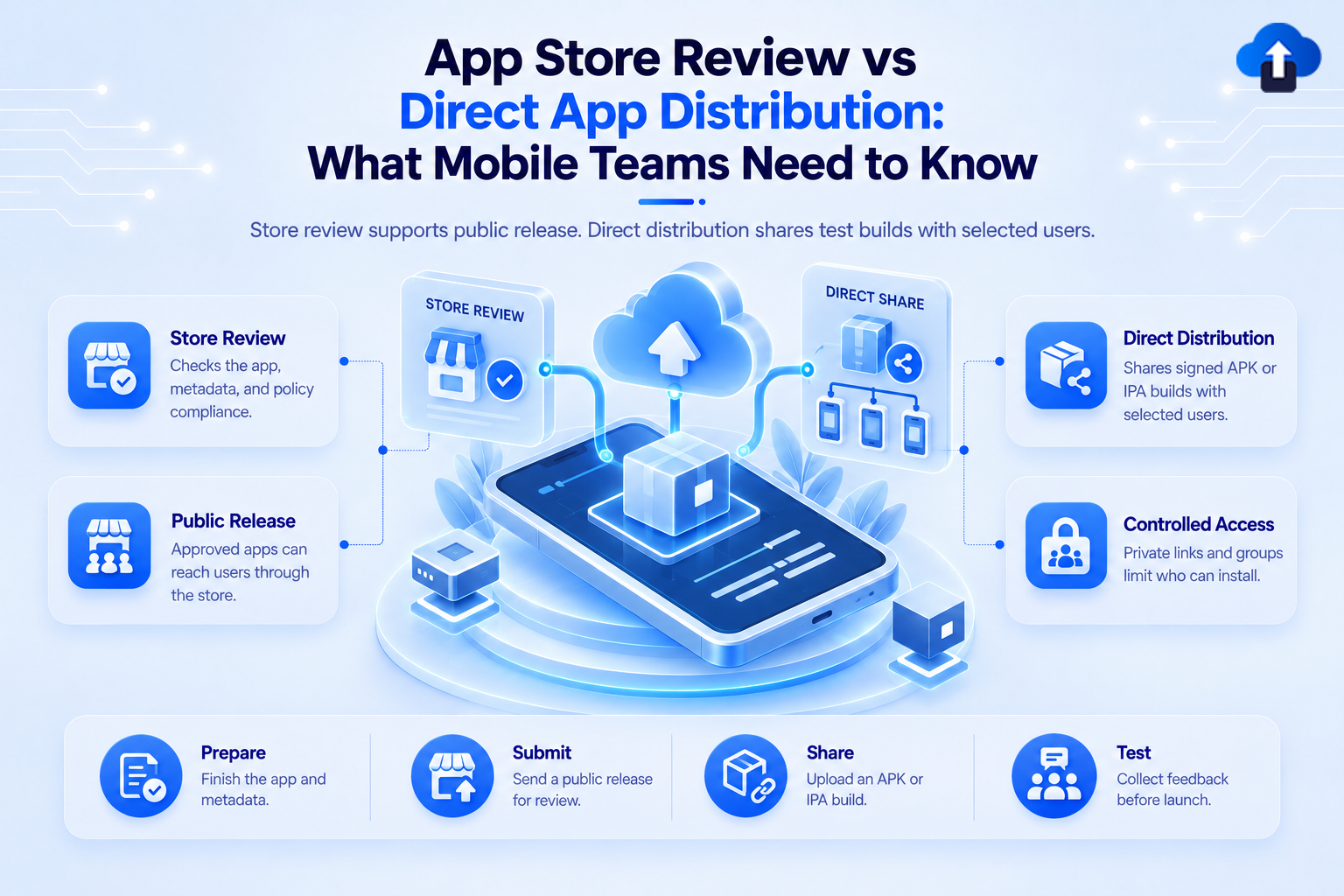
App Store review vs direct app distribution – what mobile teams need to know about public releases, test builds and controlled access
App Release Management
All
App Store Review vs Direct App Distribution: What Mobile Teams Need to Know
App Store Review vs. Direct App Distribution: Learn how direct OTA distribution accelerates QA testing before submitting public app store releases.
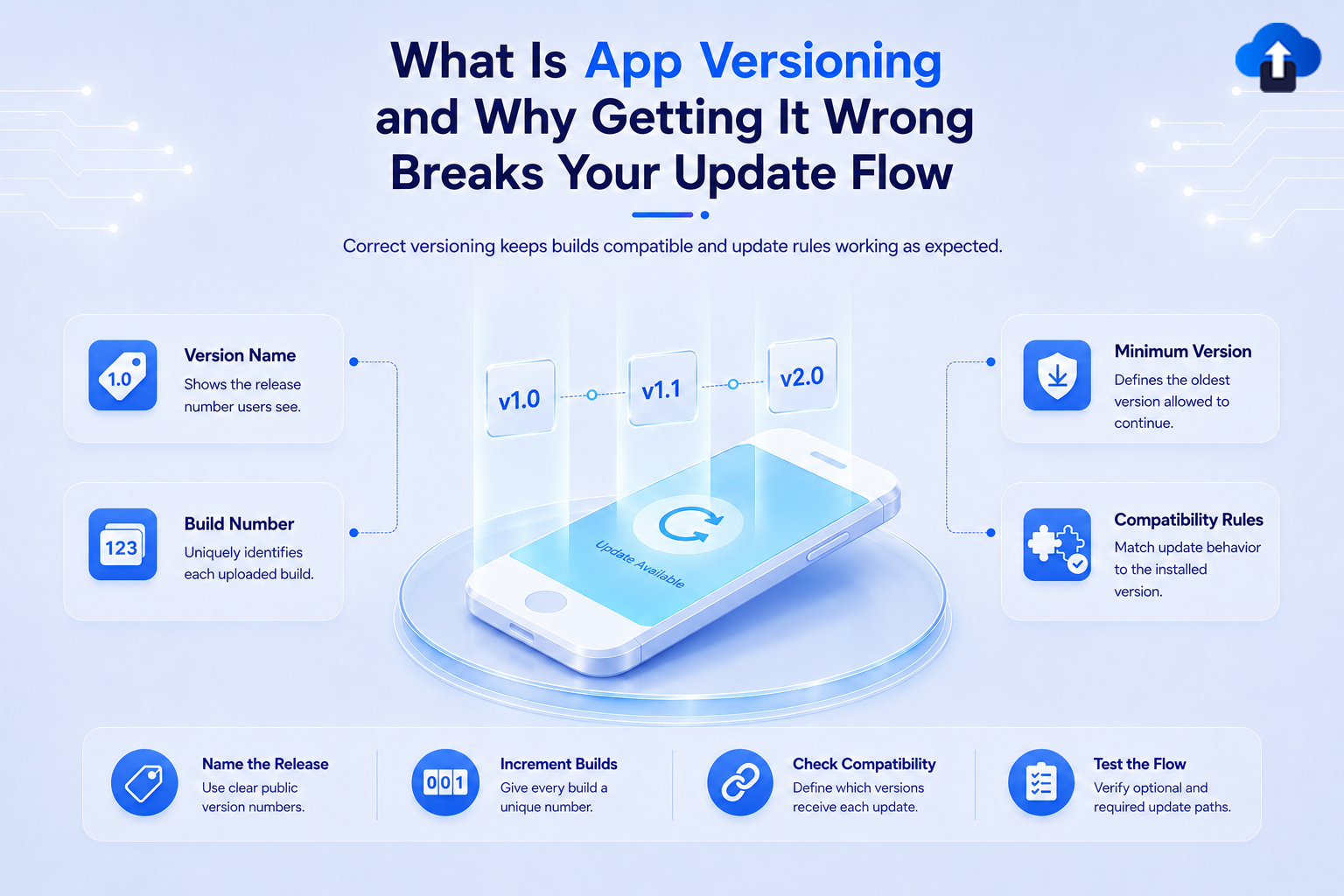
What is app versioning and why getting it wrong breaks your update flow – version name, build number, minimum version and compatibility rules explained
App Release Management
All
What Is App Versioning and Why Getting It Wrong Breaks Your Update Flow
Avoid store rejections and broken update paths. Discover how proper app versioning strategies keep your mobile releases smooth and organized.
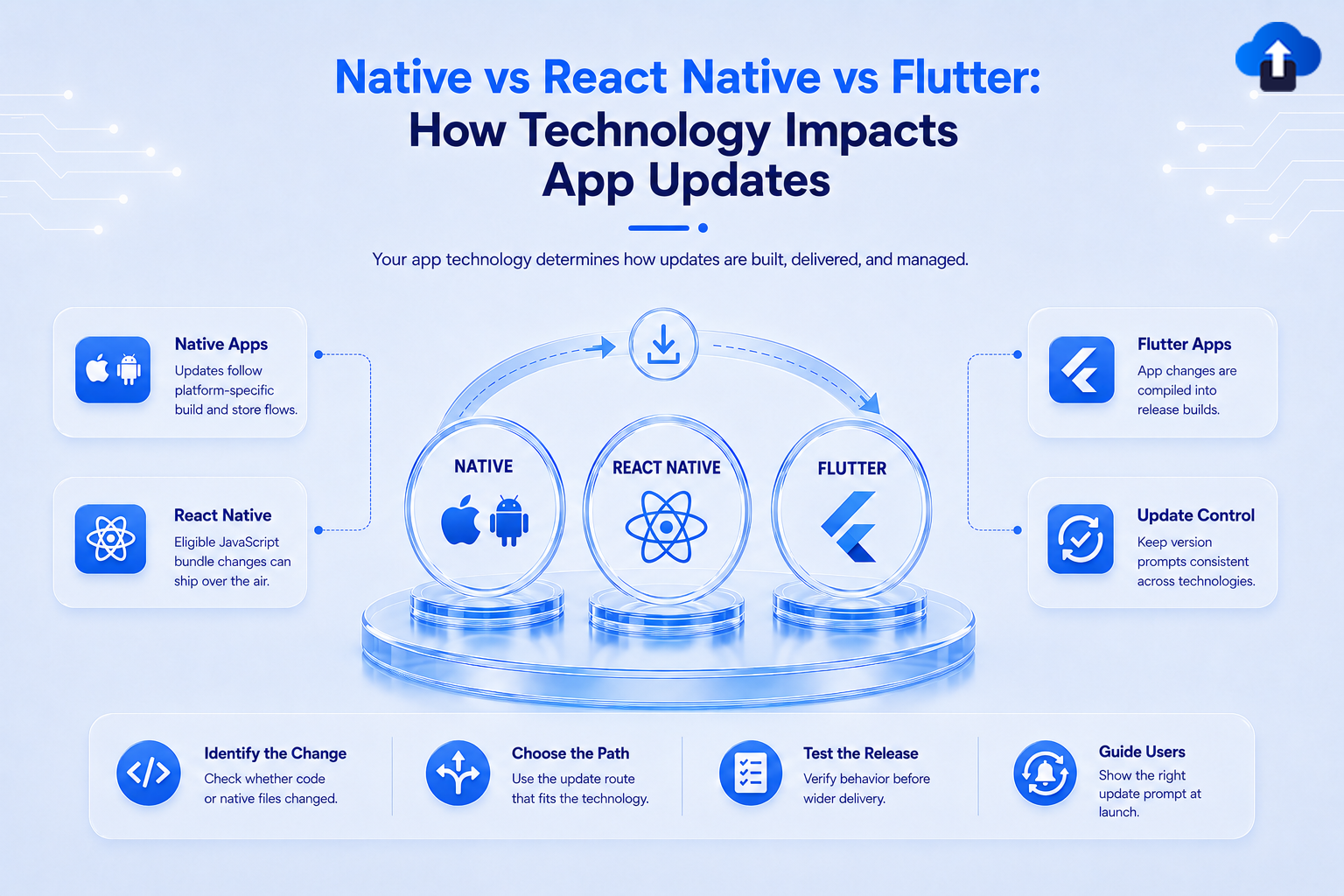
Native vs React Native vs Flutter – how technology impacts app updates, delivery methods and version control across platforms
Developer Tutorials
All
Native vs React Native vs Flutter: How Technology Impacts App Updates
Compare Native, React Native, and Flutter app update strategies. Learn how tech stack choices impact over-the-air updates, store reviews, and AppsOnAir workflows.
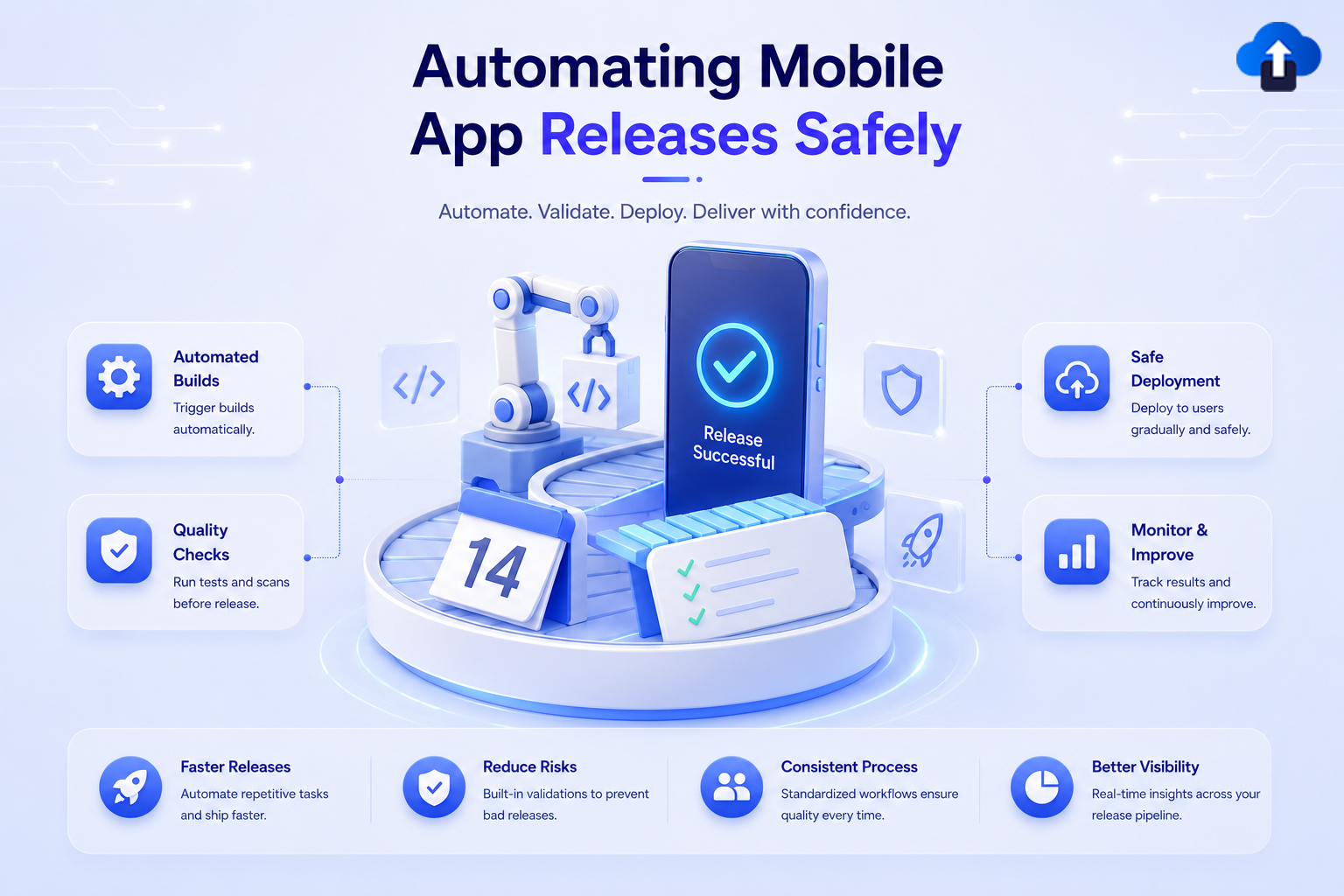
Automating mobile app releases safely – automated builds, quality checks, gradual deployment and continuous monitoring for confident delivery
App Release Management
All
Automating Mobile App Releases Safely
Build a safe, automated mobile release pipeline. Learn how to codify builds, sign binaries, and set up staged rollouts to eliminate release-day risk.
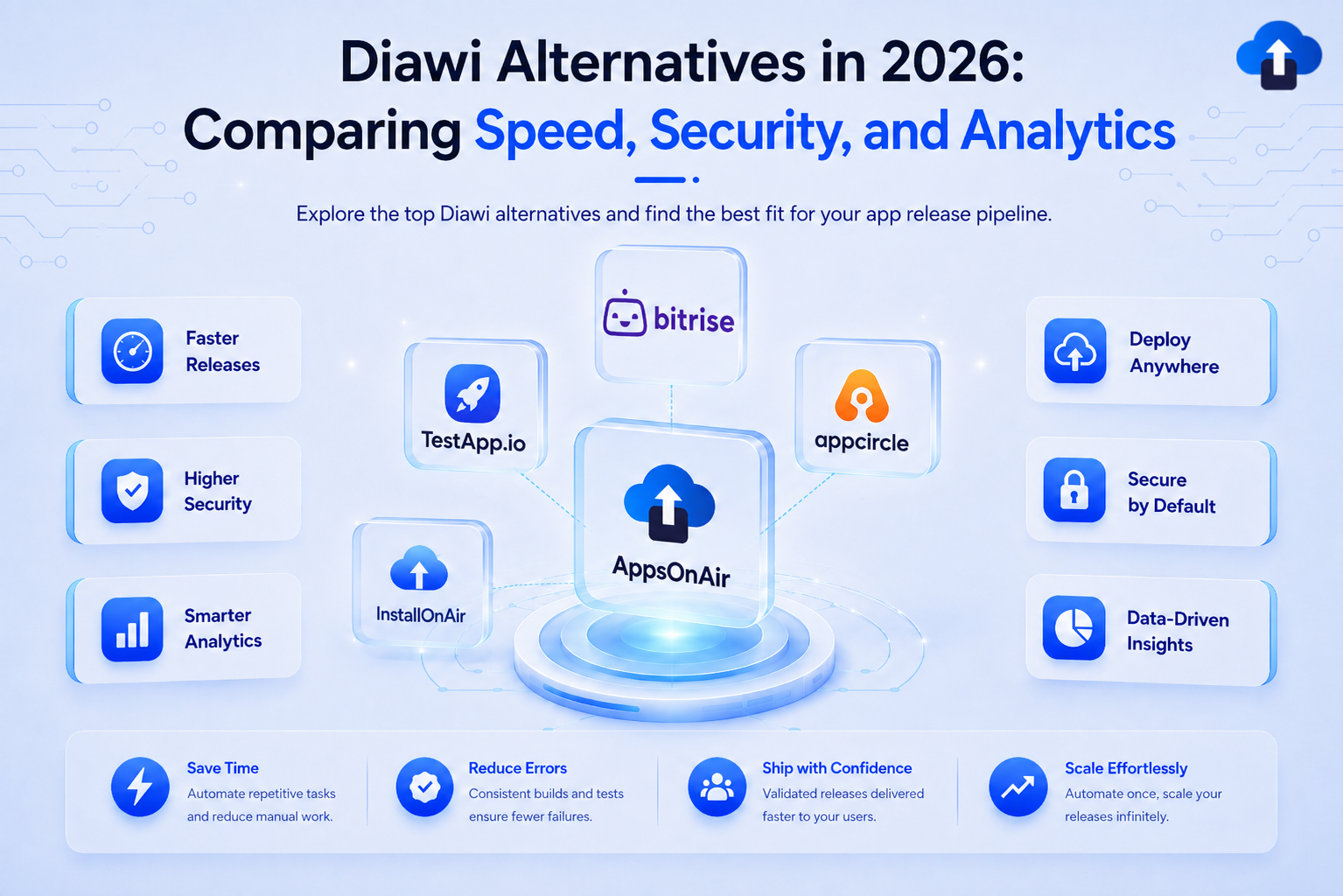
Diawi alternatives in 2026 comparison of AppsOnAir, Bitrise, Appcircle, TestApp.io and InstallOnAir for speed, security and analytics
Mobile App Strategy
All
Diawi Alternatives in 2026: Comparing Speed, Security, and Analytics
Explore top Diawi alternatives in 2026. Compare speed, security, and analytics to discover why teams choose AppsOnAir for internal app distribution.
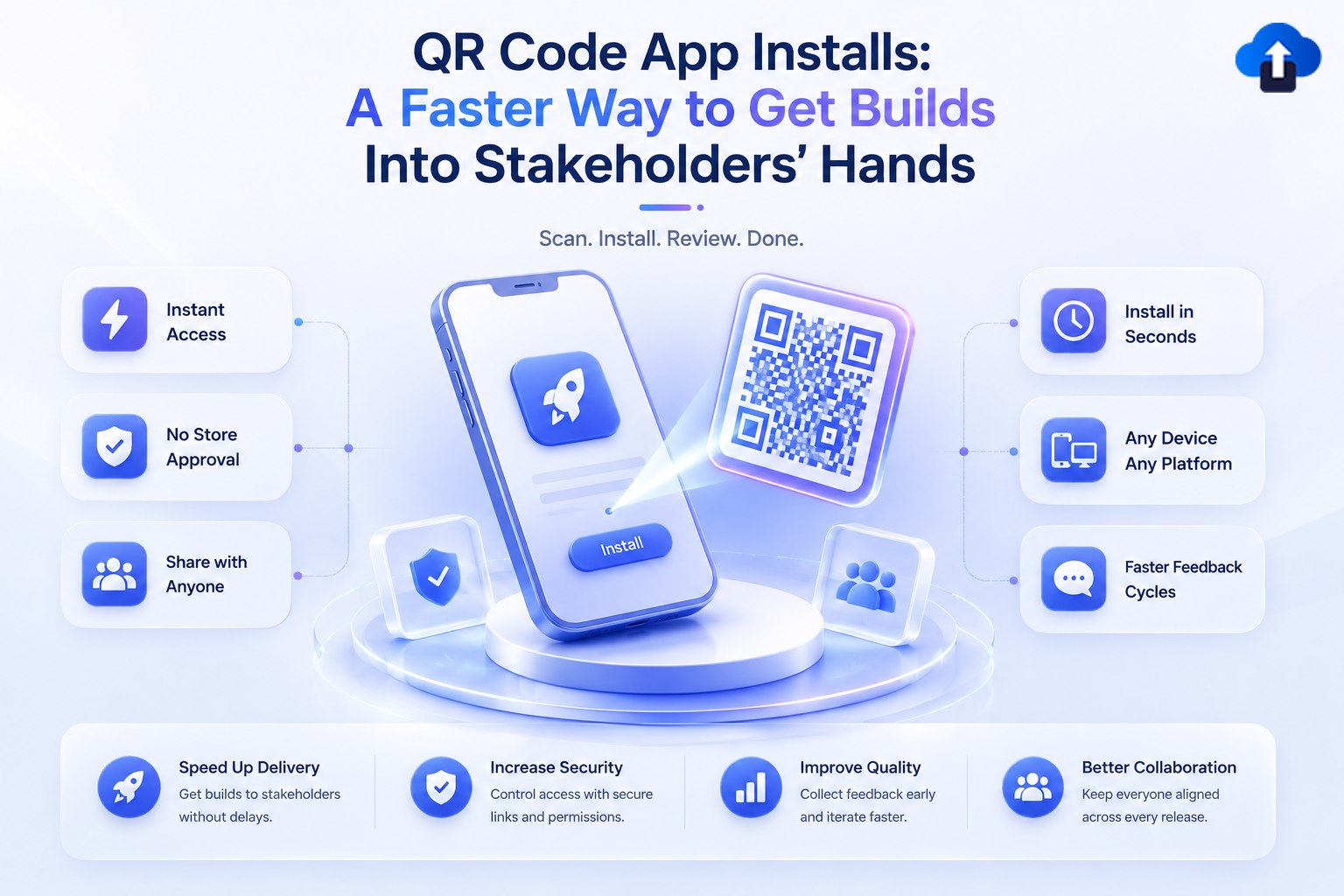
QR code app installs for faster stakeholder builds – scan, install without store approval and get instant feedback
Mobile App Strategy
All
QR Code App Installs: A Faster Way to Get Builds Into Stakeholders' Hands
Simplify build sharing with QR code app installs. Help clients, QA teams, and stakeholders access and test your latest app builds instantly via mobile scan.
AppsOnAir CLI terminal interface for automating internal OTA distribution with faster delivery, secure sharing, usage analytics, and team access features
Product Features
All
AppsOnAir CLI: Automate Your Internal OTA Distribution from the Terminal
Automate your internal OTA app distribution directly from your terminal or CI/CD pipeline. Say goodbye to manual dashboard uploads with AppsOnAir CLI!
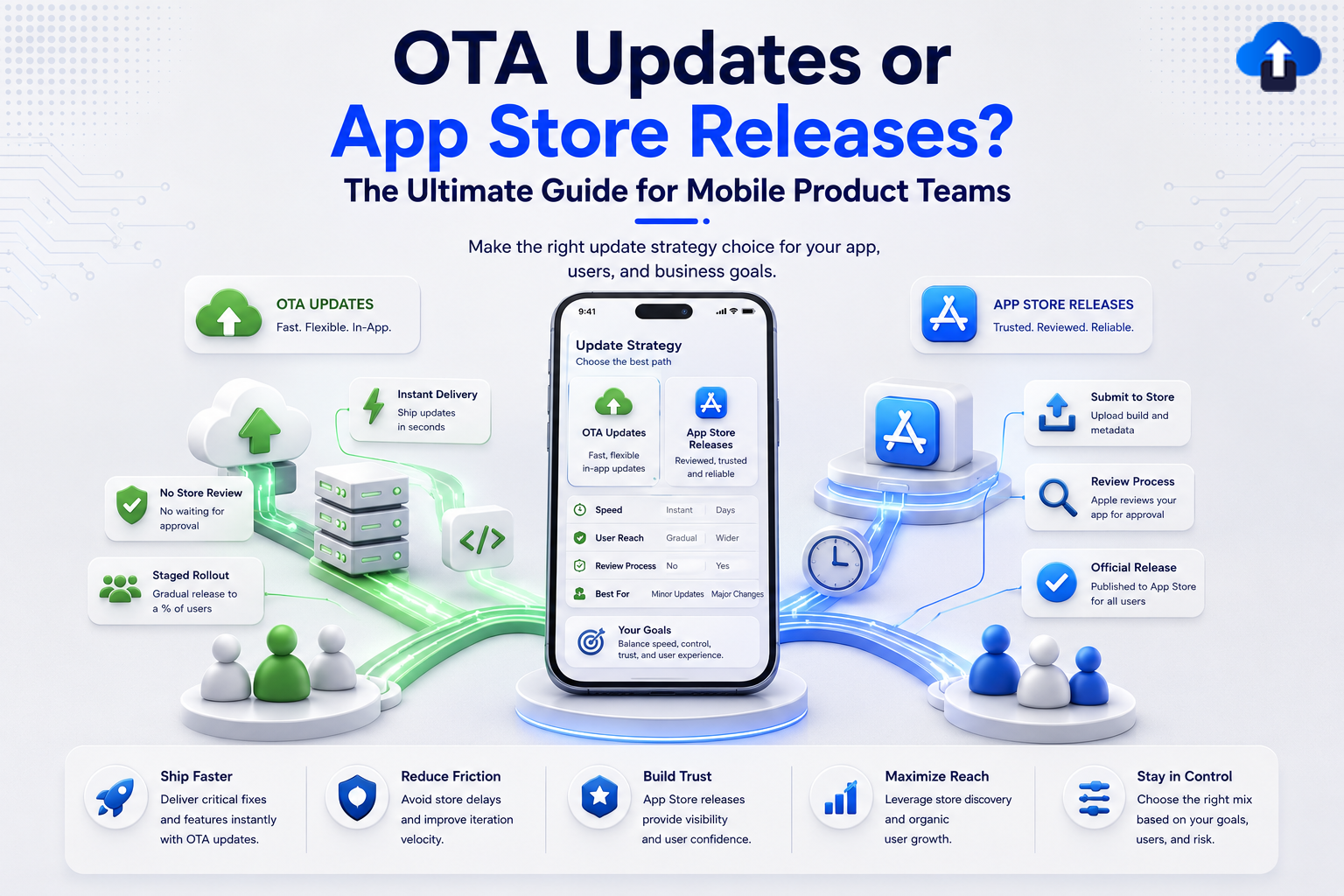
An infographic comparing mobile deployment strategies titled "OTA Updates or App Store Releases? The Ultimate Guide for Mobile Product Teams." The center features a smartphone comparing both paths across Speed, User Reach, and Review Process. The left green section highlights Over-the-Air (OTA) Updates, listing benefits like Instant Delivery (shipping updates in seconds), No Store Review (no waiting for approval), and Staged Rollout (gradual release to a percentage of users). The right blue section highlights App Store Releases, showing the traditional pipeline: Submit to Store (uploading build and metadata), Review Process (Apple app approval), and Official Release. A bottom comparison bar details core outcomes: Ship Faster, Reduce Friction, Build Trust, Maximize Reach, and Stay in Control.
App Release Management
All
OTA Updates or App Store Releases? The Ultimate Guide for Mobile Product Teams
Don't let app store review delays hurt user retention. Discover when to use OTA updates to bypass the queue and ship critical bug fixes instantly.
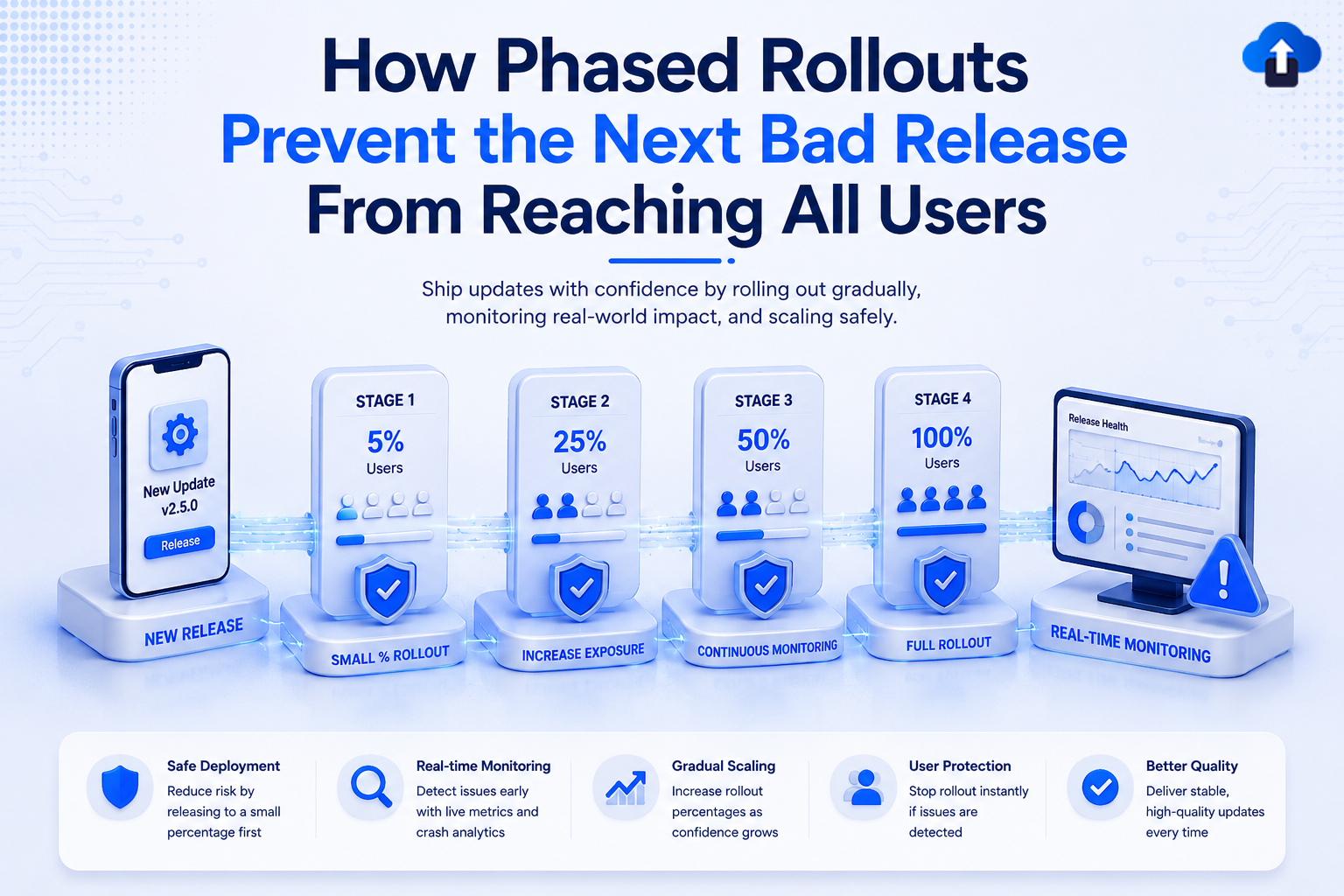
An educational tech banner titled "How Phased Rollouts Prevent the Next Bad Release From Reaching All Users" with the subtitle "Ship updates with confidence by rolling out gradually, monitoring real-world impact, and scaling safely." The central graphic uses a 3D blue and white design showing a timeline connected by blue energy bands. It starts with a smartphone labeled "New Release v2.5.0", followed by four progressive rollout stages labeled: Stage 1 (5% Users / Small % Rollout), Stage 2 (25% Users / Increase Exposure), Stage 3 (50% Users / Continuous Monitoring), and Stage 4 (100% Users / Full Rollout). The timeline ends at a desktop monitor displaying a "Release Health" dashboard with a blue warning triangle icon for real-time monitoring. A bottom white bar highlights five key benefits: Safe Deployment, Real-time Monitoring, Gradual Scaling, User Protection, and Better Quality.
Mobile App Strategy
All
How Phased Rollouts Prevent the Next Bad Release From Reaching All Users
Protect your app from critical bugs. Learn how phased rollouts help you deploy updates gradually, monitor real-world performance, and stop bad releases before they impact all users.




