


.png)


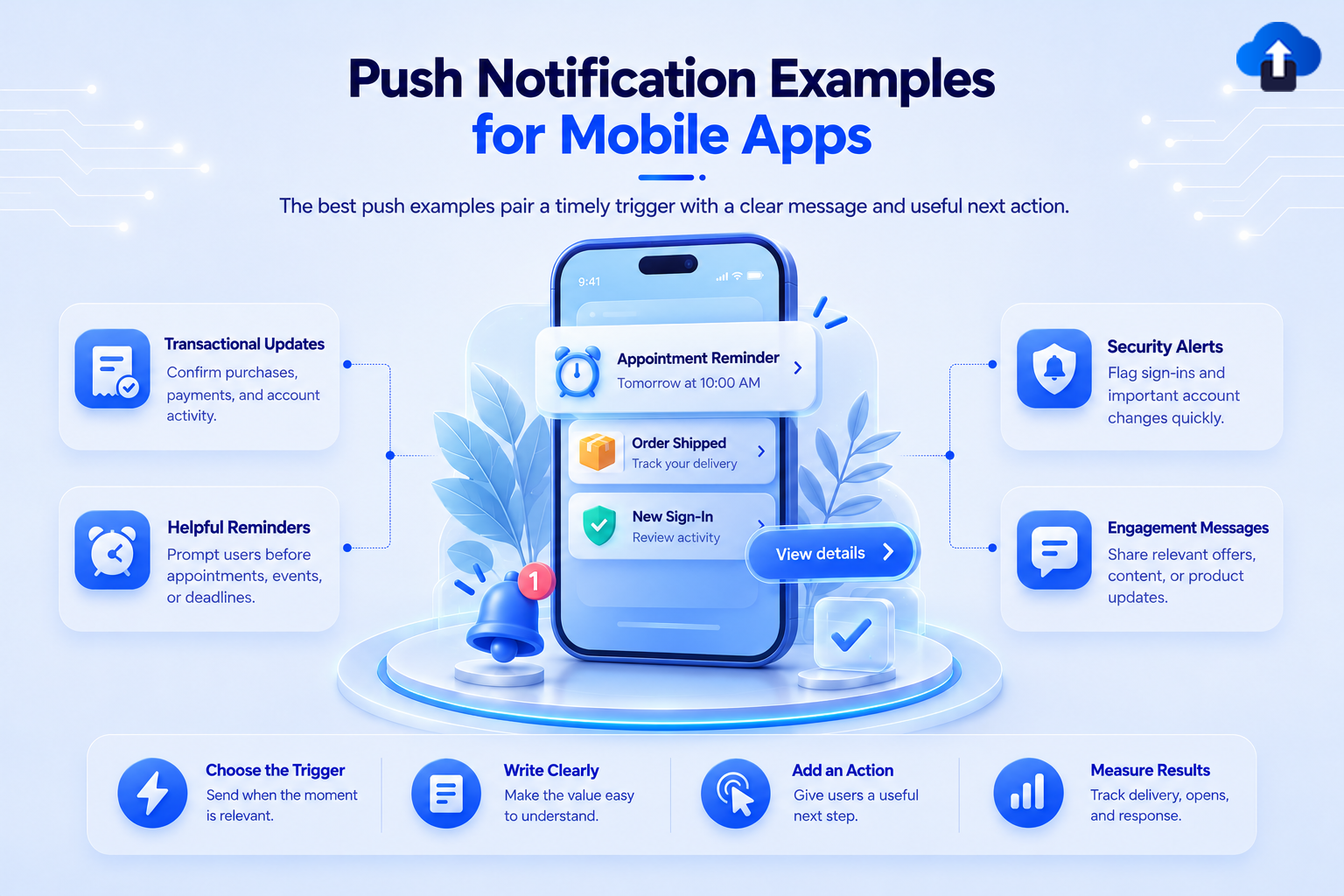
The right example of push notification copy is specific, timely, and connected to something the user values. It tells the person what happened, why it matters, and what they can do next.
This guide provides 18 mobile examples for transactions, reminders, account activity, re-engagement, promotions, and product updates. Each includes an appropriate trigger and destination, so teams can adapt the idea instead of copying isolated words.
What makes a useful example of push notification copy?
A useful notification starts with context. The user should understand why they received it without needing to open the app first.
Most effective messages contain three elements:
- Event or reason: What happened?
- Useful detail: What does the user need to know?
- Clear next step: What happens after the tap?
Transactional push notification examples
Transactional notifications confirm or update an action the user already completed. Send them when the underlying status changes.
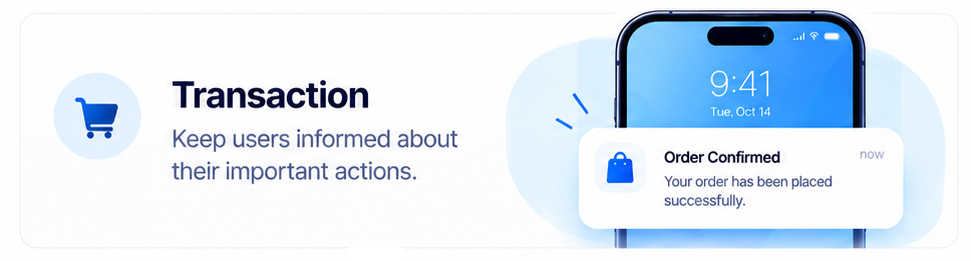
1. Order shipped
Title: Your order is on the way
Message: Order #[number] has shipped. Track its latest delivery status.
Destination: The specific order-tracking screen.
2. Payment confirmed
Title: Payment confirmed
Message: We received your payment for order #[number]. Your receipt is ready.
Destination: The receipt or transaction-detail screen.
3. Delivery approaching
Title: Your delivery is nearby
Message: Your driver is approximately [time] away. View the latest update.
Destination: Live delivery status.
Avoid adding unrelated promotions to essential service updates.
Reminder messages
Send reminders early enough for the user to act, and stop them once the action is complete.
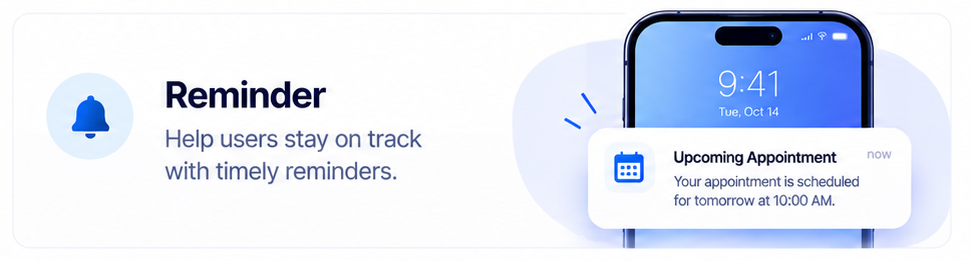
4. Appointment reminder
Title: Appointment tomorrow at [time]
Message: Your appointment at [location] is confirmed. View details or reschedule.
Destination: The appointment-detail screen.
5. Renewal reminder
Title: Your plan renews on [date]
Message: Review your plan and payment method before the renewal date.
Destination: Subscription settings.
6. Unfinished task
Title: One step left to finish setup
Message: Add your delivery address to complete your account setup.
Destination: The exact incomplete step.
Name the pending action instead of using a vague line such as “Do not forget.”
Security and account alerts
Security messages need direct language, not playful copy or vague urgency.
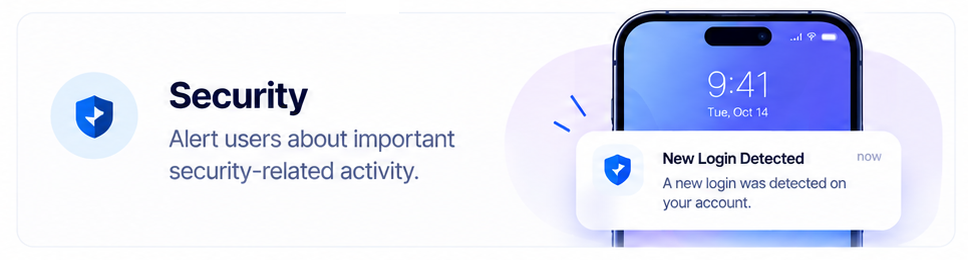
7. New sign-in detected
Title: New sign-in to your account
Message: A sign-in was detected from [device] at [time]. Review it if this was not you.
Destination: Recent account activity.
8. Password changed
Title: Your password was changed
Message: If you did not make this change, secure your account now.
Destination: Account-recovery or security controls.
9. Payment failed
Title: We could not process your payment
Message: Update your payment method to keep your plan active.
Destination: Payment settings.
Keep unnecessary sensitive information off the lock screen. The message should remain useful even when previews are limited.
Re-engagement push notification examples
Re-engagement works best when something relevant has changed. Give users a clear reason to return.
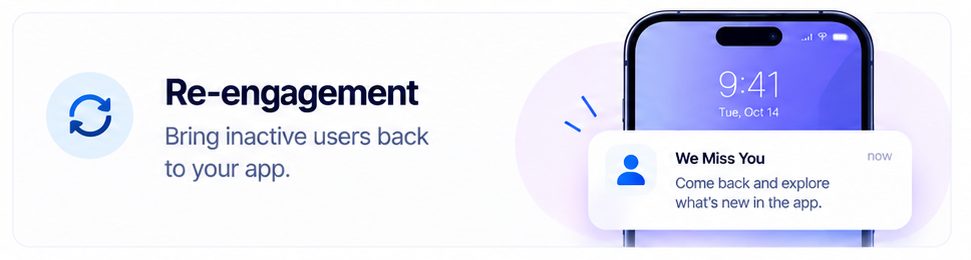
10. Back-in-stock update
Title: Your saved item is back
Message: [Product] is available again in [selected option]. View it before stock changes.
Destination: The saved product and selected variant.
11. Learning progress
Title: Continue where you stopped
Message: Your next [course] lesson is ready and takes about [time].
Destination: The next lesson.
12. Incomplete booking
Title: Your selected time is still available
Message: Finish booking your [service] for [date and time].
Destination: The saved booking flow, if the slot remains available.
Before sending, confirm that the item, content, or booking state is still valid.
Promotional push notification examples
Promotional messages should match a known interest or eligible audience. Use genuine deadlines and specific benefits.
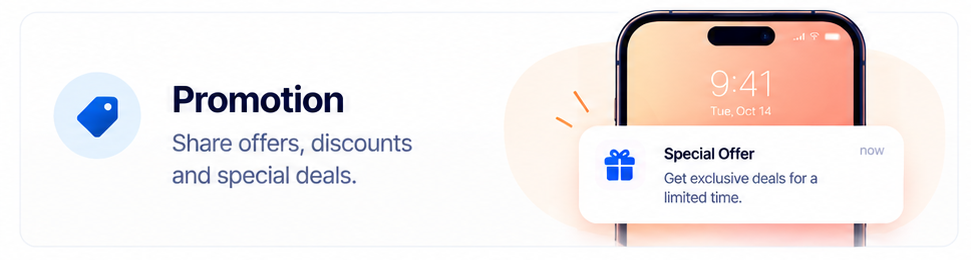
13. Relevant price drop
Title: A saved item dropped in price
Message: [Product] is now [price]. View your saved item.
Destination: The exact product page.
14. Category offer
Title: [Category] offer ends [day]
Message: Eligible members can save [offer] on selected [category] items.
Destination: A filtered page containing eligible products.
15. Loyalty reward
Title: You have a reward to use
Message: Apply your [reward] before [date]. Terms apply.
Destination: Reward details and eligible uses.
Check region, membership, inventory, platform, and account eligibility before sending an offer.
Product and content updates
Explain why a product or content update is useful instead of only announcing that it exists.
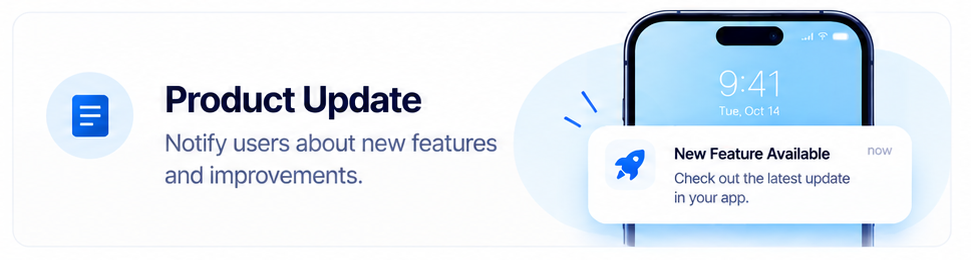
16. Report ready
Title: Your weekly report is ready
Message: Review activity from [date range] and see what changed.
Destination: The completed report.
17. Relevant feature update
Title: You can now [complete action]
Message: Update the app to use [feature] on your next [task].
Destination: The feature introduction or relevant app screen.
18. New content in a followed topic
Title: New in [followed topic]
Message: [Content title] is now available. Continue to the full update.
Destination: The specific article, episode, or update.
The release may matter internally without being relevant to every user.
How to adapt these push notification ideas
Before using a template:
- Replace placeholders with verified data and add fallbacks for missing values.
- Match the message to a clear audience or event.
- Confirm that the destination exists and the user can access it.
- Preview the title and body on both Android and iOS.
- Remove private lock-screen information.
- Stop reminders and follow-ups when the user completes the action.
- Measure the action promised by the notification, not only the tap.
Apple notifications can display alerts, sounds, and app-icon badges. Android templates support concise text, icons, and actions. Device settings and platform presentation still affect what users see. Review Apple’s notification documentation and Android’s notification design guidance before adapting creative copy for production.
For broader guidance on permission timing, segmentation, frequency, testing, and measurement, read our push notification best practices guide.
Create and measure messages with AppsOnAir
With AppsOnAir Push Notifications, mobile teams can manage Android and iOS notifications from one place. You can segment audiences by language, platform, app version, activity, and customer data.
Teams can prepare multiple language versions and review notifications sent, delivered, and opened. This helps turn an example of push notification copy into a targeted, measurable campaign.
Explore AppsOnAir Push Notifications to create more relevant notification campaigns for your mobile app.
Common push notification mistakes
Copying a template without checking context
A well-written message can still be wrong for the audience, timing, or account state.
Using vague or false urgency
Use “urgent” or “last chance” only for a real deadline or risk.
Opening the app homepage
Send the user to the order, booking, product, report, or task named in the message. Do not make them search for it.
Measuring only opens
Measure the completed action connected to the message, not only the open.
Sending private information to the lock screen
Remove unnecessary financial, health, account, or personal details from previews.
Frequently asked questions
What is a good example of push notification copy?
A good example gives useful context and a clear next step: “Your order has shipped. Track its latest delivery status.” It explains what happened and opens the relevant screen.
How long should push notification copy be?
Keep the title and message concise enough to communicate the main point without relying on expanded text. Preview every message on Android and iOS because visible space varies by device and settings.
What makes a push notification creative?
A creative push notification uses relevant context or a distinctive voice without hiding the message’s purpose. Clarity, timing, and usefulness matter more than jokes, emojis, or vague curiosity.
Can the same notification copy be used on Android and iOS?
The core message can remain consistent, but teams should preview each platform separately. Layout, visible text, actions, permission settings, and presentation can differ.
Final thoughts
Every example of push notification copy should answer three questions: what happened, why does it matter, and what should the user do next? Start with the event and user context, then adapt the wording to the audience, platform, and destination.
Useful notifications need accurate information, appropriate timing, and a clear path forward. With AppsOnAir Push Notifications, your team can target, send, and review Android and iOS notifications from one place. Explore AppsOnAir Push Notifications.









