


.svg)



Sharing app builds with stakeholders should be simple. Yet many development teams still rely on long download links, emails, messaging apps, or manual installation instructions. These methods often lead to confusion, outdated builds, and unnecessary delays.
Whether you're sharing a build with a client, product manager, investor, or QA team, the goal is the same: make it as easy as possible for them to install the latest version of your app.
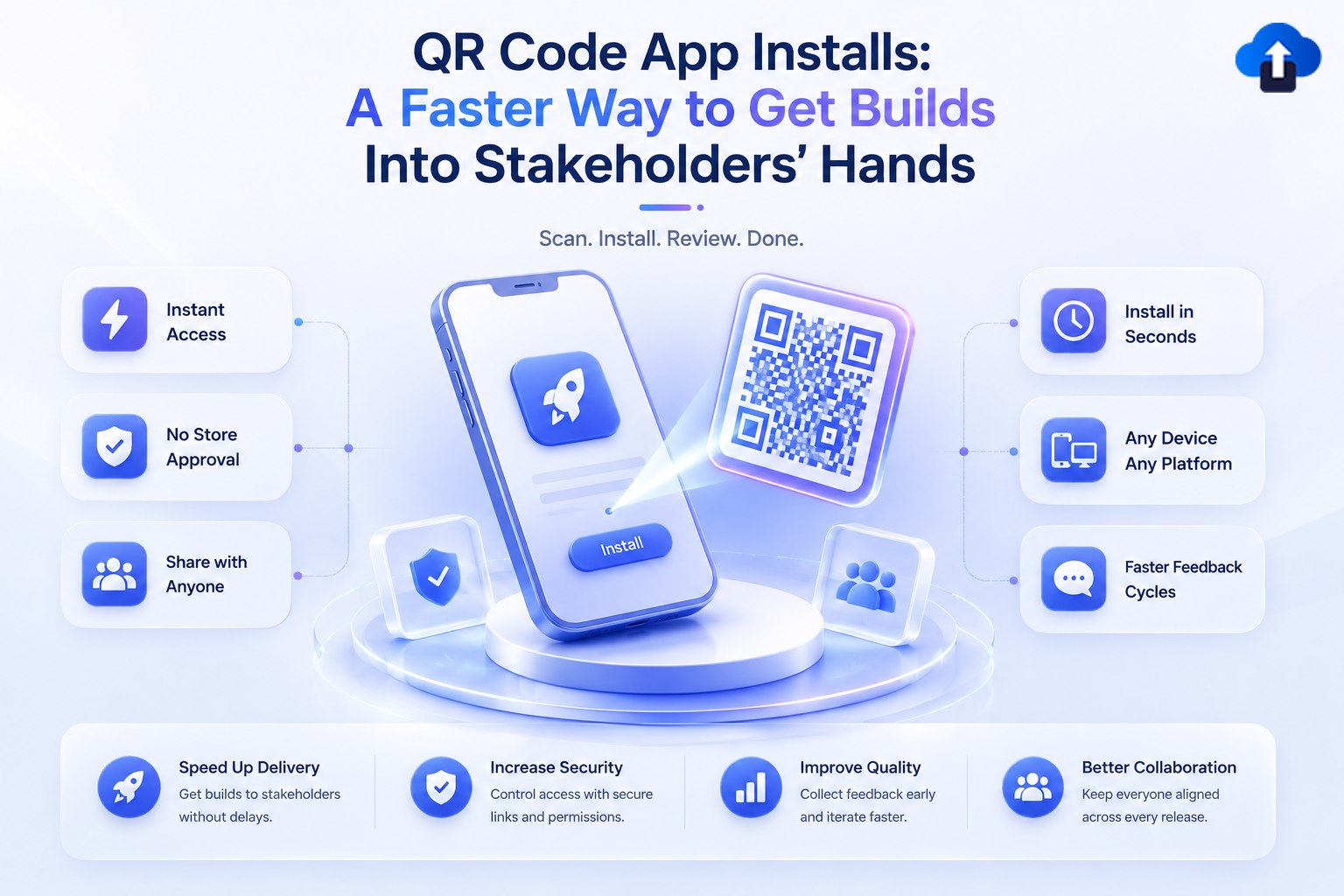
QR code app installs offer a faster and more convenient solution. By scanning a QR code with their mobile device, stakeholders can immediately access the latest build without typing URLs or searching through old messages.
In 2026, QR code-based build distribution has become an important part of modern mobile development workflows. It speeds up testing, improves collaboration, and helps teams collect feedback sooner.
What Are QR Code App Installs?
QR code app installs allow users to access an app build by scanning a QR code with their smartphone or tablet.
Instead of manually entering a download link, the QR code directs users to the correct installation page or build distribution portal.
How QR Code Build Distribution Works
The process is simple:
1. Developer uploads signed build to OTA platform

2. Platform generates unique / dynamic QR code

3. Stakeholder scans QR code with phone camera

4. Installation page opens automatically

5. User downloads & installs the latest build
This eliminates unnecessary steps and reduces installation errors.
Who Benefits From QR Code Installs?
QR code distribution is useful for anyone involved in the app development process, including:
It provides a quick and consistent way for everyone to access the correct build.
Why Traditional Build Sharing Slows Teams Down
Many organisations still use manual methods to distribute internal builds.
As projects become more complex, these approaches become increasingly inefficient.
Long Download Links
Long URLs are difficult to type and easy to copy incorrectly.
If stakeholders receive multiple links over time, they may accidentally install an outdated version.
Email Attachments and Messaging Apps
Sending builds through email or chat platforms often creates confusion.
Different team members may download different versions, making testing inconsistent and bug reports harder to reproduce.
Manual Installation Instructions
Explaining how to install every build takes time.
Stakeholders who are less familiar with development workflows may struggle with certificates, permissions, or installation steps.
QR codes simplify this process by taking users directly to the correct installation page.
Traditional Sharing vs QR Code Installs
Benefits of QR Code App Installs
QR code distribution offers advantages for both development teams and stakeholders.
Best Use Cases for QR Code Build Distribution
QR codes are useful in many development scenarios.
Best Practices for QR Code Build Distribution
QR codes are most effective when combined with a structured distribution process.
Always Link to the Latest Approved Build
Avoid creating a new QR code for every small update if possible.
Using a dynamic QR code that always points to the latest approved internal build helps reduce confusion.
Secure Access to Builds
QR codes should not provide unrestricted public access.
Protect installation pages with authentication or permission controls so that only authorised users can download internal builds.
Include Basic Build Information
After scanning the QR code, stakeholders should be able to see:
Providing this information improves communication and testing accuracy.
Track Installations
Monitoring build installations helps development teams understand:
These insights improve release management.
QR Codes and OTA Distribution
QR code installs become even more powerful when combined with OTA (Over-the-Air) distribution.
Faster Internal Distribution
Once a build is uploaded, developers simply share the QR code.
Stakeholders immediately access the latest version without waiting for additional distribution steps.
Simplified Version Management
Instead of maintaining multiple download links, teams can manage builds through a central OTA platform.
This keeps installations organised and reduces version confusion.
Better Collaboration
Developers, QA engineers, clients, and business stakeholders all use the same distribution method.
This creates a more consistent workflow and shortens feedback cycles.
How AppsOnAir Simplifies QR Code Build Distribution
AppsOnAir makes it easy for mobile development teams to distribute internal iOS and Android builds using secure OTA distribution and QR codes.
After uploading a build, teams can generate a QR code that authorised users scan to install the latest version quickly. Combined with build management, version tracking, release notes, and access controls, AppsOnAir helps organisations simplify internal testing and stakeholder reviews without relying on public app stores.
By reducing installation friction, AppsOnAir enables faster feedback, smoother collaboration, and shorter release cycles.
Common Mistakes to Avoid
One common mistake is creating separate static QR codes for every build without proper organisation. This can quickly become difficult to manage and may lead stakeholders to install outdated versions.
Another mistake is sharing QR codes without securing access to the underlying build. Internal applications often contain unfinished features or confidential information, so downloads should always be restricted to authorised users.
Some teams also fail to update release notes alongside new builds. Even when installation is easy, testers need to understand what has changed and which areas require validation.
Finally, avoid relying solely on email threads to distribute QR codes. Keeping build access within a central distribution platform ensures everyone can always find the latest approved version.
Frequently Asked Questions
What are QR code app installs?
QR code app installs allow users to scan a QR code with their mobile device to access and install an app build without manually entering a download link.
Why are QR codes useful for internal app distribution?
They simplify build installation, reduce errors, speed up stakeholder access, and eliminate the need to share long URLs through emails or messaging apps.
Can QR codes be used for both iOS and Android builds?
Yes. QR codes can direct users to the appropriate installation page for either platform, provided the build distribution process supports it.
Are QR code build installs secure?
Yes. When combined with secure OTA distribution, authentication, and access controls, QR code installs can safely deliver builds only to authorised users.
How does AppsOnAir support QR code build sharing?
AppsOnAir enables teams to upload internal builds, generate QR codes for quick installation, manage build versions, control user access, and distribute updates through a secure OTA platform.
Final Thoughts
The easier it is for stakeholders to install your app, the faster they can review features, verify bug fixes, and provide meaningful feedback. QR code app installs remove unnecessary friction from the build distribution process by replacing long download links and manual instructions with a simple scan.
When paired with a secure OTA distribution platform, QR codes become a powerful tool for accelerating QA, client reviews, and internal collaboration. As mobile development teams continue to embrace faster release cycles in 2026, QR code build distribution is becoming an essential part of efficient app delivery.
By making build access simple, secure, and consistent, teams can spend less time managing installations and more time building better mobile apps.








