

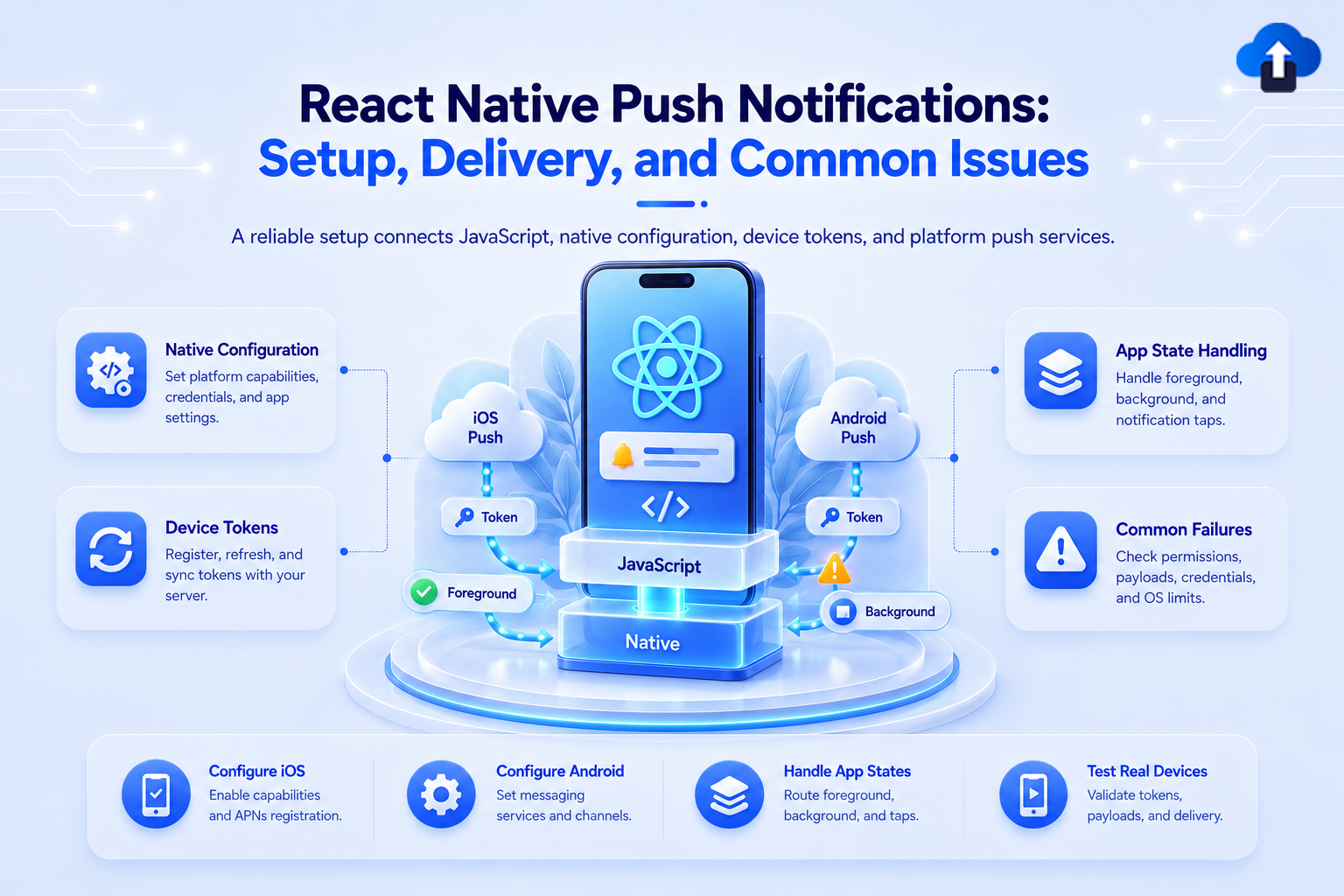
React Native gives you one codebase. Push notifications give you two credential systems, two permission models, two delivery pipelines, and a set of failure modes that differ by platform. This post covers the setup, the delivery states, and the problems teams hit in production.
Overview
The "one codebase" illusion breaks down quickly with push. On iOS, notifications flow through Apple Push Notification service (APNs), authenticated with a .p8 key and a signed JWT. On Android, they flow through Firebase Cloud Messaging (FCM), authenticated with a service account and OAuth 2.0 tokens. Your React Native code calls the same JS API in both cases, but everything below that layer - credentials, payload format, permission model, delivery guarantees - is platform-specific.
Getting push working correctly means configuring both platforms correctly, handling all three delivery states (foreground, background, killed), and knowing which problems look like app bugs but are actually credential or permission issues.
Setup on iOS
In Xcode, open your project and navigate to Signing & Capabilities. Add the Push Notifications capability. This writes the `aps-environment` entitlement (`development` or `production`) into your app's entitlements file. Without this, APNs rejects every token registration attempt silently - the device token call fires but the token is invalid.
If you need background push (silent notifications for data sync), also enable Background Modes and check Remote notifications In your AppDelegate, register for remote notifications:
// AppDelegate.mm
- (BOOL)application:(UIApplication *)application
    didFinishLaunchingWithOptions:(NSDictionary *)launchOptions {
  [application registerForRemoteNotifications];
  return YES;
}
- (void)application:(UIApplication *)application
    didRegisterForRemoteNotificationsWithDeviceToken:(NSData *)deviceToken {
  // Pass token to your push library
}
- (void)application:(UIApplication *)application
    didFailToRegisterForRemoteNotificationsWithError:(NSError *)error {
  NSLog(@"APNs registration failed: %@", error);
}
registerForRemoteNotifications is distinct from requesting the user-facing notification permission. The former registers the device with APNs and produces a token. The latter controls whether notifications are displayed to the user. Both are required.
In the Apple Developer portal, generate a .p8 APNs key under Keys. One key works across all your apps for the same team. Store it securely - it cannot be downloaded again after generation.
Setup on Android
Add google-services.json to android/app/. This file maps your app to your Firebase project. Without it, the FCM SDK fails to initialize at build time. Download it from the Firebase console under Project Settings.
In android/build.gradle, add the Google services classpath: (groovy)
buildscript {
  dependencies {
    classpath 'com.google.gms:google-services:4.4.2'
  }
}
In android/app/build.gradle, apply the plugin:
apply plugin: 'com.google.gms.google-services'Android 13+ (API 33) requires the POST_NOTIFICATIONS runtime permission: Apps targeting `targetSdkVersion 33` or higher must request it explicitly. A user who denies it twice cannot be re-prompted — your app cannot surface the system dialog again. The only recovery path is directing the user to Settings > App > Notifications
Request the permission before sending any notification-related content:
import { PermissionsAndroid, Platform } from 'react-native';
async function requestNotificationPermission() {
  if (Platform.OS === 'android' && Platform.Version >= 33) {
    const result = await PermissionsAndroid.request(
      PermissionsAndroid.PERMISSIONS.POST_NOTIFICATIONS,
    );
    return result === PermissionsAndroid.RESULTS.GRANTED;
  }
  return true;
Library: @react-native-firebase/messaging
@react-native-firebase/messaging is the standard React Native push library. It wraps APNs on iOS and FCM on Android behind a unified API.
Token retrieval:
import messaging from '@react-native-firebase/messaging';
async function getToken() {
  const authStatus = await messaging().requestPermission();
  const enabled =
    authStatus === messaging.AuthorizationStatus.AUTHORIZED ||
    authStatus === messaging.AuthorizationStatus.PROVISIONAL;
  if (enabled) {
    const token = await messaging().getToken();
    // Send token to your backend
    return token;
  }
}
Foreground message handler: fires when the app is open and in the foreground. Foreground messages do not display a system notification automatically on either platform; you must render a local notification or in-app UI.
useEffect(() => {
  const unsubscribe = messaging().onMessage(async remoteMessage => {
    console.log('Foreground message:', remoteMessage);
    // Display in-app notification or local notification here
  });
  return unsubscribe;
}, []);
Background handler: must be registered outside of any component, at the root of your entry file (`index.js`). The handler runs in a separate JS context when the app is in the background or killed.
// index.js -- outside of AppRegistry
messaging().setBackgroundMessageHandler(async remoteMessage => {
  console.log('Background message:', remoteMessage);
});
Delivery States
React Native push has three delivery states, and handling only one is a common source of missed notifications.
Foreground - handled by onMessage. The notification is delivered while the app is active. No system UI is shown unless you explicitly trigger a local notification.
Background - handled by setBackgroundMessageHandler. The app is running but not in the foreground. The system displays the notification automatically. Your handler runs for data-only messages.
Killed/quit state - the app was not running when the notification arrived. Use `getInitialNotification` to retrieve the notification that launched the app.
useEffect(() => {
  messaging()
    .getInitialNotification()
    .then(remoteMessage => {
      if (remoteMessage) {
        // App was opened from a notification in killed state
        console.log('Notification opened app:', remoteMessage.notification);
      }
    });
}, []);
For notifications tapped while the app was in the background (not killed), use onNotificationOpenedApp:
useEffect(() => {
  const unsubscribe = messaging().onNotificationOpenedApp(remoteMessage => {
    console.log('Notification opened from background:', remoteMessage.notification);
  });
  return unsubscribe;
}, []);
Common Integration Problems
Permission denied permanently on Android: If POST_NOTIFICATIONS is denied twice, PermissionsAndroid.request returns never_ask_again. No dialog will appear on future requests. Your only option is to surface a prompt directing the user to system Settings. Do not call request again - it does nothing and does not inform the user why notifications are not working.
Token not updating after reinstall: FCM tokens change on reinstall, on data clear, and when the app is restored from a backup. If your backend stores only the initial token, sends to reinstalled devices fail silently. Subscribe to messaging().onTokenRefresh at app startup and update your backend whenever the token changes:
messaging().onTokenRefresh(token => {
  updateBackendToken(token);
});
iOS Simulator limitations: APNs does not work on the iOS Simulator for physical push delivery. You cannot receive real remote notifications on a Simulator. For foreground and background handler testing, use `messaging().sendMessage` for local FCM simulation, or use a physical device. The Simulator returns a valid-looking device token in some configurations, but APNs rejects it at send time.
Background delivery throttling: iOS throttles background push (content-available) delivery based on the app's background execution budget. Apps that use excessive CPU or return `.noData` frequently are deprioritized for future background pushes. This is an OS-level decision, not an app bug. It causes intermittent background delivery failures that are difficult to reproduce and do not appear in FCM send logs. Minimize work inside setBackgroundMessageHandler and return promptly
AppsOnAir and React Native Push
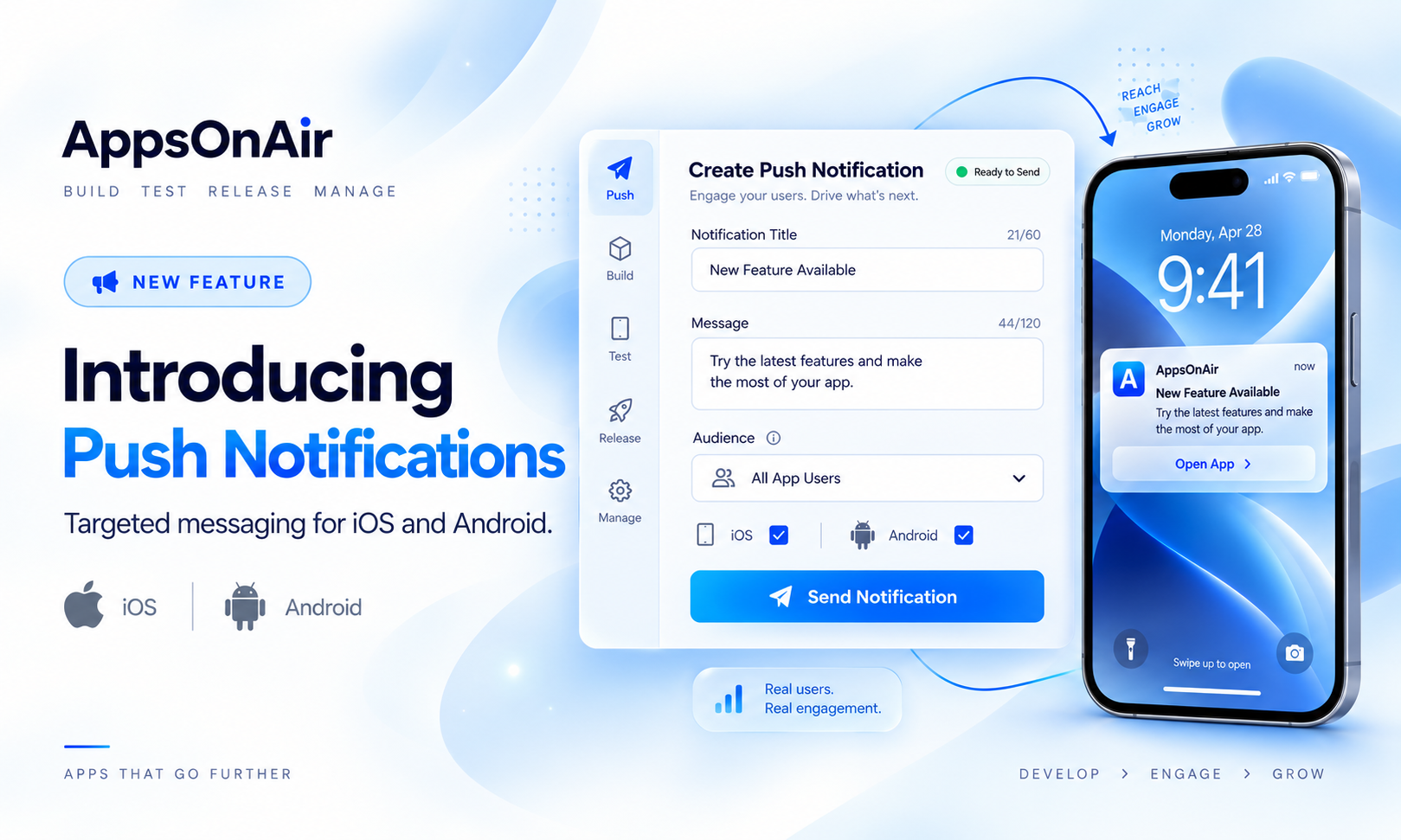
AppsOnAir integrates with React Native apps without requiring you to manage platform credentials in your own infrastructure. You configure your APNs .p8` key and FCM service account JSON once in the AppsOnAir portal. The SDK handles token registration, token refresh, and delivery routing for both platforms from a single integration point.
Push targeting in AppsOnAir maps to the same distribution groups you use for OTA builds — you can send a notification to a specific app version, a specific tester group, or a custom segment without building your own segmentation layer. Delivery analytics (sent, delivered, opened) are available in the portal without a custom pipeline.
If you are already using AppsOnAir for OTA distribution, AppsOnAir push notification is an extension of the same setup, not a separate integration.