

Transactional notifications inform users about an event connected to their account, activity, booking, payment, order, or service. The event creates the reason for the message. A general campaign schedule does not.
These notifications can confirm an action, report a status change, request attention, or help someone complete the next step. This guide explains the main types, how they differ from promotional messages, and what mobile teams should consider before sending them.
What are transactional notifications?
These messages are generated by a specific event or status associated with a user. The word “transactional” does not refer only to financial transactions.
An order shipment, password change, appointment reminder, payment failure, support update, or expiring task can all create a valid reason to notify someone. In each case, the message should help the affected user understand the event or take an appropriate action.
A transactional message normally has four characteristics:
- A defined trigger: A user action, account event, system update, or scheduled commitment creates it.
- A specific recipient: The message goes only to the user or group affected by that event.
- Useful context: It explains what happened without exposing unnecessary private information.
- A relevant destination: Tapping it opens the order, booking, account, task, or status mentioned.
The primary purpose is service communication. If the main goal is to promote an offer, the message is promotional instead.
Transactional notifications vs promotional notifications
The difference comes from purpose and trigger, not wording alone.
Do not add an unrelated discount to a receipt, security warning, or other essential update.
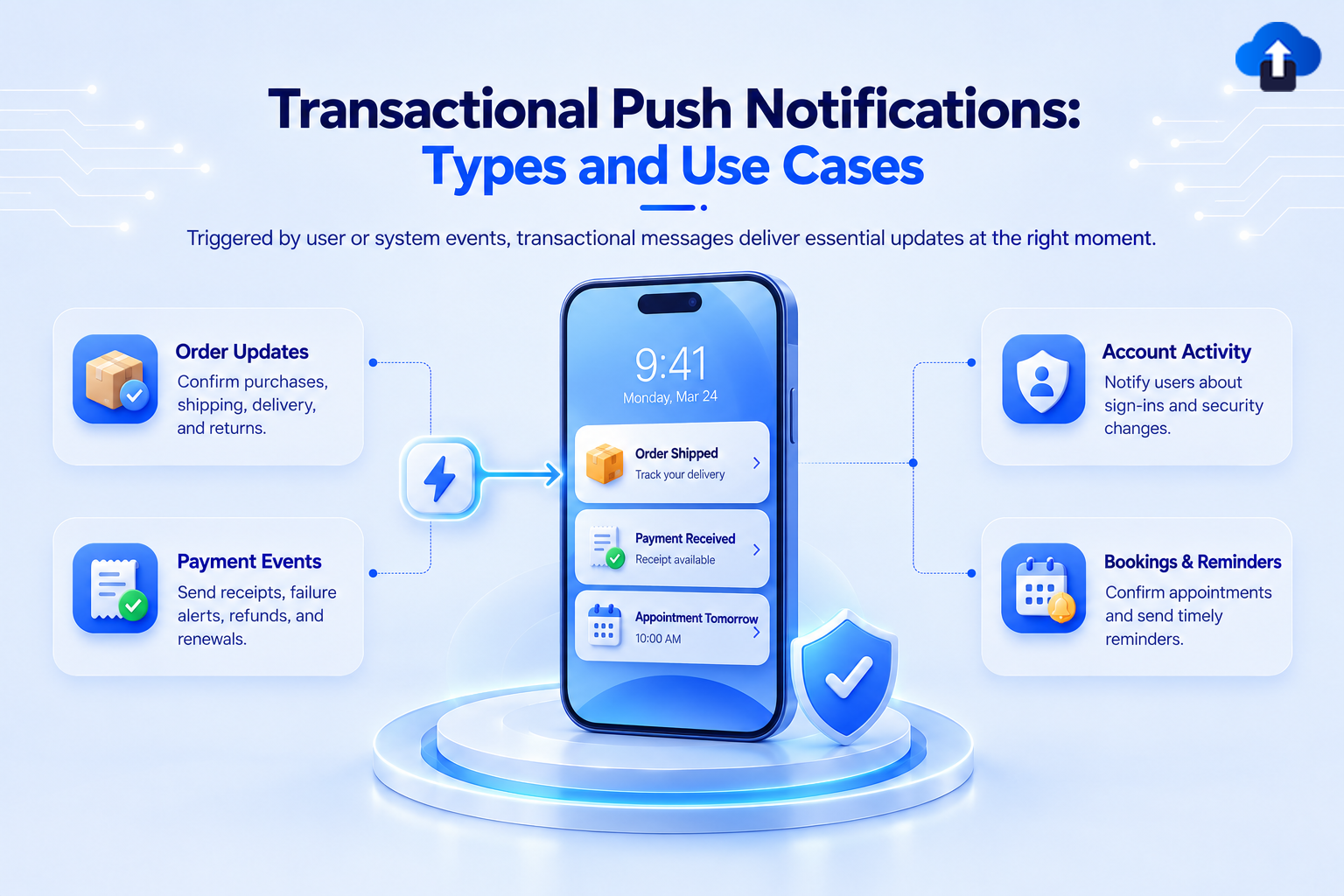
Types of transactional push notifications
The most useful categories reflect events users already recognize inside the app.
1. Order and delivery updates
These transaction messages confirm purchases and report milestones such as order confirmation, shipping, delays, arrival, and delivery. Include the current status, useful timing, and a direct link to the order. Skip internal logistics events that do not change what the user needs to know.
2. Payment and billing updates
Payment messages can confirm a charge, report a failure, provide a receipt, or warn about a renewal problem. Name the event and next step without placing sensitive financial information on the lock screen.
3. Account and security alerts
Security alerts may cover a new sign-in, password change, recovery request, verification event, or suspicious activity. Use direct wording and open the relevant security screen rather than the homepage.
4. Booking and appointment updates
Bookings can generate confirmations, reminders, rescheduling notices, location changes, or cancellations. Include the relevant date and time, then stop pending reminders when the status changes.
5. Service and status updates
Apps may need to communicate a service interruption, travel change, ride arrival, support update, or completed task. Send the alert only to affected users.
6. Tasks, approvals, and workflow updates
Productivity apps can notify users when a task is assigned, approval is required, document is ready, or deadline is approaching. Identify the affected task, open it directly, and remove stale information when its status changes.
For more message formats across these and other categories, see our push notification examples for mobile apps.
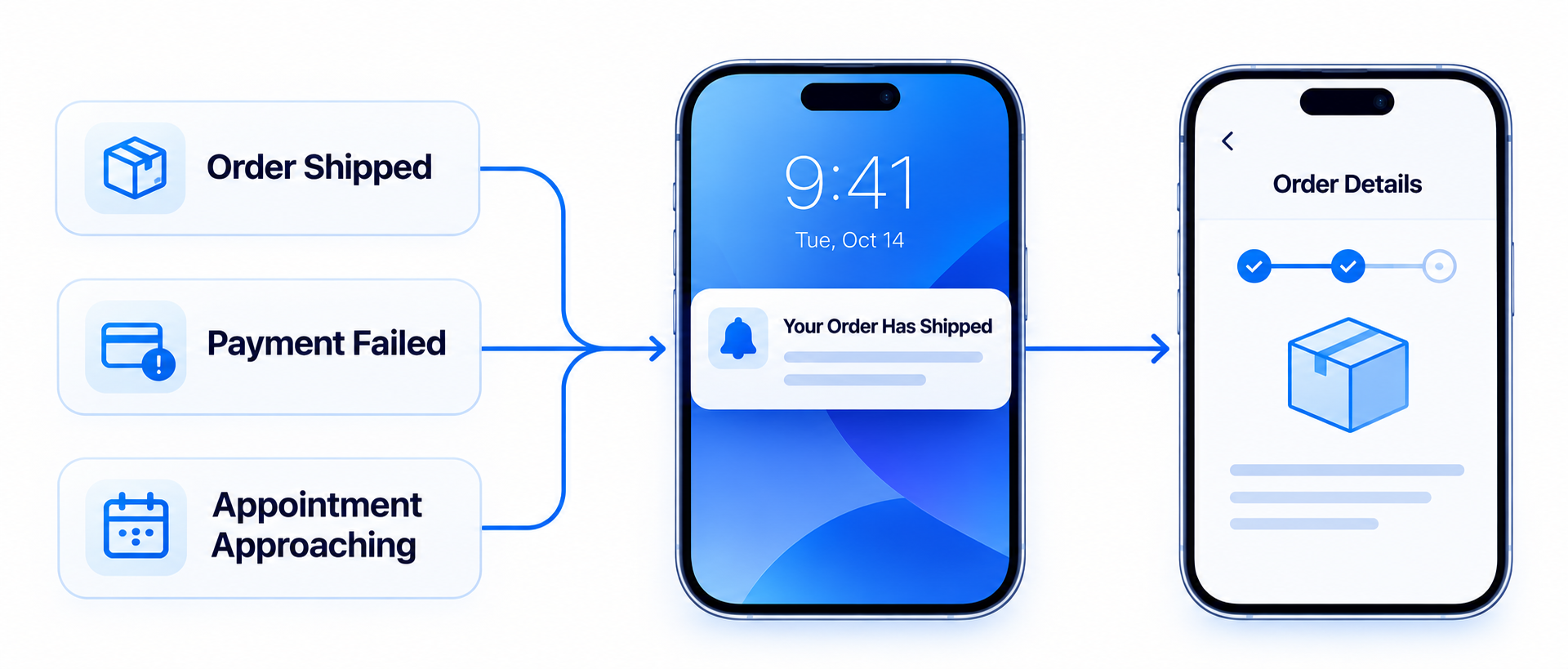
How to design the workflow
Reliable workflows require more than a title and message. Define the full path before launch:
- Confirm the trigger: Send only after the source system reaches the required state.
- Check eligibility: Confirm that the recipient owns or is affected by the order, booking, task, or account.
- Prevent duplicates: Create rules for retries, repeated events, cancellations, and status changes.
- Match urgency: A security warning may need attention now, while a receipt can use normal delivery.
- Open the correct screen: Test authentication, expired links, unavailable items, and fallback routes.
- Measure the result: Review delivery and opens, plus the action connected to the message.
Which transaction messages need urgency?
Transactional does not automatically mean urgent. Use prominent delivery only when delay reduces the message’s value or creates meaningful risk.
Messages that may justify greater urgency include:
- A suspicious sign-in that requires review
- A flight gate or departure-time change
- A ride or delivery arriving shortly
- A time-limited approval blocking an active workflow
An order receipt, completed report, or routine confirmation usually does not need the same treatment. Apple recommends its Time Sensitive interruption level only for information that matters in the moment. Android also reserves higher-importance presentation for information requiring immediate attention.
Delivery expectations and user control
Mobile teams should not describe push delivery as guaranteed. Permissions, notification settings, networks, device state, operating-system rules, and invalid tokens can affect delivery or visibility.
Apple attempts timely delivery but does not guarantee it. Android 13 and later require permission for most non-exempt notifications.
For transactional notifications where missed delivery creates a serious operational, financial, safety, or legal consequence, consider an appropriate fallback channel or in-app status.
Manage messages with AppsOnAir
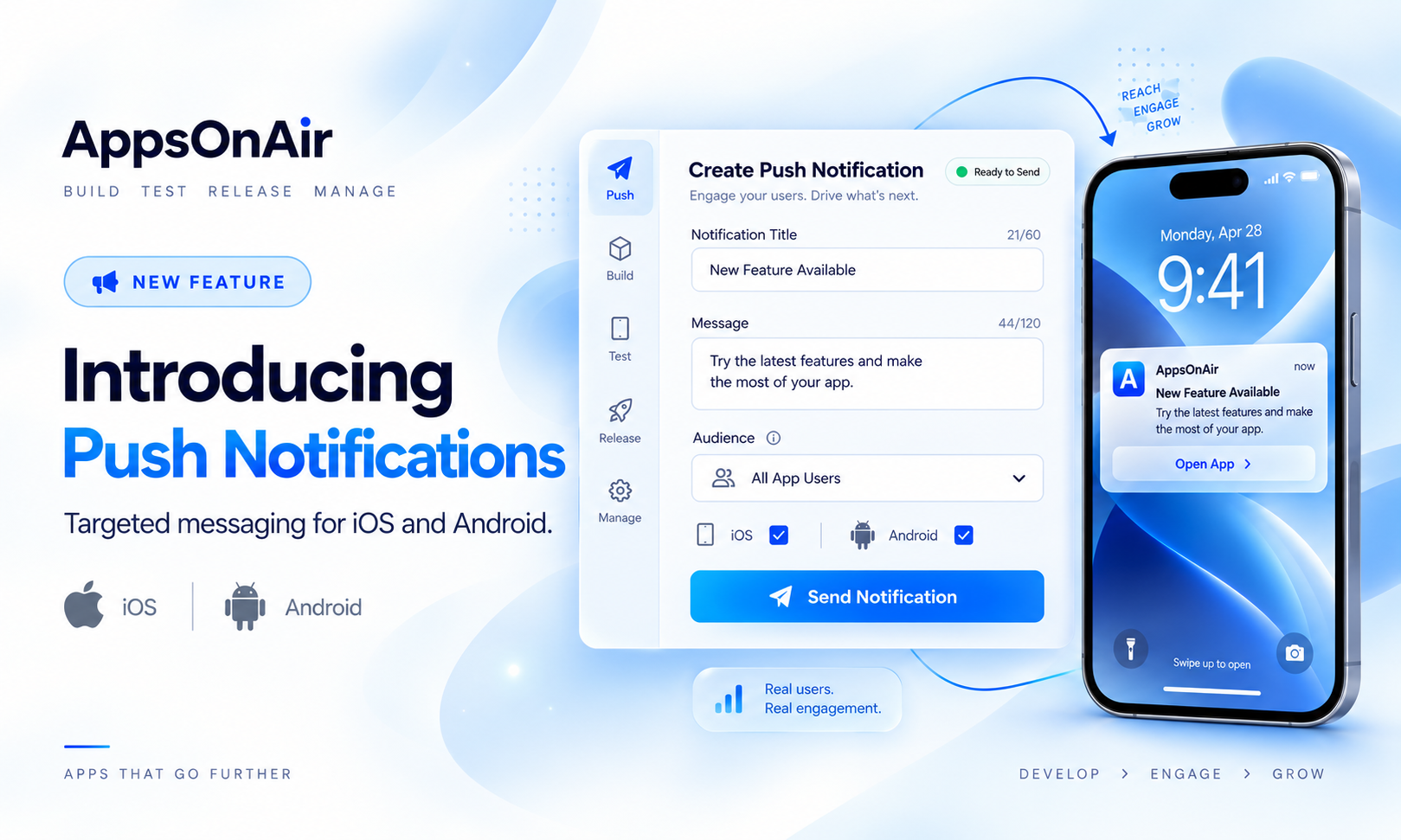
With AppsOnAir Push Notifications, mobile teams can manage notifications for Android and iOS from one place. You can target audiences using language, platform, app version, activity, segments, and customer data.
Teams can prepare multiple language versions and review recipients, sent, delivered, and opened counts. This helps confirm whether a message reached the intended audience.
AppsOnAir Push supports deep links, so a configured notification can open the relevant order, booking, account, or task screen.
Explore AppsOnAir Push Notifications to manage targeted mobile notifications across Android and iOS.
Common transactional notification mistakes
Treating every operational event as notification-worthy
Notify users when the event changes what they know or need to do. Internal status changes do not always require interruption.
Mixing promotions into expected updates
Keep receipts, security alerts, and essential service updates focused on their original purpose.
Sending an outdated status
Check the latest system state before sending delayed reminders, availability messages, or booking updates.
Exposing private information
Assume someone else may see the lock-screen preview. Include only the context needed to understand the event.
Frequently asked questions
What is a transactional notification?
A transactional notification is triggered by a specific user, account, system, or service event. It confirms an action, reports a change, requests attention, or supports the user’s next step.
Are transactional notifications only about payments?
No. They can cover orders, deliveries, bookings, security events, account changes, tasks, approvals, reminders, and service-status updates.
What is the difference between transactional and promotional notifications?
Transactional messages communicate information connected to a specific event affecting the recipient. Promotional messages aim to encourage discovery, engagement, or a purchase through a campaign.
Are transactional notifications always urgent?
No. Urgency depends on how quickly the user must know or act. A security warning may need immediate attention, while an order receipt usually does not.
Final thoughts
Transactional notifications work best when they communicate a real event to the right user at the right time. Each message should provide useful context, match the event’s actual urgency, and open the relevant destination.
Build the workflow around accurate triggers, recipient checks, deduplication, stop conditions, privacy, and measurement. Use promotional messages separately for campaigns designed to drive demand.
With AppsOnAir Push, mobile teams can target, send, and review Android and iOS notifications from one place. Explore AppsOnAir Push Notifications.