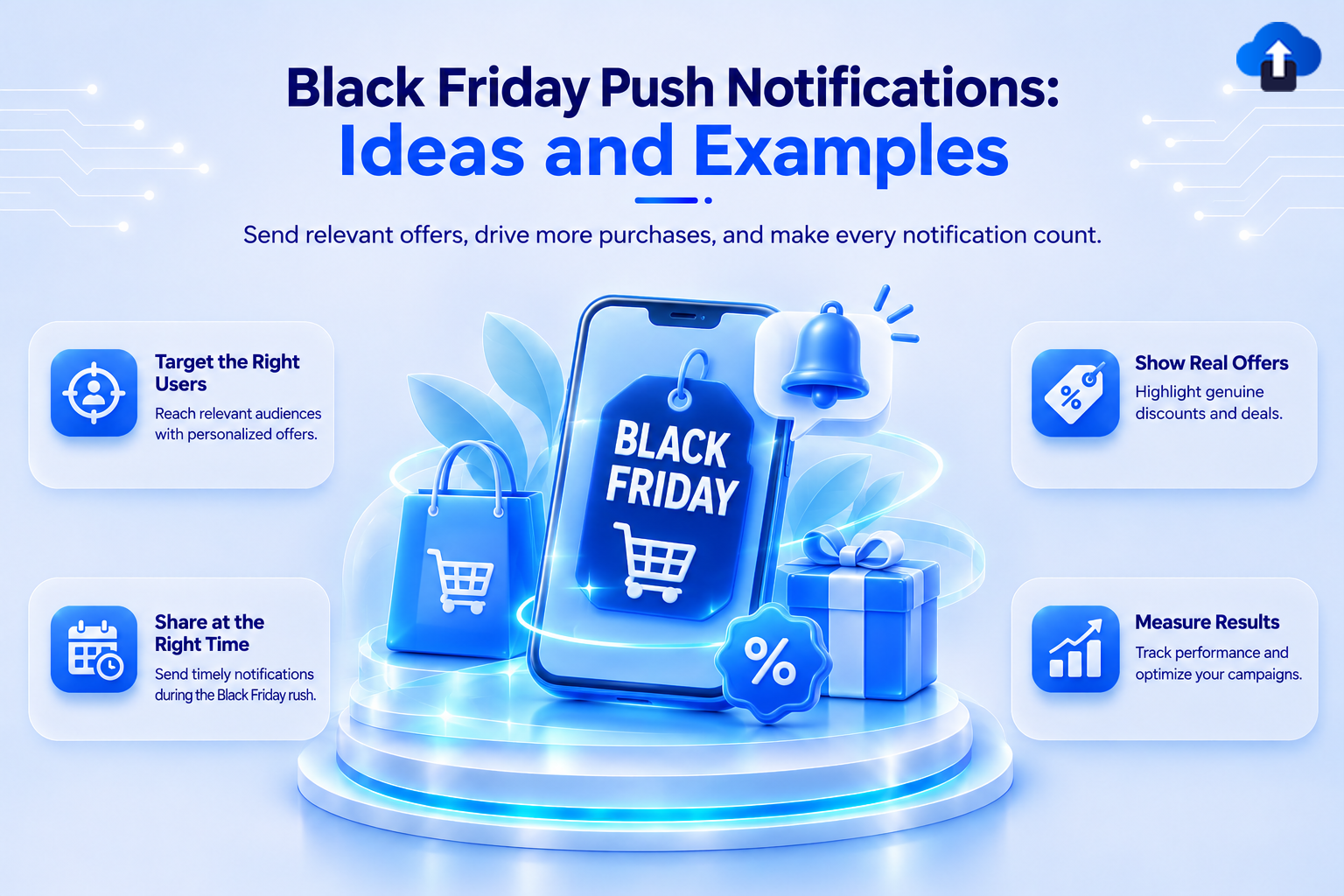
Black Friday gives mobile apps a short window to share useful offers, price changes and availability updates. However, Black Friday push notifications work only when the message matches the recipient, the deadline is genuine and the tap leads directly to the advertised offer.
This guide provides practical campaign ideas, adaptable copy examples and a simple planning process for mobile app teams. The goal is not to send more messages. It is to make each notification relevant enough to deserve attention.
Table of contents
- What makes Black Friday push notifications useful?
- Black Friday push notification ideas and examples
- How to plan Black Friday push notifications
- How many Black Friday notifications should you send?
- Manage Black Friday campaigns with AppsOnAir Push
- Common mistakes to avoid
- Frequently asked questions
- Final thoughts
What makes Black Friday push notifications useful?
Black Friday campaigns create several genuine reasons to contact app users. A saved product may drop in price, an eligible customer may receive a member preview, or limited stock may become available again. Each event can support a specific and useful message.
The notification should answer four questions quickly:
- What is available?
- Why is it relevant to this user?
- When does the genuine offer end?
- Where will the user land after tapping?
Apple recommends concise, informative notifications and advises apps to avoid sending repeated messages about the same thing. Android similarly describes notifications as brief, timely and relevant. These principles matter even more during a promotion-heavy period when many apps compete for attention.
Review Apple’s notification guidance and Android’s notification design guidance before finalizing campaign copy and delivery behaviour.
Black Friday push notification ideas and examples
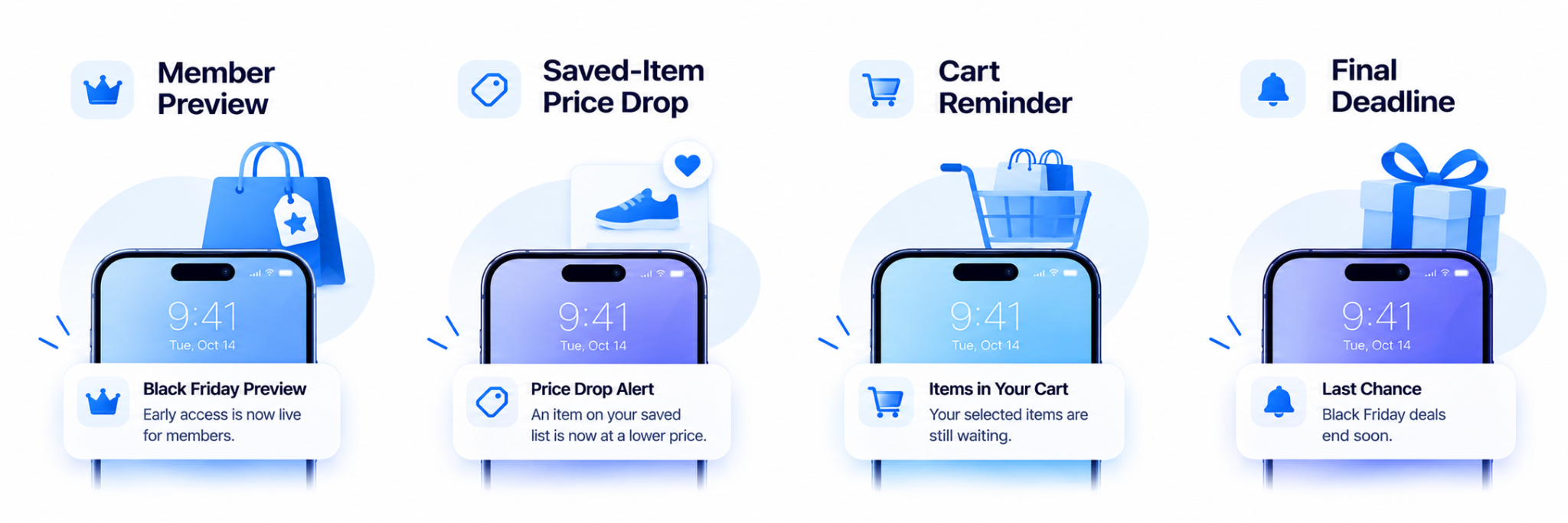
Use the following ideas as starting points. Replace every placeholder with accurate offer, inventory and eligibility information before sending.
Not every user should receive every example. A cart reminder requires an active cart. A saved-item message requires a saved product and a verified price change. A loyalty offer should go only to eligible members.
For additional patterns, see these push notification examples for mobile apps.
How to plan Black Friday push notifications
Start with the offer and eligibility
Document the exact offer, eligible products, regions, customer groups, start time and end time. The notification should not promise a discount that disappears after the tap or applies only after undisclosed conditions.
Build purpose-based audience segments
Create segments that match the campaign reason. Useful groups may include loyalty members, recent category viewers, users with saved products, active carts or customers who opted into promotional updates.
Avoid using personal data merely because it is available. Personalization should help the user understand why the message is relevant.
Connect each message to one destination
A category offer should open the eligible category. A cart reminder should restore the cart. A saved-item alert should open that product and selected variant. Confirm the deep link, sign-in behaviour and fallback destination before launch.
Choose one measurable outcome
Match the metric to the message. Track completed purchases for cart reminders, eligible product views for category announcements and reward use for loyalty notifications. Opens alone do not show whether the campaign delivered the intended result.
How many Black Friday notifications should you send?
There is no universal number. The appropriate frequency depends on the user’s activity, the value of the offer and whether something meaningful changed.
A simple campaign might include a member-preview or launch message, a behaviour-based reminder and one final message before a genuine deadline. That does not mean every eligible user should receive all three.
Suppress reminders after a purchase, remove users when stock or eligibility changes and avoid sending another notification only because the previous one was not opened.
Apply the broader principles in this push notification best-practices guide when deciding timing, frequency and audience rules.
Manage Black Friday campaigns with AppsOnAir Push Notifications
AppsOnAir Push Notifications lets mobile teams compose a title and message, add an image or deep link, define an audience and review results from one place. Audience options include subscribed users, saved segments and filters based on attributes such as tags, language, country and session activity.
After sending, teams can review recipients, sent, delivered, opened and failed counts. Use that delivery reporting alongside in-app purchase or conversion data to understand the complete campaign result.
Explore AppsOnAir Push Notifications
Common mistakes to avoid
- Sending the same offer to everyone: Match each message to eligibility, interest or behaviour.
- Using false urgency: Use countdowns and final reminders only when the deadline is real.
- Hiding important conditions: State the core restriction clearly and show full terms at the destination.
- Linking to the app homepage: Open the product, cart, reward or collection named in the message.
- Continuing after conversion: Stop promotional reminders after the user completes the purchase.
- Ignoring inventory changes: Suppress or update messages when products or variants become unavailable.
- Measuring only opens: Review the purchase, reward use or other intended outcome.
Frequently asked questions
When should Black Friday push notifications begin?
Begin when the user can act on a real offer, such as a verified member preview or the start of the public campaign. Avoid announcing an offer repeatedly before the destination is available.
Should every app user receive the same message?
No. Segment users according to eligibility, preferences and relevant behaviour. Broad sends can expose users to unavailable or irrelevant offers.
Can I send a final-hours notification?
Yes, when the deadline is accurate and the user remains eligible. Suppress it for people who already purchased or opted out of promotional messages.
What should a Black Friday push notification link to?
Link to the exact product, cart, reward or filtered offer page described in the notification. Test the destination for signed-in and signed-out users before sending.
Final thoughts
Effective Black Friday push notifications are specific, relevant and easy to act on. Start with a genuine campaign event, select the smallest appropriate audience and connect the message to the correct in-app destination.
Protecting user attention is more valuable than maximizing send volume. When each notification has a clear reason, accurate information and a measurable outcome, it can support the campaign without adding unnecessary noise.