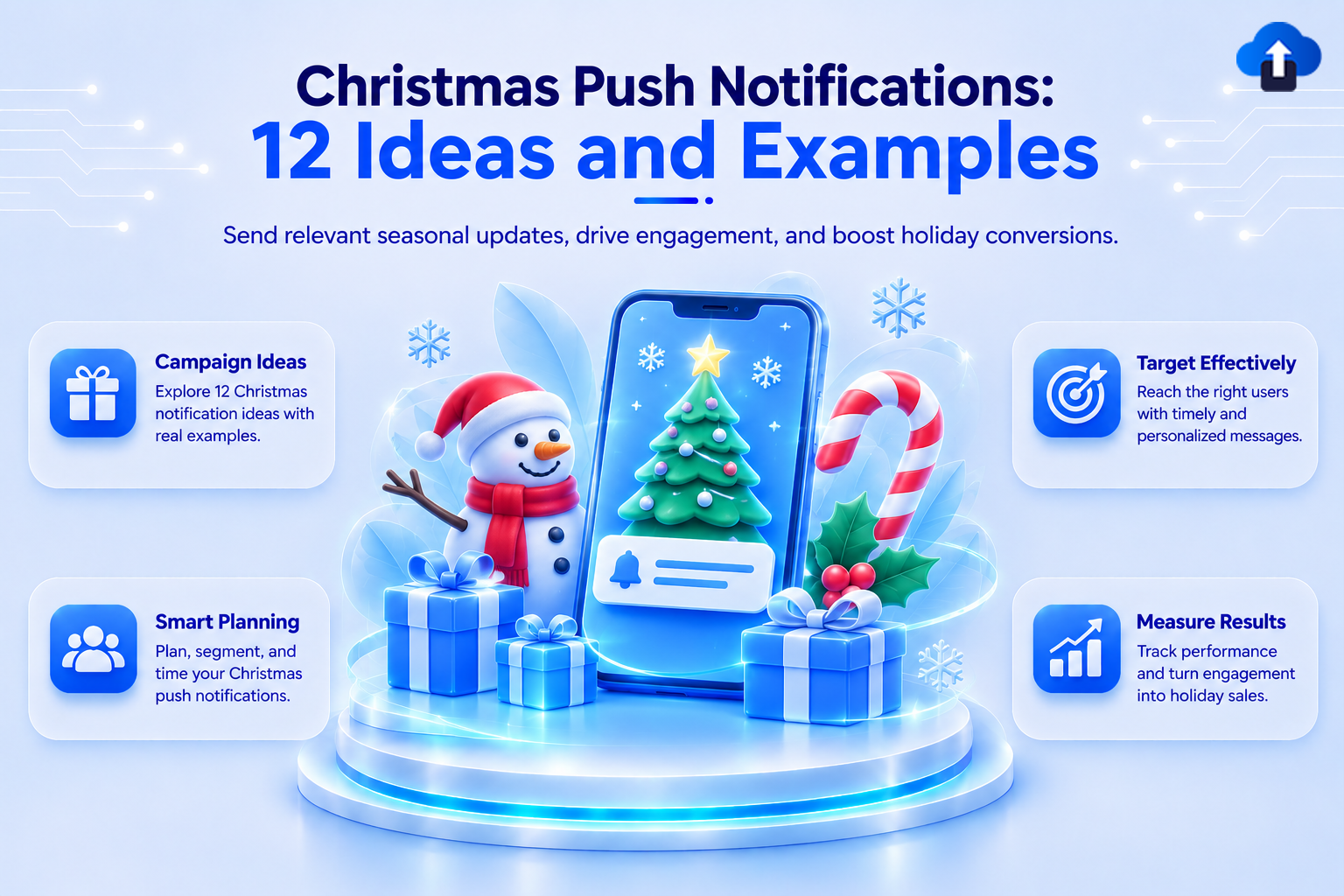
Christmas push notifications help mobile teams share useful seasonal updates without turning every message into a generic promotion. The strongest campaigns connect each notification to a clear user need, such as a saved-item discount, delivery cutoff, booking reminder, event update, or content recommendation.
This guide provides practical ideas, original examples, and a simple planning process for mobile app teams. Adapt the wording to your audience, offer, location, and brand voice before sending.
Table of contents
- Why Christmas push notifications need a distinct plan
- 12 Christmas campaign ideas and examples
- How to plan a Christmas notification campaign
- Manage Christmas campaigns with AppsOnAir Push Notifications
- Common mistakes to avoid
- Frequently asked questions
- Final thoughts
Why Christmas Push Notifications Need a Distinct Plan
December creates more reasons to contact users and more competition for attention. Retail apps may share gift or shipping updates, while travel, content, food delivery, and event apps have different seasonal moments.
Strong Christmas push notifications focus on context rather than adding festive language to an ordinary promotion. A useful message should answer three questions quickly: Why is this relevant to the recipient? Why does it matter now? What happens after the tap?
Apple’s notification guidance recommends concise messages and warns against repeating the same update. Apple also requires explicit consent for promotional notifications. Android’s guidance similarly emphasizes brief, timely, and relevant information.
12 Christmas Campaign Ideas and Examples
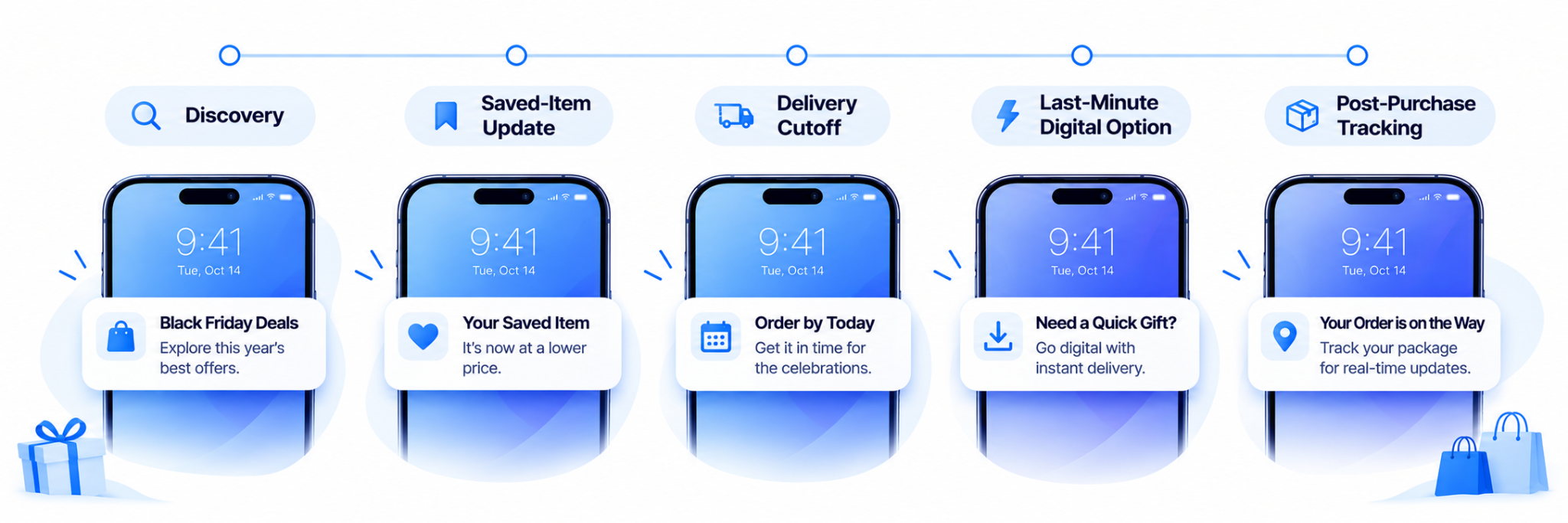
These Christmas push notifications cover different stages of the customer journey. The examples are starting points, not universal templates. Replace broad claims with accurate details from your campaign.
Choose examples based on real activity. A cart reminder should go only to someone with a current cart, while delivery promises must reflect location and current capacity.
For more inspiration beyond the holiday period, see these push notification examples for mobile apps.
How to Plan a Christmas Notification Campaign
A short plan prevents overlapping messages and late copy changes. Christmas push notifications should support a specific outcome while respecting user preferences.
Start With the User Moment
Define what happened before the notification. A saved product, active cart, trip, event registration, or delivery request should determine the message. Do not treat new users, frequent buyers, and recent customers as one audience.
Segment by Relevance
Relevant criteria may include location, language, platform, activity, purchase status, interests, and preferences. Use permitted data and never reveal sensitive details on the lock screen.
Segmentation also prevents expired regional deadlines or acquisition offers from reaching existing buyers.
Match Timing to the Message
A gift guide can arrive early, while a delivery change may need prompt attention. Base timing on the action window, recipient time zone, and message value.
Apple says promotional messages must not use the Time Sensitive interruption level. Therefore, do not create artificial system-level urgency for a seasonal offer.
Write for a Quick Decision
Use the title for the main value or update. Use the body for the essential condition, deadline, or next step.
Avoid vague festive phrases, exaggerated scarcity, and deadlines the app cannot honour.
Deep Link to the Relevant Screen
A tap should continue the message. It should open the saved item, event details, booking, offer, or delivery-tracking page.
Test each destination for signed-in, signed-out, eligible, and ineligible users.
Coordinate the Full Campaign
Map promotions alongside transactional updates, email, and in-app messages. Use suppression rules so users leave reminder audiences after completing the intended action.
For broader guidance, review these push notification best practices.
Manage Christmas Campaigns With AppsOnAir Push Notifications
AppsOnAir Push Notifications can help mobile teams create, target, send, and review seasonal campaigns from one place. Teams can use saved segments or filters based on tags, language, country, and session activity.
Teams can also create language-specific versions, add a deep link or web URL, and use supported media or action buttons. After sending, they can review recipients, sent, delivered, opened, and failed metrics.
Treat those results as directional evidence. Connect campaign reporting with the intended in-app outcome, such as a purchase, booking, content view, or account action.
Explore AppsOnAir Push Notifications to manage targeted messages across iOS and Android.
Common Mistakes to Avoid
The biggest risk with Christmas push notifications is sending more messages without improving relevance. Avoid these common problems:
- Sending the same promotion to every subscribed user
- Repeating a message because someone did not open the first one
- Using false urgency or unclear terms
- Promising delivery without checking location and capacity
- Sending after an offer, event, or cutoff has expired
- Opening the app home screen instead of the relevant destination
- Including private order, financial, or health details on the lock screen
- Measuring success only by opens instead of the intended outcome
Before sending, confirm the audience, copy, destination, eligibility, time zone, and fallback behaviour. Test devices can help catch broken links, incorrect personalization, and confusing wording.
Frequently Asked Questions
When Should Christmas Push Notifications Start?
Start when the message becomes useful. Gift discovery may begin weeks ahead, while delivery and event updates should follow the real service timeline.
How Many Christmas Notifications Should an App Send?
There is no universal number. Base frequency on value, consent, campaign length, other messages, and user response. Stop reminders after the user acts.
Should Every Christmas Notification Include a Discount?
No. Useful seasonal messages can include delivery updates, booking reminders, gift guides, event details, content recommendations, pickup options, and service-hour changes.
Can Teams Send the Same Copy to Every Country?
Usually not. Language, holidays, delivery capacity, time zones, currencies, and offer terms may differ. Localize the message and its destination experience.
What Should Teams Measure?
Track delivery and opens, then connect each campaign to its intended outcome. That could be a purchase, booking, content view, pickup selection, or account action.
Final Thoughts
The best Christmas push notifications are useful before they are festive. They reflect real user context, explain the value quickly, and lead to the correct place in the app.
Build a small campaign map, segment carefully, verify every claim, and stop messages when they are no longer relevant. This approach helps mobile teams support seasonal goals without sacrificing user trust.