
Android

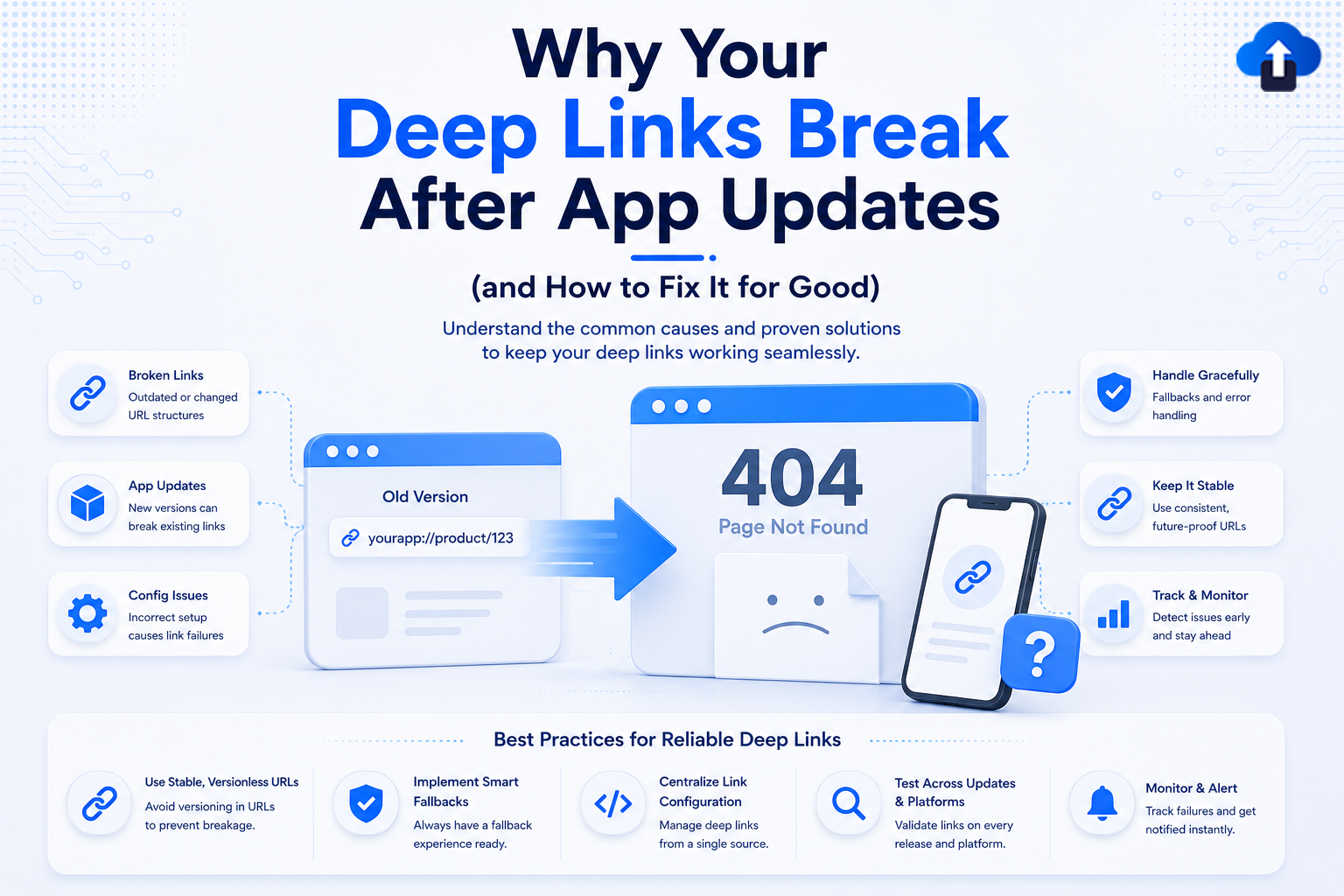
An infographic titled "Why Your Deep Links Break After App Updates (and How to Fix It for Good)." The center displays a 3D illustration of an old version window pointing an arrow to a "404 Page Not Found" screen alongside a smartphone showing a broken link icon. The left column lists common causes: Broken Links (outdated structures), App Updates (new versions breaking links), and Config Issues (incorrect setup). The right column highlights fixes: Handle Gracefully (fallbacks and error handling), Keep It Stable (consistent URLs), and Track & Monitor (early detection). A bottom banner features "Best Practices for Reliable Deep Links," including using stable versionless URLs, implementing smart fallbacks, centralizing link configuration, testing across updates, and setting up monitor alerts.
Mobile App Strategy
All
Why Your Deep Links Break After App Updates (and How to Fix It for Good)
Fix broken deep links for good. Learn why app updates disrupt your iOS and Android links and explore best practices to maintain a seamless user experience.
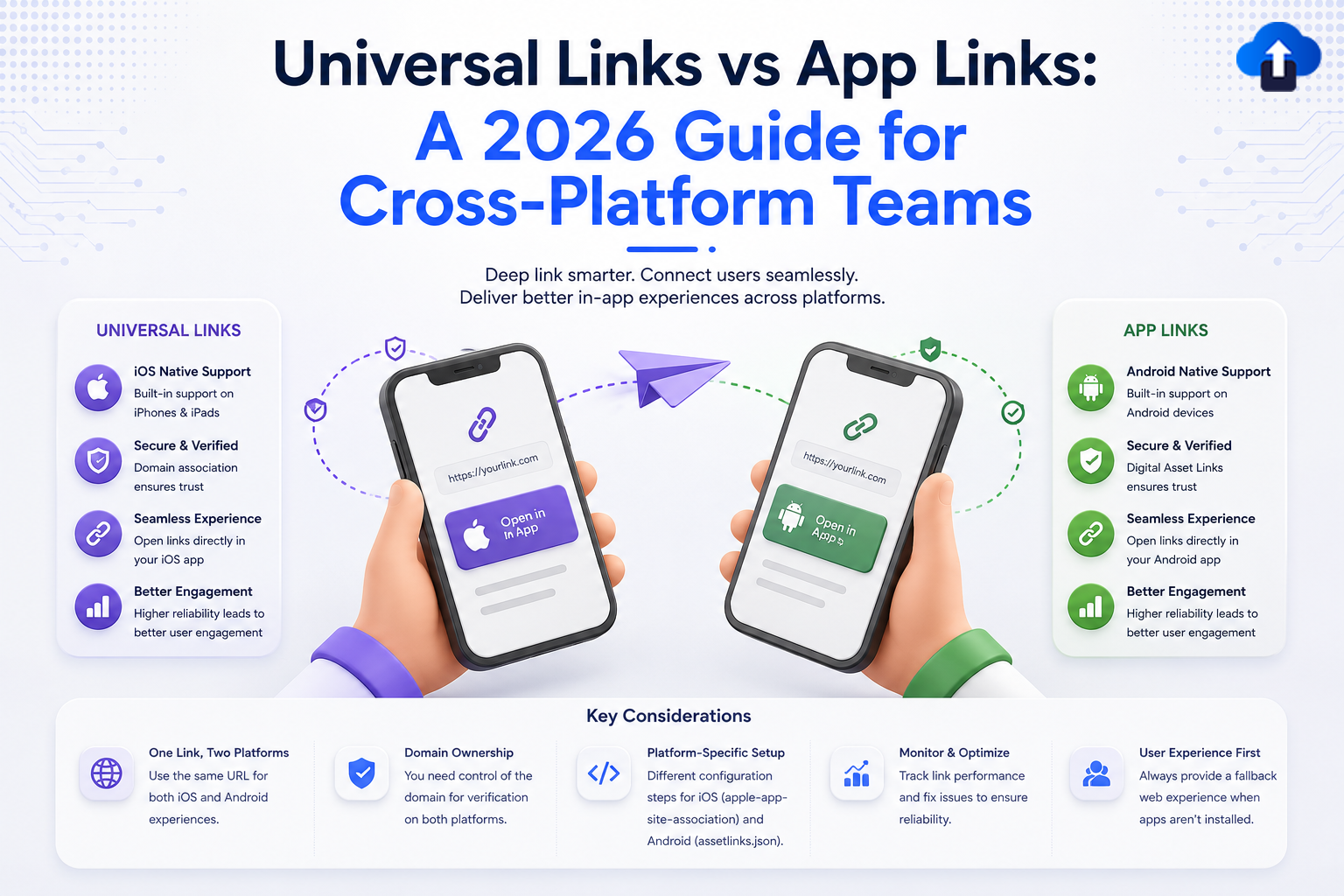
An infographic titled "Universal Links vs App Links: A 2026 Guide for Cross-Platform Teams." The graphic features two hands holding smartphones facing each other with a purple paper airplane flying between them. The left phone represents iOS Universal Links with an "Open in App" prompt, while the right phone represents Android App Links. The left section details Universal Links features: iOS Native Support, Secure & Verified (domain association), Seamless Experience, and Better Engagement. The right section details identical core benefits for Android App Links using Digital Asset Links. The bottom banner outlines "Key Considerations" for cross-platform teams: One Link, Two Platforms; Domain Ownership; Platform-Specific Setup (apple-app-site-association and assetlinks.json); Monitor & Optimize; and User Experience First (providing a web fallback).
Mobile App Strategy
All
Universal Links vs App Links: A 2026 Guide for Cross-Platform Teams
Master cross-platform deep linking in 2026. Discover the key differences between iOS Universal Links and Android App Links to build seamless mobile experiences.
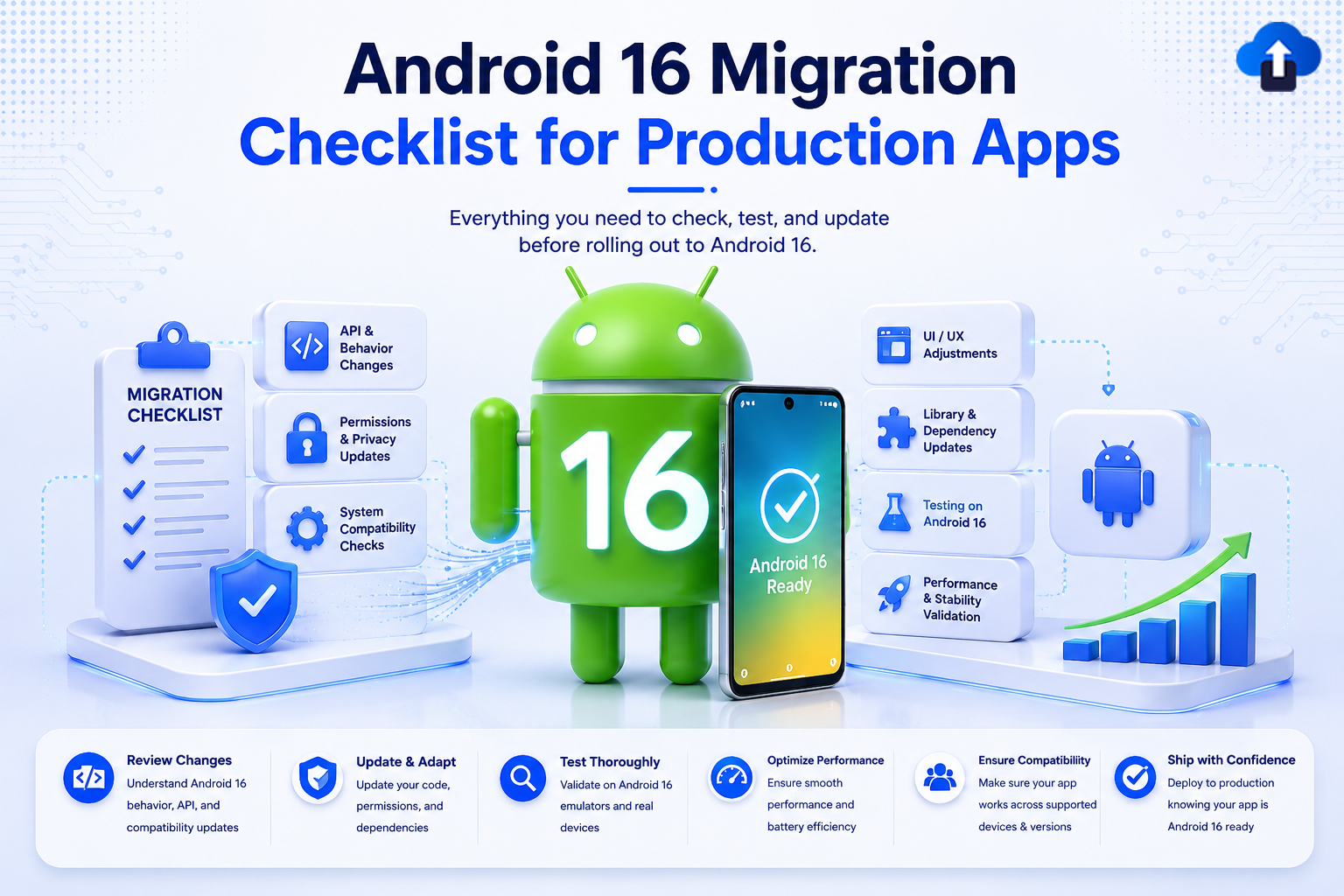
A technical development banner titled "Android 16 Migration Checklist for Production Apps" with the subtitle "Everything you need to check, test, and update before rolling out to Android 16." In the center, a 3D green Android mascot stands with the number "16" printed on its chest next to a smartphone displaying "Android 16 Ready" with a checkmark. To the left, a clipboard labeled "Migration Checklist" sits next to blocks for API & Behavior Changes, Permissions & Privacy Updates, and System Compatibility Checks. To the right are blocks for UI/UX Adjustments, Library & Dependency Updates, Testing on Android 16, and Performance & Stability Validation. A bottom horizontal banner details deployment steps: Review Changes, Update & Adapt, Test Thoroughly, Optimize Performance, Ensure Compatibility, and Ship with Confidence.
App Release Management
All
Android 16 Migration Checklist for Production Apps
Avoid launch day crashes. Use this code-backed Android 16 migration checklist to update your production app to API 36 and smoothly handle major behavioral overhauls.
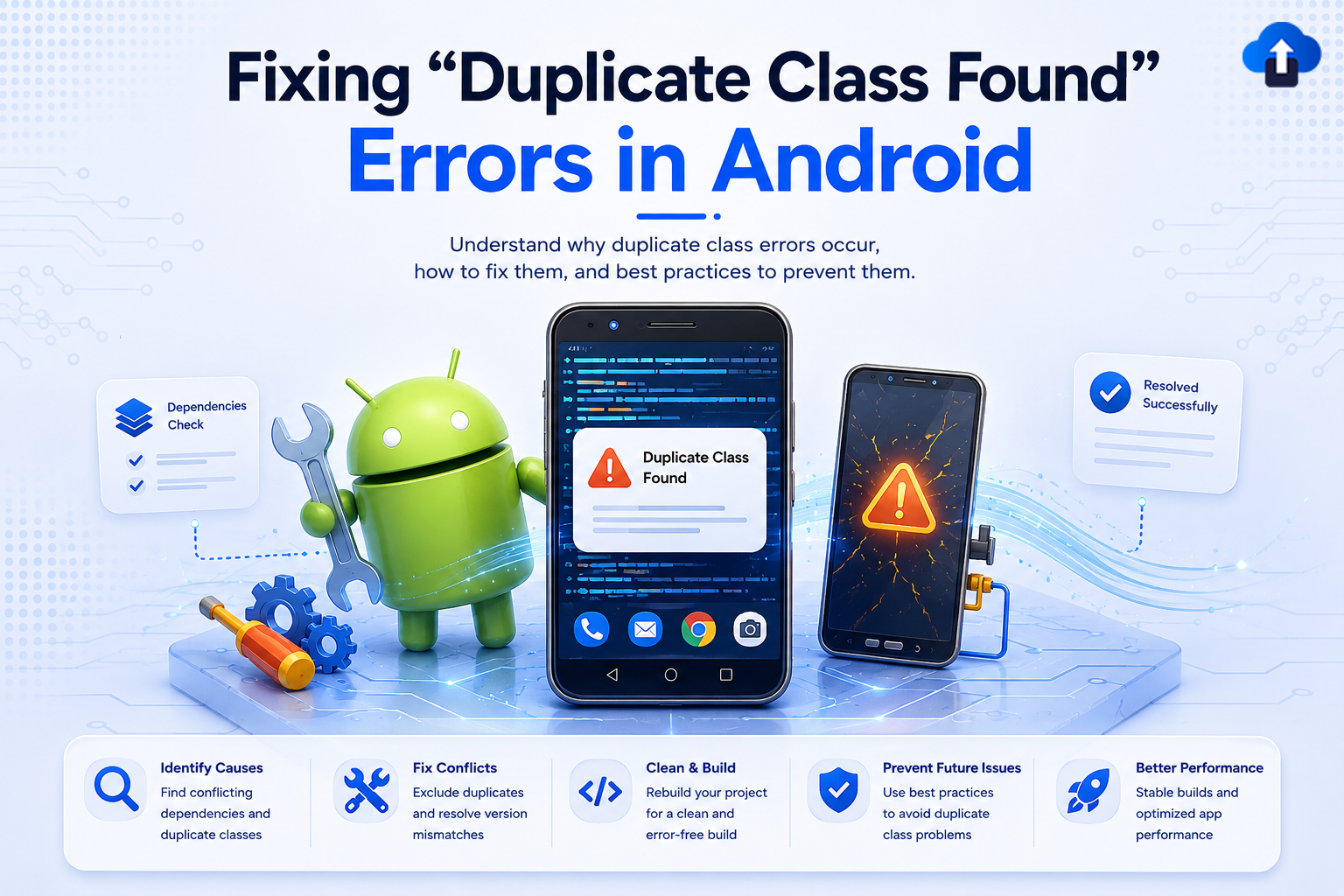
Technical tutorial banner titled "Fixing 'Duplicate Class Found' Errors in Android," with the subtitle "Understand why duplicate class errors occur, how to fix them, and best practices to prevent them." The graphic features a 3D Android mascot holding a wrench next to gears and a screwdriver. A smartphone in the center displays a "Duplicate Class Found" warning pop-up over lines of code, while a second cracked screen shows a warning symbol. A bottom bar lists steps to resolve the issue: Identify Causes, Fix Conflicts, Clean & Build, Prevent Future Issues, and Better Performance.
Developer Tutorials
All
Fixing “Duplicate Class Found” Errors in Android
Stuck on a "Duplicate class found" Gradle build error? Learn the major causes behind Android dependency conflicts and get copy-paste-ready fixes to get your build green again.
Mobile wrapped SDK AI and privacy trends 2026 concept image showing secure app packaging, chatbot assistant, and data protection icons.
Newsletter
All
Mobile Wrapped: SDK, AI & Privacy (Jan–Feb 2026)
Mobile Wrapped Jan–Feb 2026: iOS 26 SDK enforcement, AI compliance scrutiny, and tightened App Store & Play privacy rules—what mobile teams must do now




