
Android

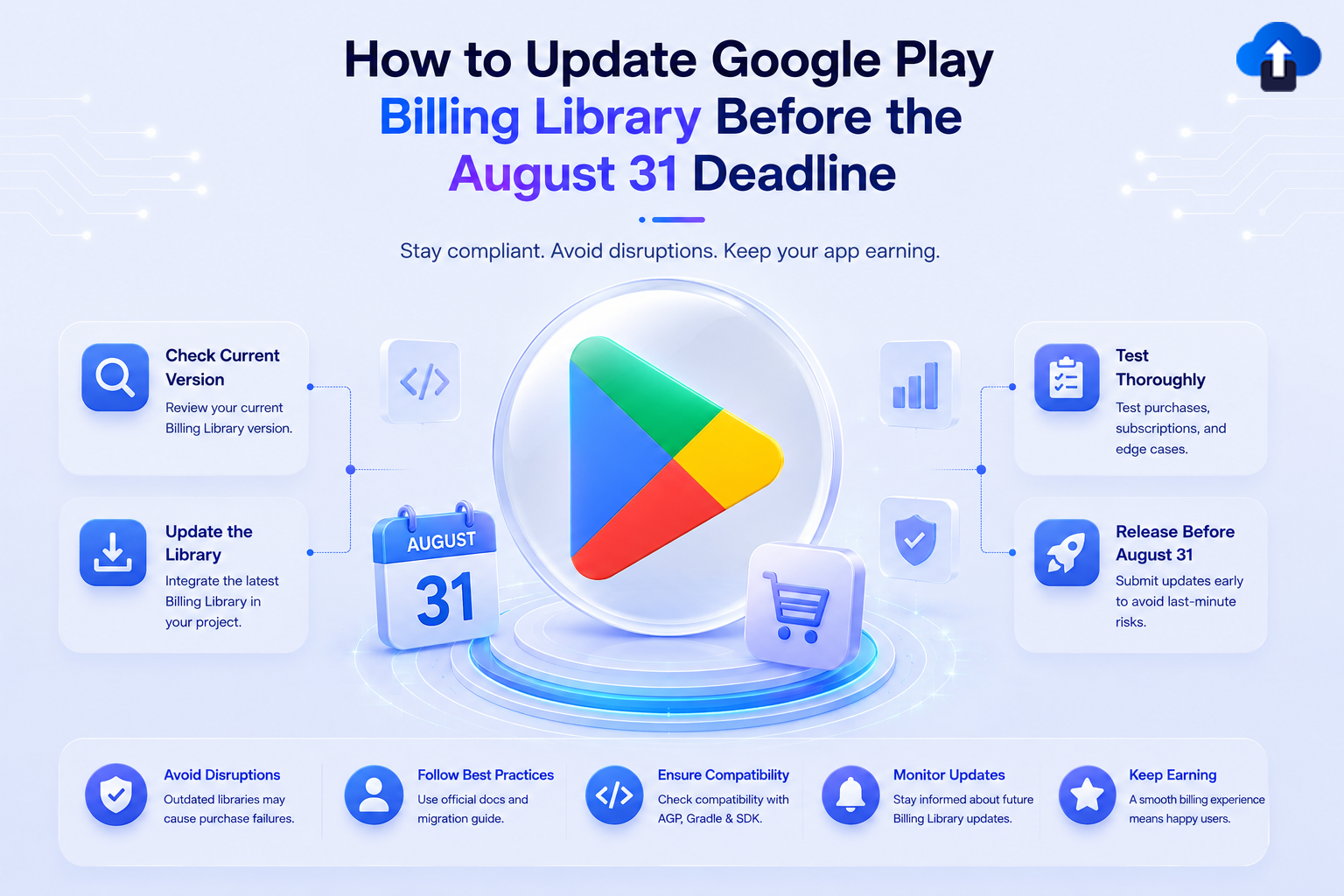
How to update Google Play Billing Library before the August 31 deadline – check version, integrate latest library, test purchases and release early
Android Development
All
How to Update Google Play Billing Library Before the August 31 Deadline
Prepare for Google Play’s August 31 Billing Library deadline. Learn how to identify your current version, upgrade to 8.0.0+, and avoid update rejections.
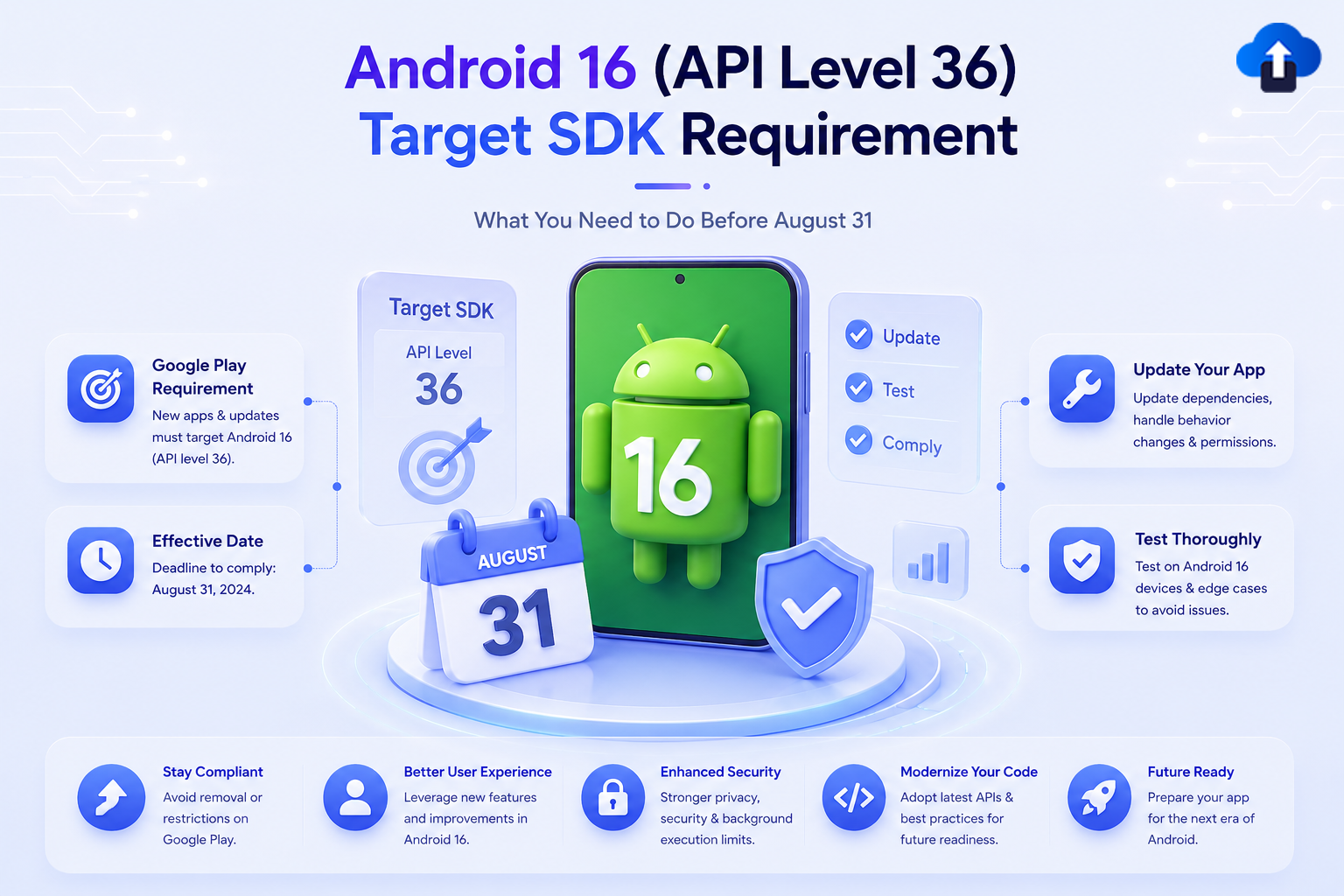
Android 16 API Level 36 target SDK requirement – Google Play deadline August 31, update app, test thoroughly and stay compliant
Android Development
All
Android 16 (API Level 36) Target SDK Requirement: What You Need to Do Before August 31
Prepare for Google Play’s August 31 deadline. Learn what it takes to update your Android app to target API level 36 (Android 16) and keep releases on track.
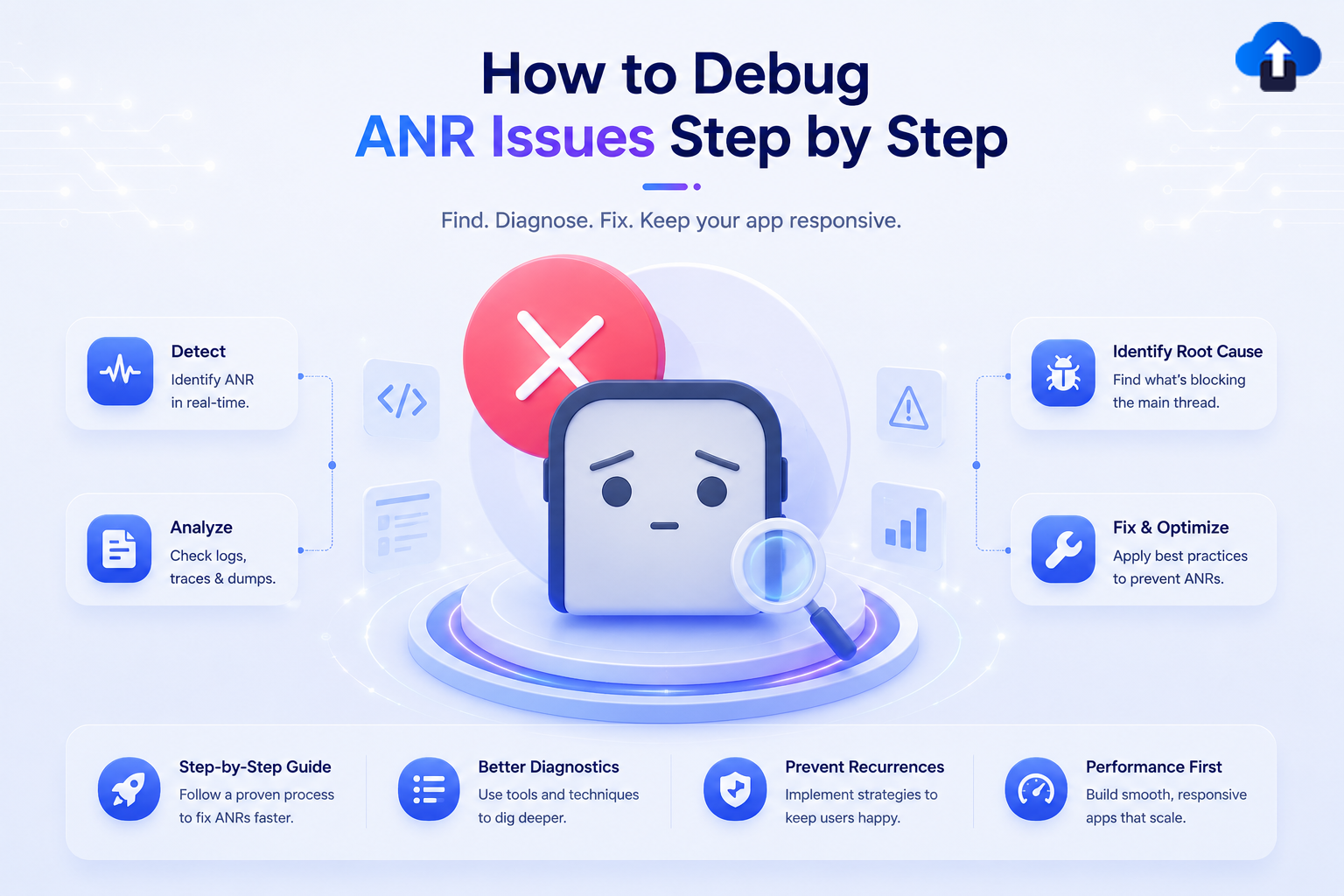
How to debug ANR issues step by step – detect, analyze logs, identify root cause and fix Android app freezes
Developer Tutorials
All
How to Debug ANR Issues Step by Step
Learn how to debug ANR issues step by step. Protect your app's store ranking and user experience by resolving silent UI freezes before production.

Flowchart explaining deferred deep linking, tracing a user journey from link click to App Store download, and redirection to the correct in-app screen.
Mobile App Strategy
All
Deferred Deep Linking Explained: Guide New Users to the Right Screen Every Time
Master deferred deep linking to boost install-to-conversion rates. Learn how to route new mobile app users directly to the right content every single time.

Marketing infographic showcasing a branded short link interface and smartphone to demonstrate how custom URLs boost mobile app SEO and user trust.
Mobile App Strategy
All
How Branded Short Links Boost SEO and User Trust for Mobile Apps
Explore how branded short links boost mobile app SEO and user trust. Master deep linking best practices to create a seamless web-to-app user journey that converts.
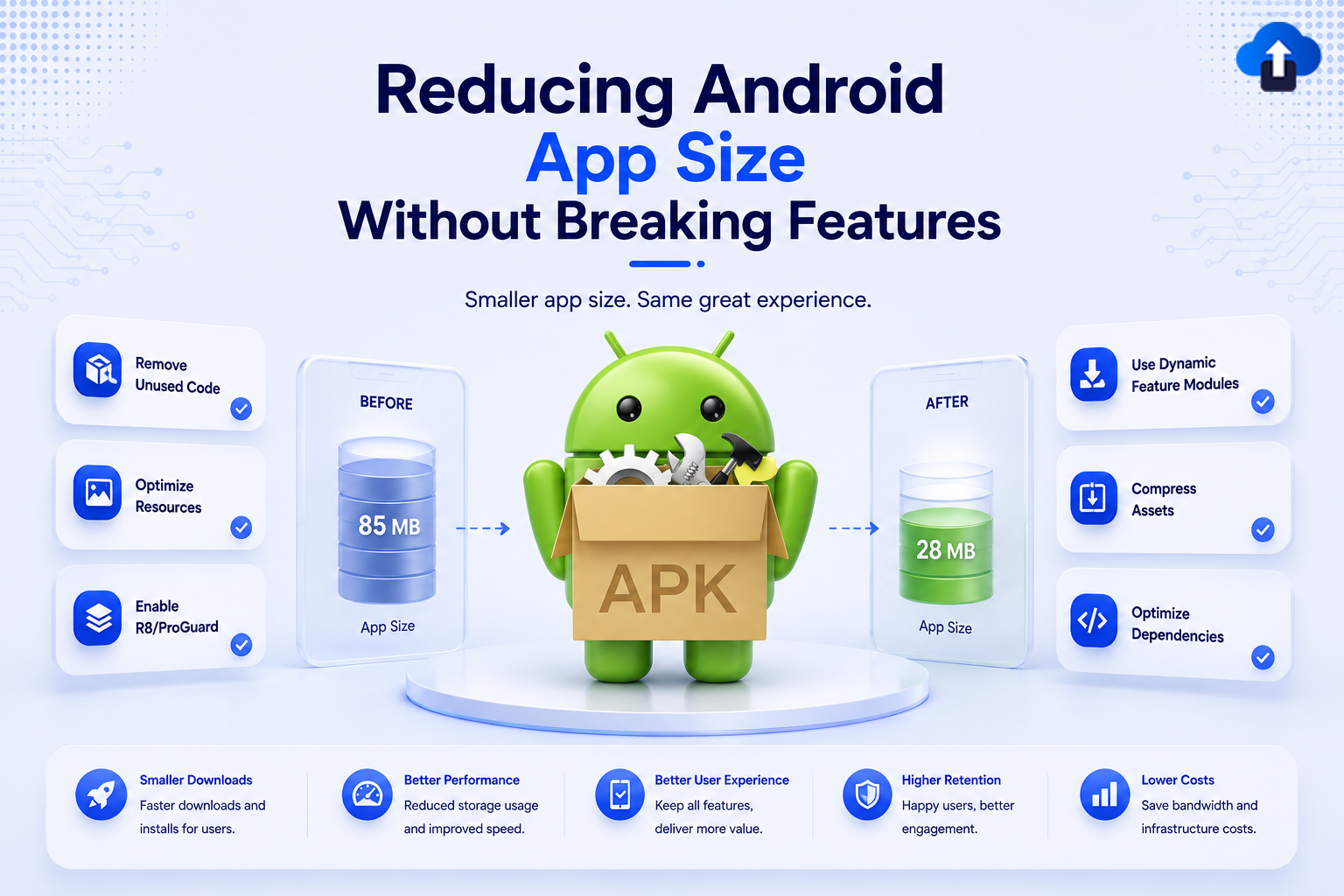
Infographic illustrating how to reduce Android app size from 85MB to 28MB using optimization techniques like removing unused code, compressing assets, and enabling ProGuard.
Mobile App Development
All
Reducing Android App Size Without Breaking Features
Optimize Android app size to drive higher install conversions. Explore battle-tested techniques to shrink APK assets and code safely without breaking features.
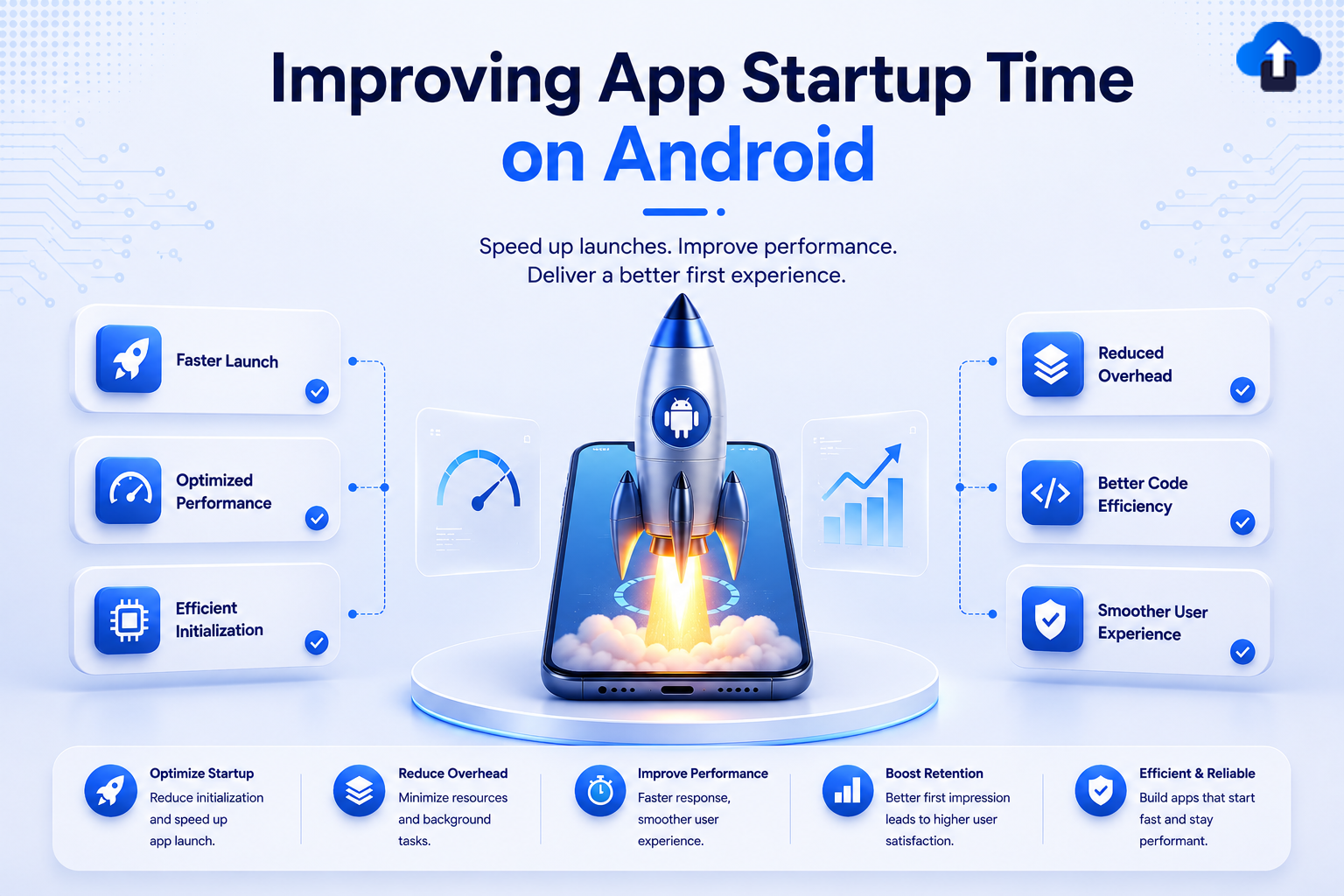
Performance optimization infographic showing a rocket launching from a smartphone screen to illustrate improving Android app startup time.
Mobile App Development
All
Improving App Startup Time on Android
Don't lose users to slow load times. Learn battle-tested techniques to optimize your Android app startup time, improve Play Store ratings, and retain users.
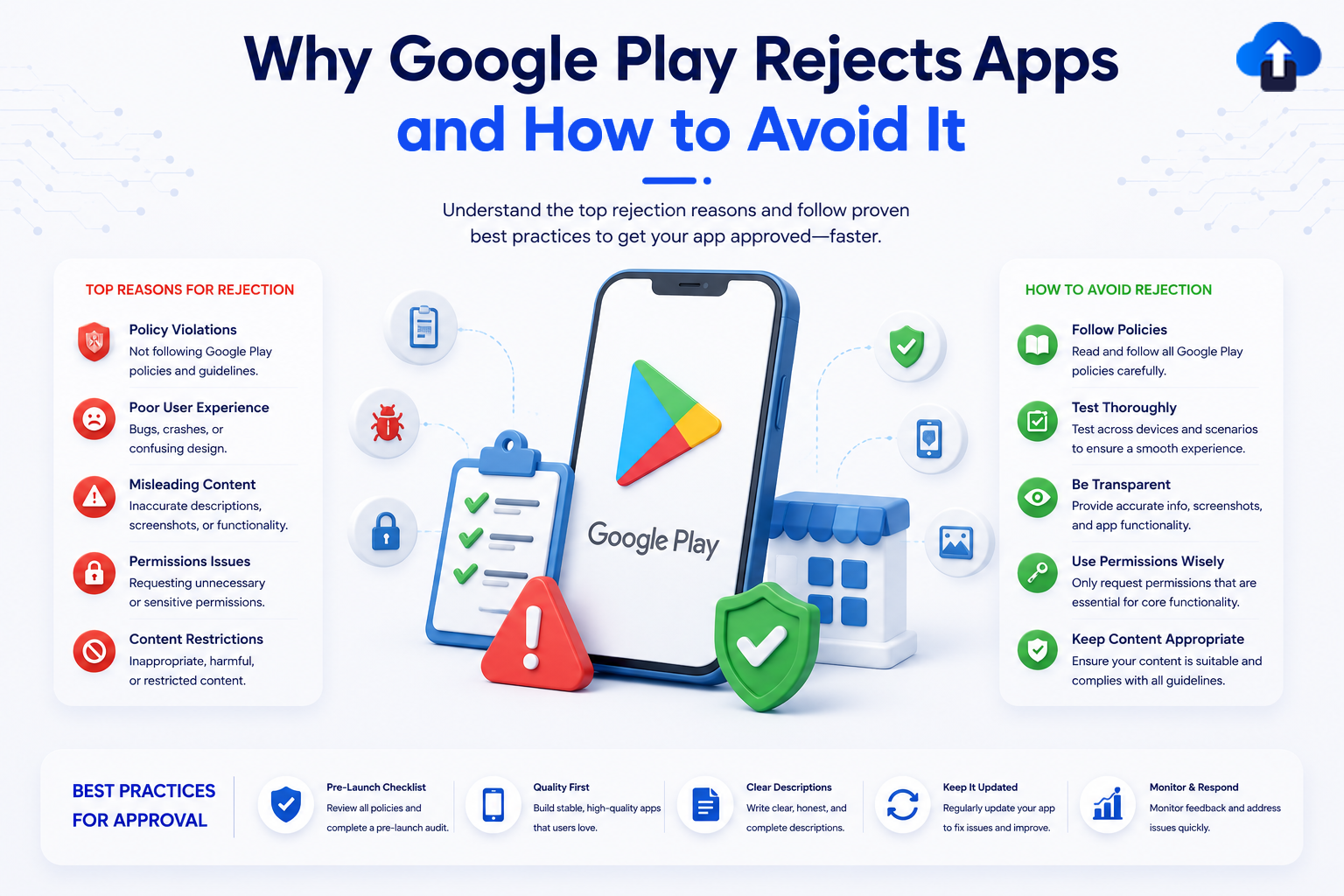
An educational mobile app development infographic titled "Why Google Play Rejects Apps and How to Avoid It," with the subtitle "Understand the top rejection reasons and follow proven best practices to get your app approved—faster." The layout features a central 3D smartphone mockup showing the Google Play Store logo surrounded by UI icons like a checklist, a bug, and a warning symbol. The left side details "Top Reasons for Rejection," including Policy Violations, Poor User Experience, Misleading Content, Permissions Issues, and Content Restrictions. The right side outlines "How to Avoid Rejection" with steps like Follow Policies, Test Thoroughly, Be Transparent, Use Permissions Wisely, and Keep Content Appropriate. A bottom horizontal banner features a 5-step "Best Practices for Approval" workflow: Pre-Launch Checklist, Quality First, Clear Descriptions, Keep It Updated, and Monitor & Respond.
App Release Management
All
Why Google Play Rejects Apps and How to Avoid It
Avoid a costly Google Play Store app rejection. Learn the top policy violation reasons—from metadata errors to background permissions—and how to fix them.
An Android development infographic titled "Fixing Out Of Memory Errors in Android to build stable, high-performance apps." The central graphic features a smartphone screen simulating an Android Recovery crash with an "Out Of Memory" installation aborted error message next to a fallen Android robot mascot. The left card details Common Causes: Memory Leaks (holding references too long), Large Bitmaps (loading high-resolution images unnecessarily), Unclosed Resources (cursors, streams, and unreleased listeners), and Too Many Objects (excessive loop object creation). The right section shows a gauge indicating "High Usage." A bottom horizontal banner outlines a 6-step troubleshooting workflow: 1. Profile Memory, 2. Fix Memory Leaks, 3. Optimize Images, 4. Release Resources, 5. Reduce Object Overhead, and 6. Test on Real Devices.
Developer Tutorials
All
Fixing OutOfMemory Errors in Android
Is your Android app crashing due to OutOfMemory errors? Discover the core causes of runtime memory issues and explore proven fixes to stabilize your app.




