App Release Management

Filter
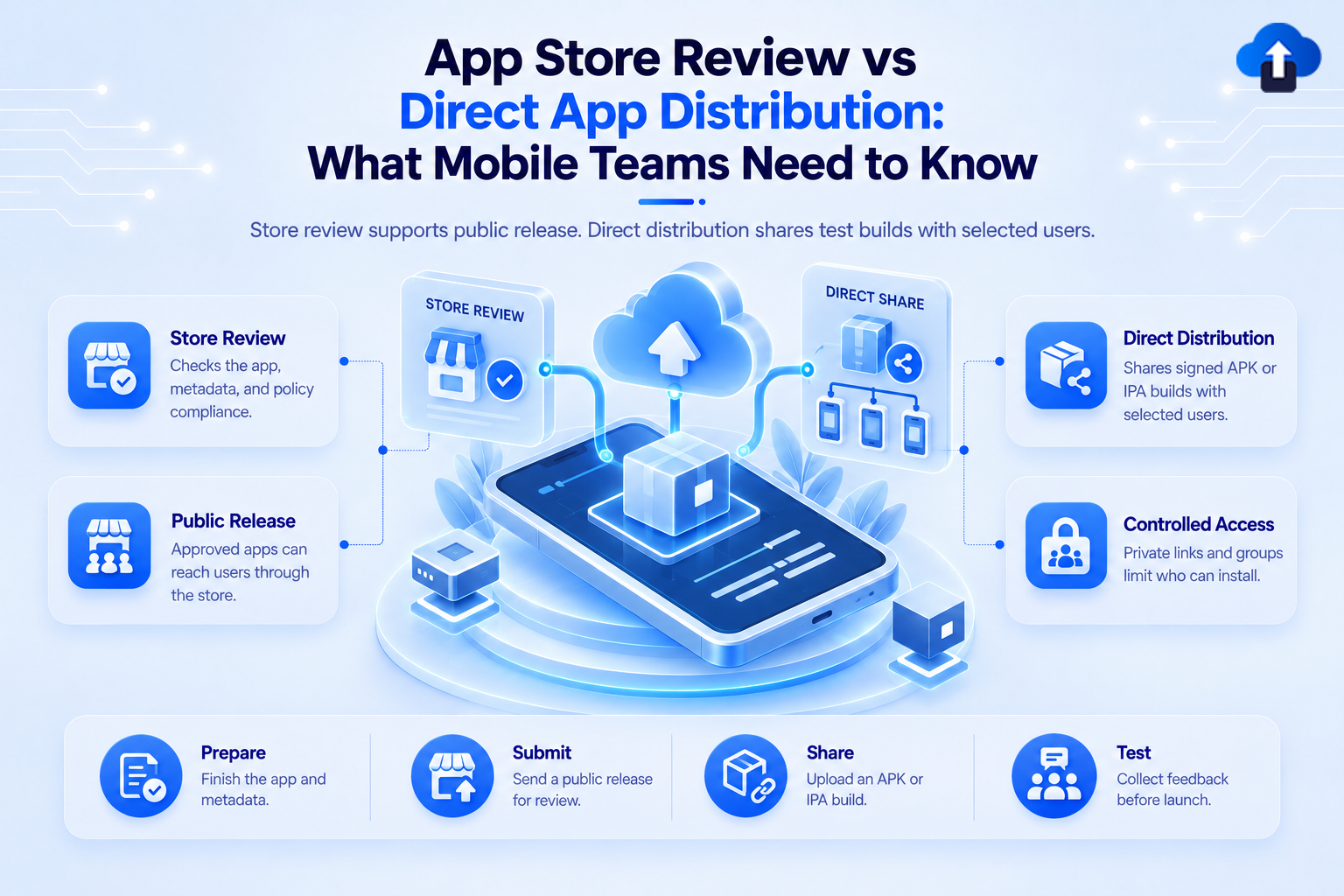
App Store review vs direct app distribution – what mobile teams need to know about public releases, test builds and controlled access
App Release Management
All
App Store Review vs Direct App Distribution: What Mobile Teams Need to Know
App Store Review vs. Direct App Distribution: Learn how direct OTA distribution accelerates QA testing before submitting public app store releases.
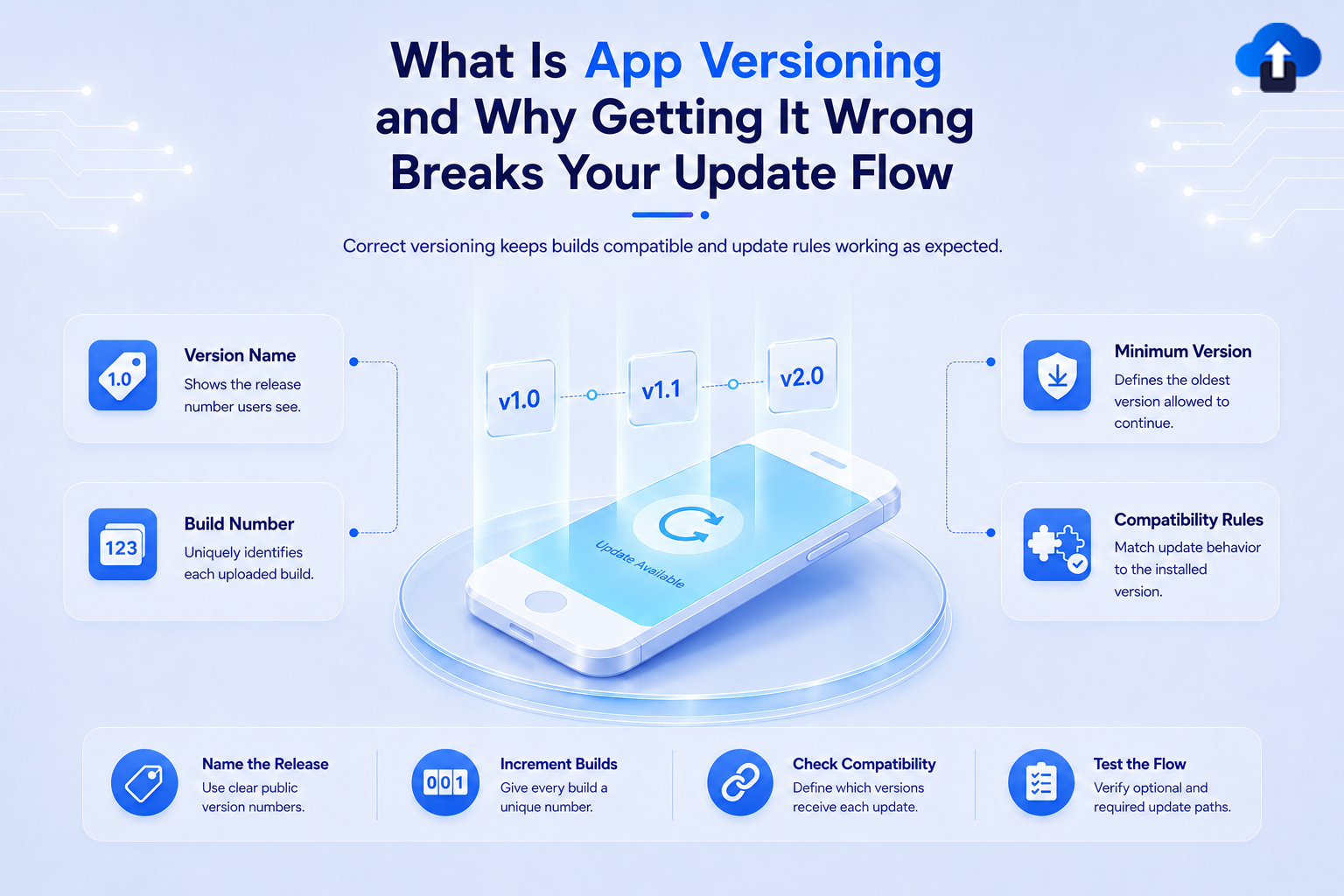
What is app versioning and why getting it wrong breaks your update flow – version name, build number, minimum version and compatibility rules explained
App Release Management
All
What Is App Versioning and Why Getting It Wrong Breaks Your Update Flow
Avoid store rejections and broken update paths. Discover how proper app versioning strategies keep your mobile releases smooth and organized.
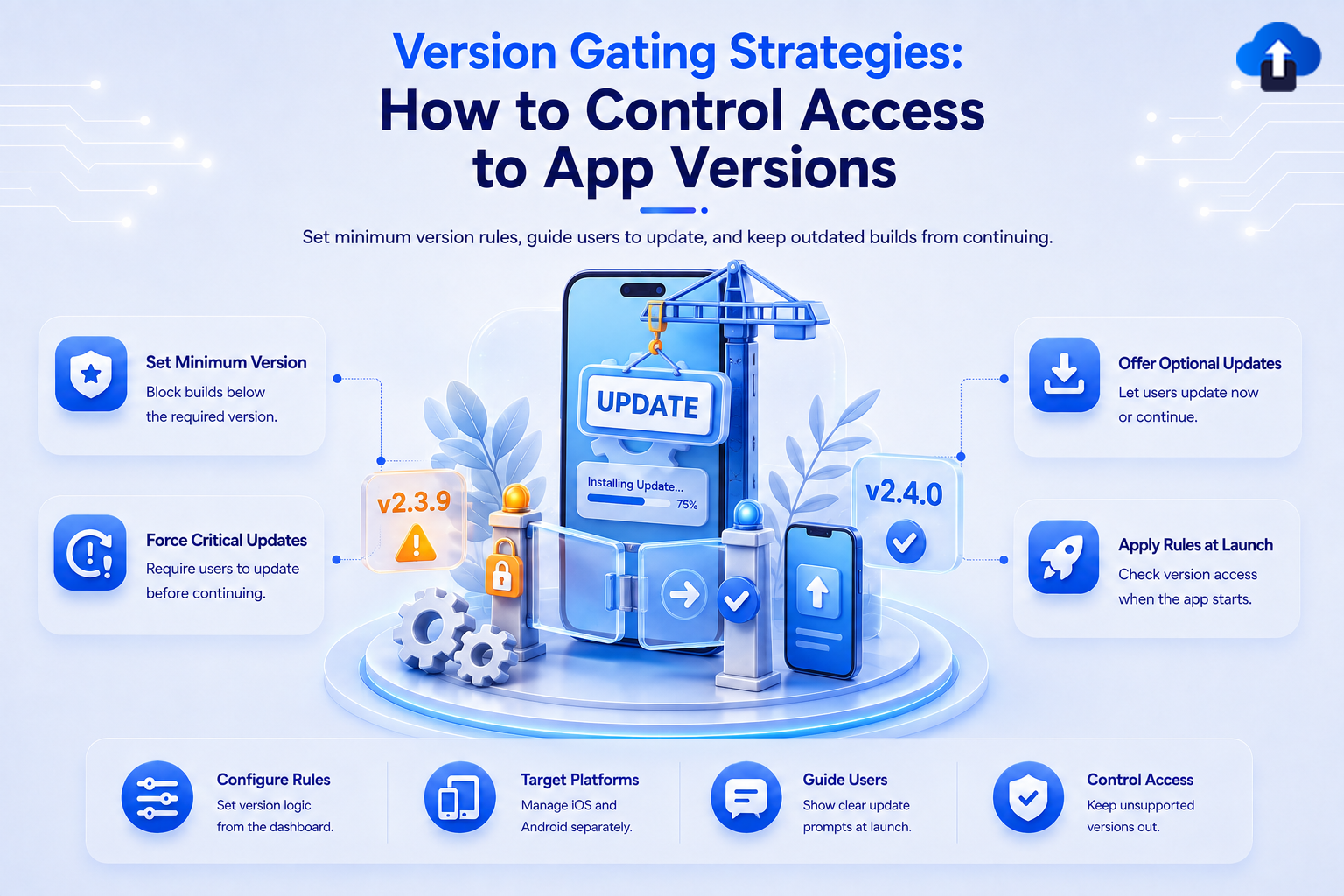
Version gating strategies to control access to app versions – set minimum version rules, force critical updates and guide users to upgrade
App Release Management
All
Version Gating Strategies: How to Control Access to App Versions
Prevent outdated app builds from breaking your backend. Discover how remote version gating lets mobile teams enforce minimum supported app versions effortlessly.
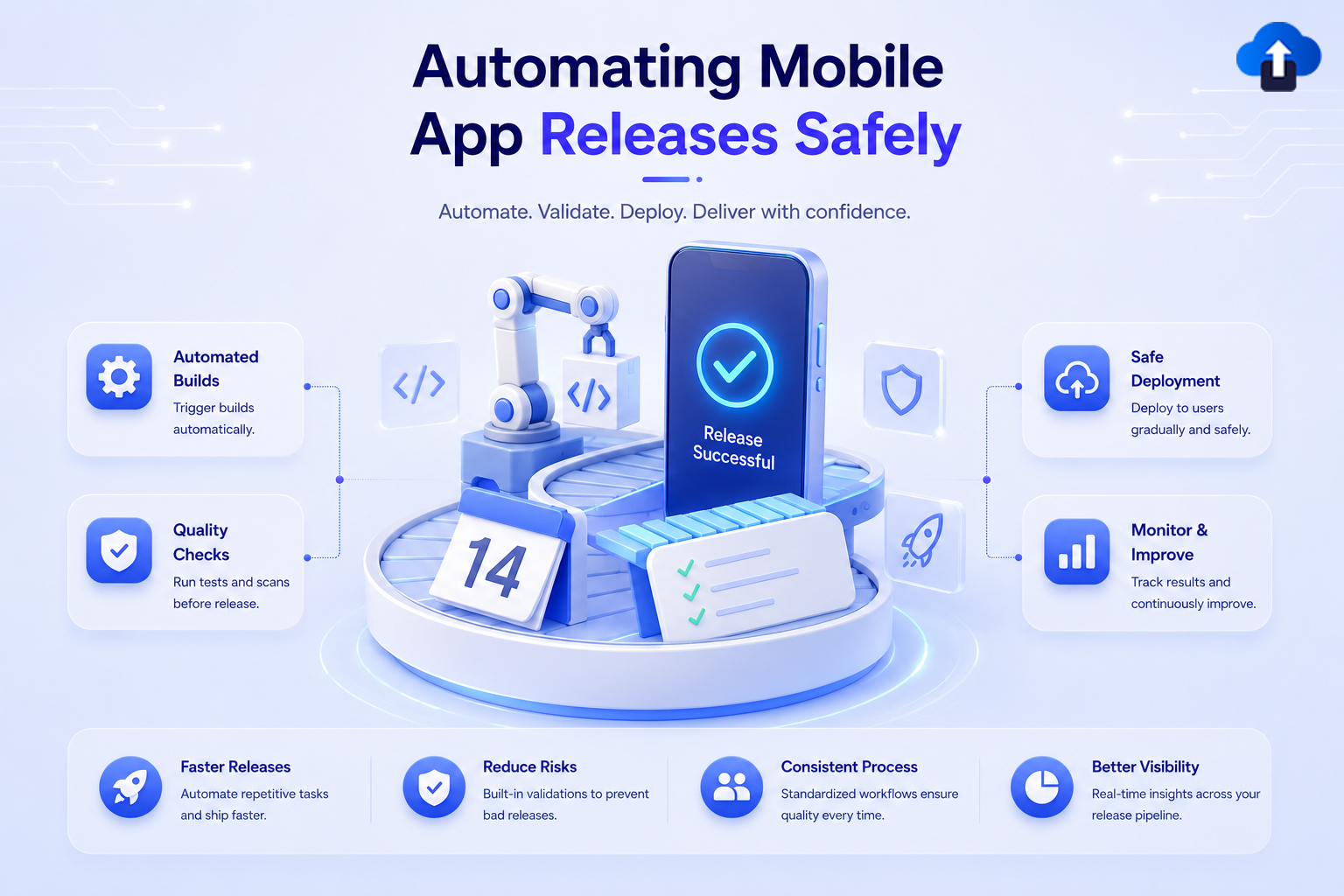
Automating mobile app releases safely – automated builds, quality checks, gradual deployment and continuous monitoring for confident delivery
App Release Management
All
Automating Mobile App Releases Safely
Build a safe, automated mobile release pipeline. Learn how to codify builds, sign binaries, and set up staged rollouts to eliminate release-day risk.
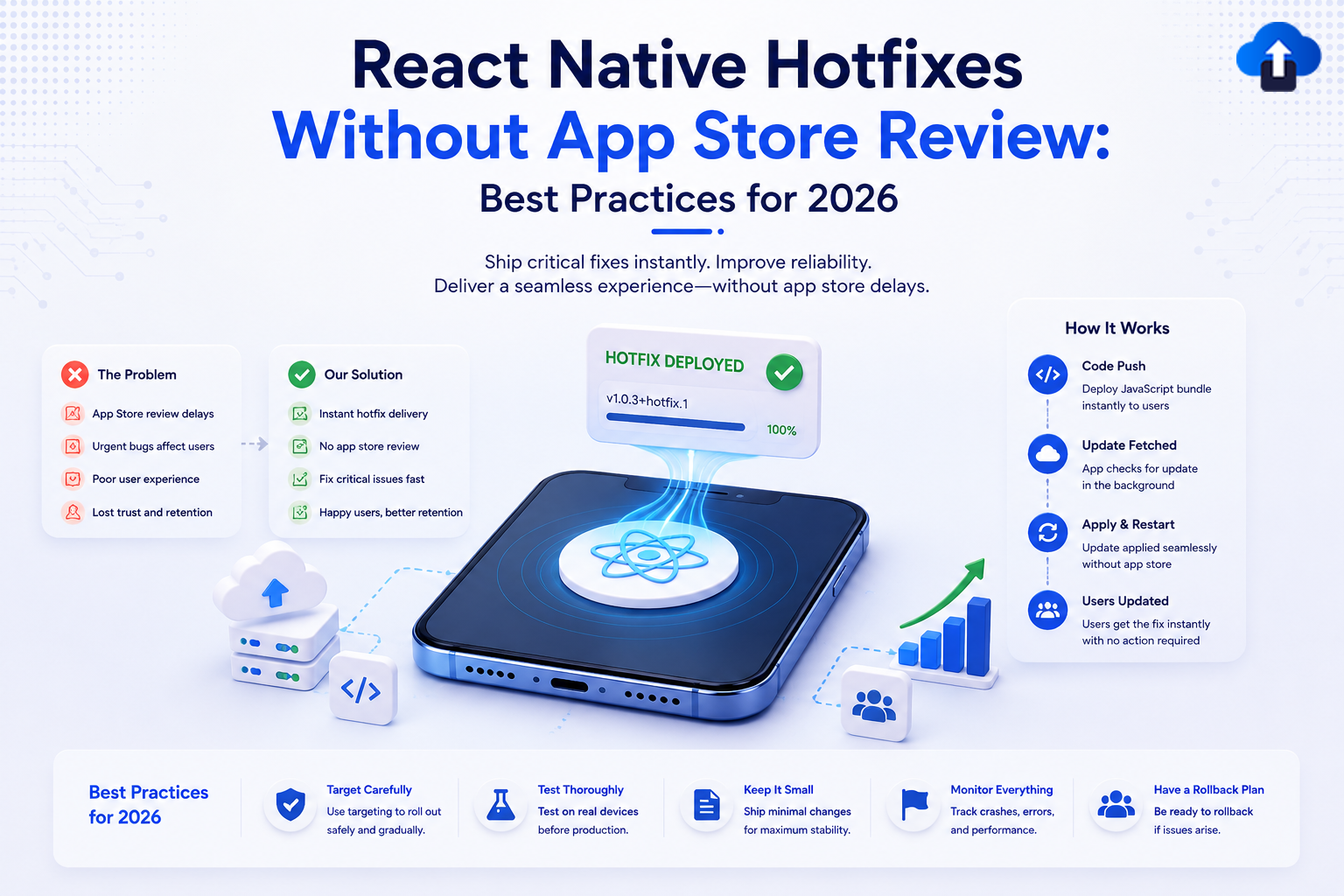
A DevOps and mobile product strategy infographic titled "React Native Hotfixes Without App Store Review: Best Practices for 2026," with the subtitle "Ship critical fixes instantly. Improve reliability. Deliver a seamless experience—without app store delays." The central graphic features a 3D smartphone displaying a glowing React framework logo projecting a "HOTFIX DEPLOYED v1.0.3+hotfix.1 100%" success notification badge. The left card contrasts "The Problem" (App Store review delays, urgent bugs, poor UX, lost trust) with "Our Solution" (instant hotfix delivery, no store review, fast fixes, better retention). The right sidebar outlines "How It Works" in a 4-step pipeline: Code Push, Update Fetched, Apply & Restart, and Users Updated. The bottom bar details "Best Practices for 2026": Target Carefully, Test Thoroughly, Keep It Small, Monitor Everything, and Have a Rollback Plan.
App Release Management
All
React Native Hotfixes Without App Store Review: Best Practices for 2026
Fix critical React Native bugs instantly. Learn the best OTA update practices for 2026 to deploy hotfixes without waiting for App Store approval.
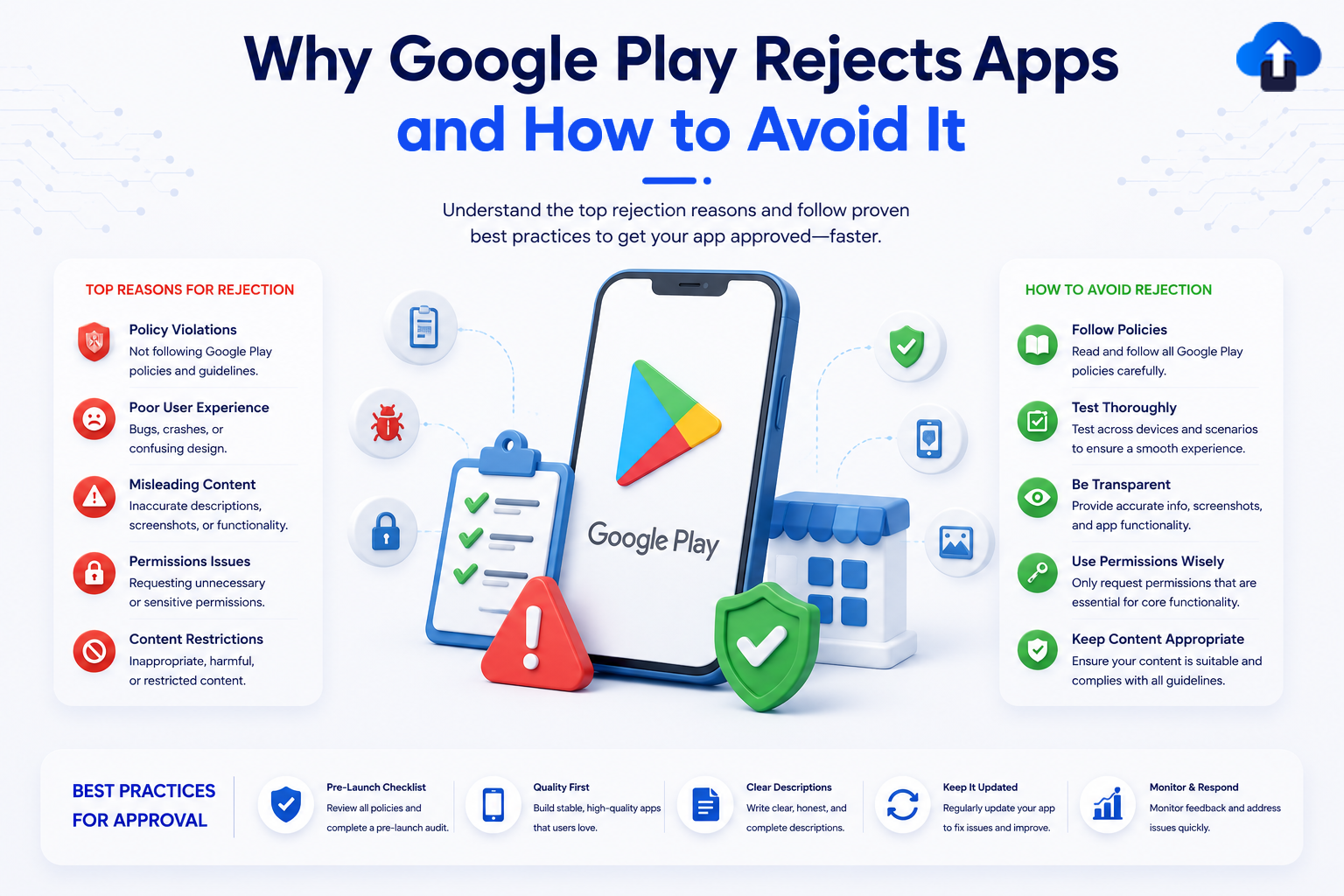
An educational mobile app development infographic titled "Why Google Play Rejects Apps and How to Avoid It," with the subtitle "Understand the top rejection reasons and follow proven best practices to get your app approved—faster." The layout features a central 3D smartphone mockup showing the Google Play Store logo surrounded by UI icons like a checklist, a bug, and a warning symbol. The left side details "Top Reasons for Rejection," including Policy Violations, Poor User Experience, Misleading Content, Permissions Issues, and Content Restrictions. The right side outlines "How to Avoid Rejection" with steps like Follow Policies, Test Thoroughly, Be Transparent, Use Permissions Wisely, and Keep Content Appropriate. A bottom horizontal banner features a 5-step "Best Practices for Approval" workflow: Pre-Launch Checklist, Quality First, Clear Descriptions, Keep It Updated, and Monitor & Respond.
App Release Management
All
Why Google Play Rejects Apps and How to Avoid It
Avoid a costly Google Play Store app rejection. Learn the top policy violation reasons—from metadata errors to background permissions—and how to fix them.
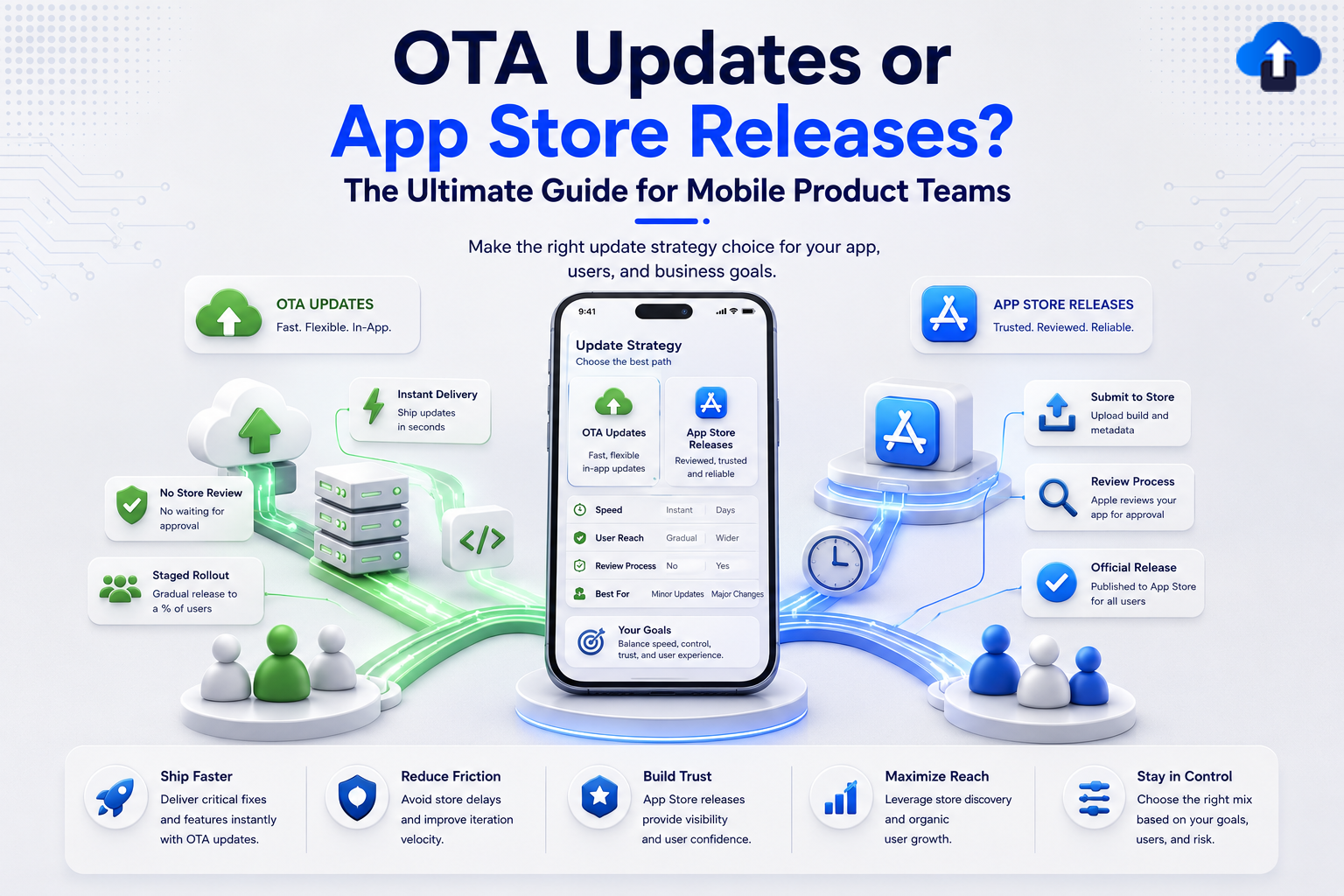
An infographic comparing mobile deployment strategies titled "OTA Updates or App Store Releases? The Ultimate Guide for Mobile Product Teams." The center features a smartphone comparing both paths across Speed, User Reach, and Review Process. The left green section highlights Over-the-Air (OTA) Updates, listing benefits like Instant Delivery (shipping updates in seconds), No Store Review (no waiting for approval), and Staged Rollout (gradual release to a percentage of users). The right blue section highlights App Store Releases, showing the traditional pipeline: Submit to Store (uploading build and metadata), Review Process (Apple app approval), and Official Release. A bottom comparison bar details core outcomes: Ship Faster, Reduce Friction, Build Trust, Maximize Reach, and Stay in Control.
App Release Management
All
OTA Updates or App Store Releases? The Ultimate Guide for Mobile Product Teams
Don't let app store review delays hurt user retention. Discover when to use OTA updates to bypass the queue and ship critical bug fixes instantly.
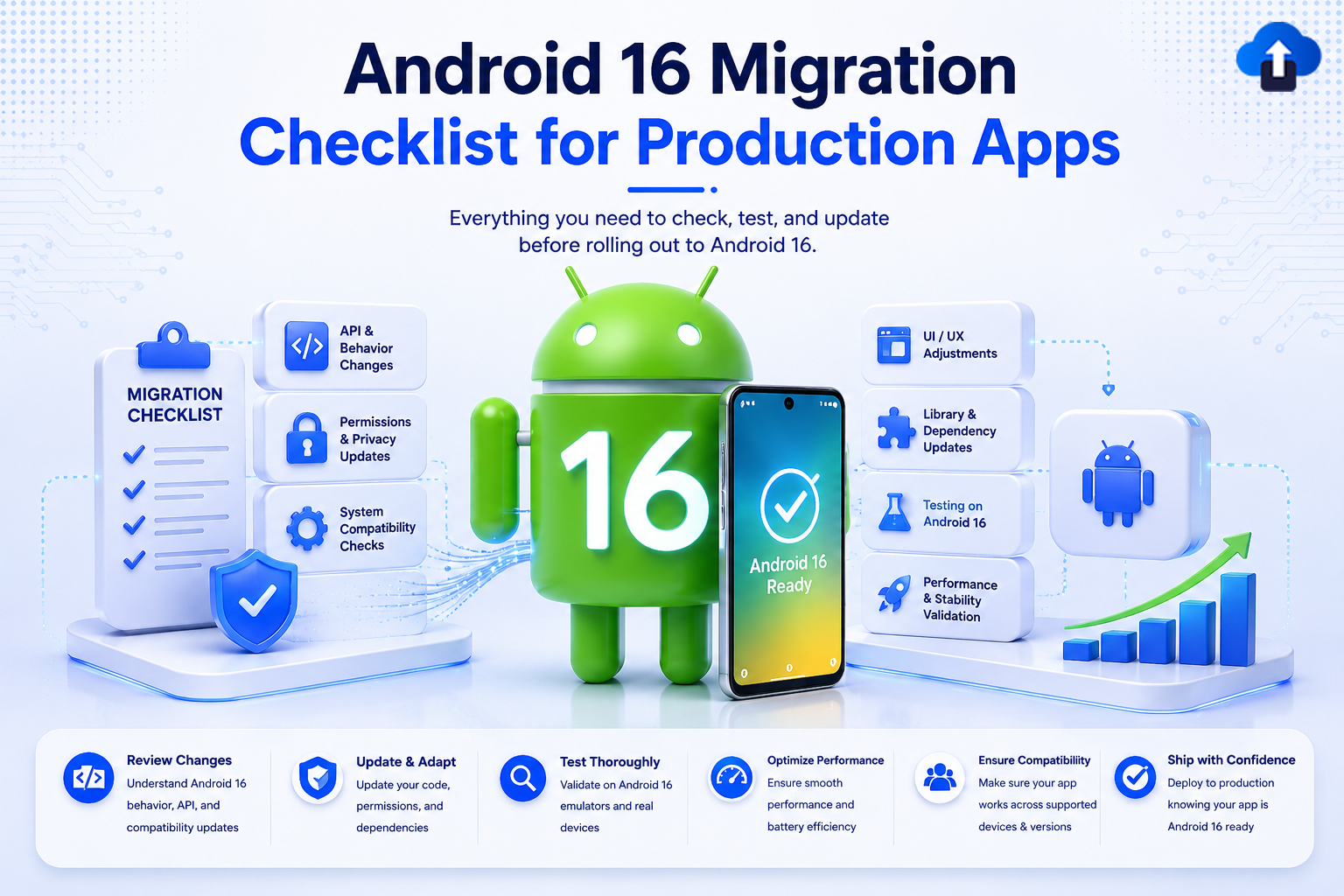
A technical development banner titled "Android 16 Migration Checklist for Production Apps" with the subtitle "Everything you need to check, test, and update before rolling out to Android 16." In the center, a 3D green Android mascot stands with the number "16" printed on its chest next to a smartphone displaying "Android 16 Ready" with a checkmark. To the left, a clipboard labeled "Migration Checklist" sits next to blocks for API & Behavior Changes, Permissions & Privacy Updates, and System Compatibility Checks. To the right are blocks for UI/UX Adjustments, Library & Dependency Updates, Testing on Android 16, and Performance & Stability Validation. A bottom horizontal banner details deployment steps: Review Changes, Update & Adapt, Test Thoroughly, Optimize Performance, Ensure Compatibility, and Ship with Confidence.
App Release Management
All
Android 16 Migration Checklist for Production Apps
Avoid launch day crashes. Use this code-backed Android 16 migration checklist to update your production app to API 36 and smoothly handle major behavioral overhauls.
Infographic comparing TestFlight vs App Store builds for iOS developers, detailing key differences in purpose, distribution, availability, review process, stability, and monitoring.
App Release Management
All
TestFlight vs App Store Builds – Key Differences Every iOS Developer Must Know
Learn the key differences between TestFlight and App Store builds, including APNs, StoreKit, build expiry, receipts, crash reporting, and app reviews.