


.png)


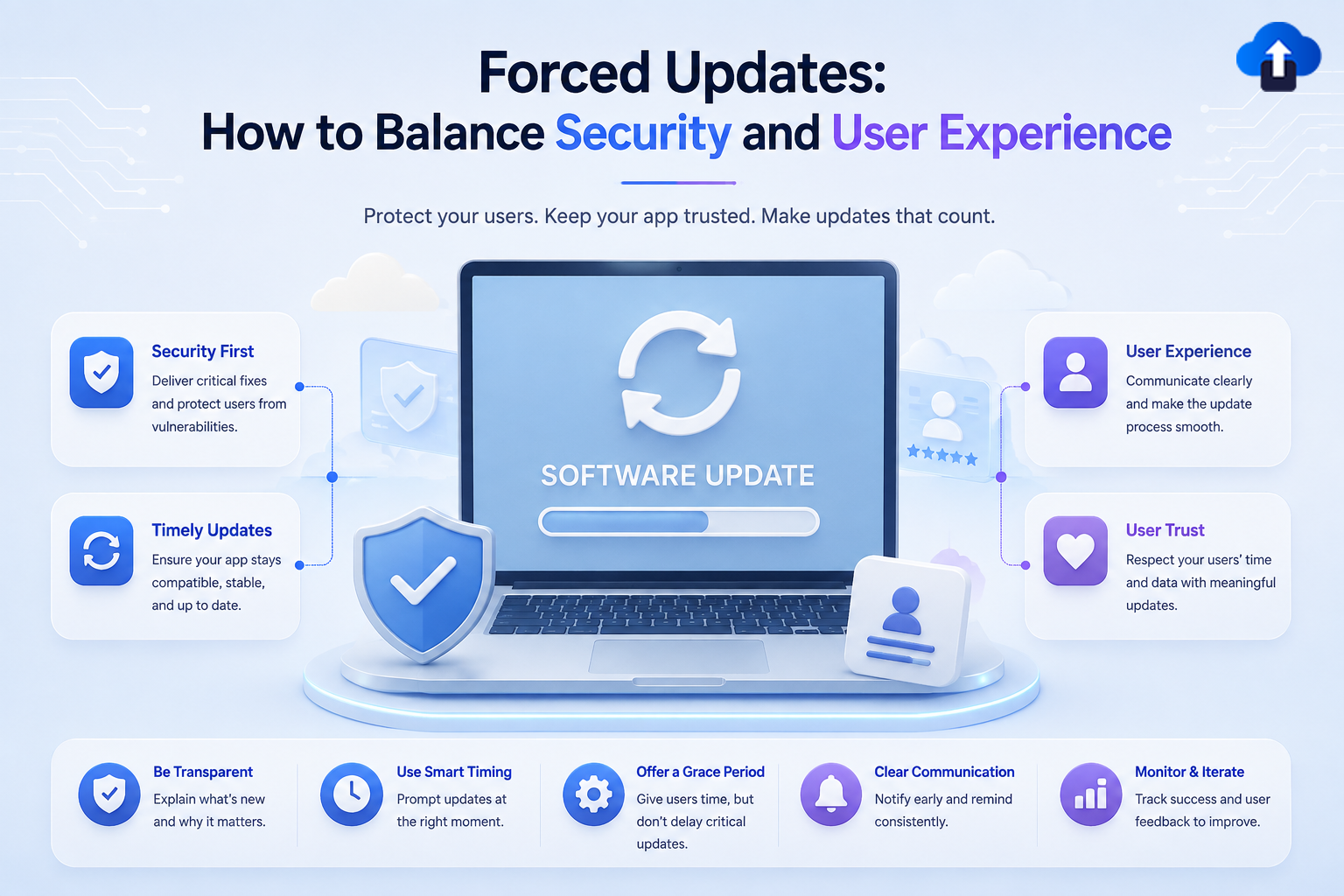
Mobile App StrategyForced Updates: How to Balance Security and User Experience
Master forced updates for mobile apps. Learn how to balance security requirements with user experience, implement soft nudges, and manage update strategy in 2026.
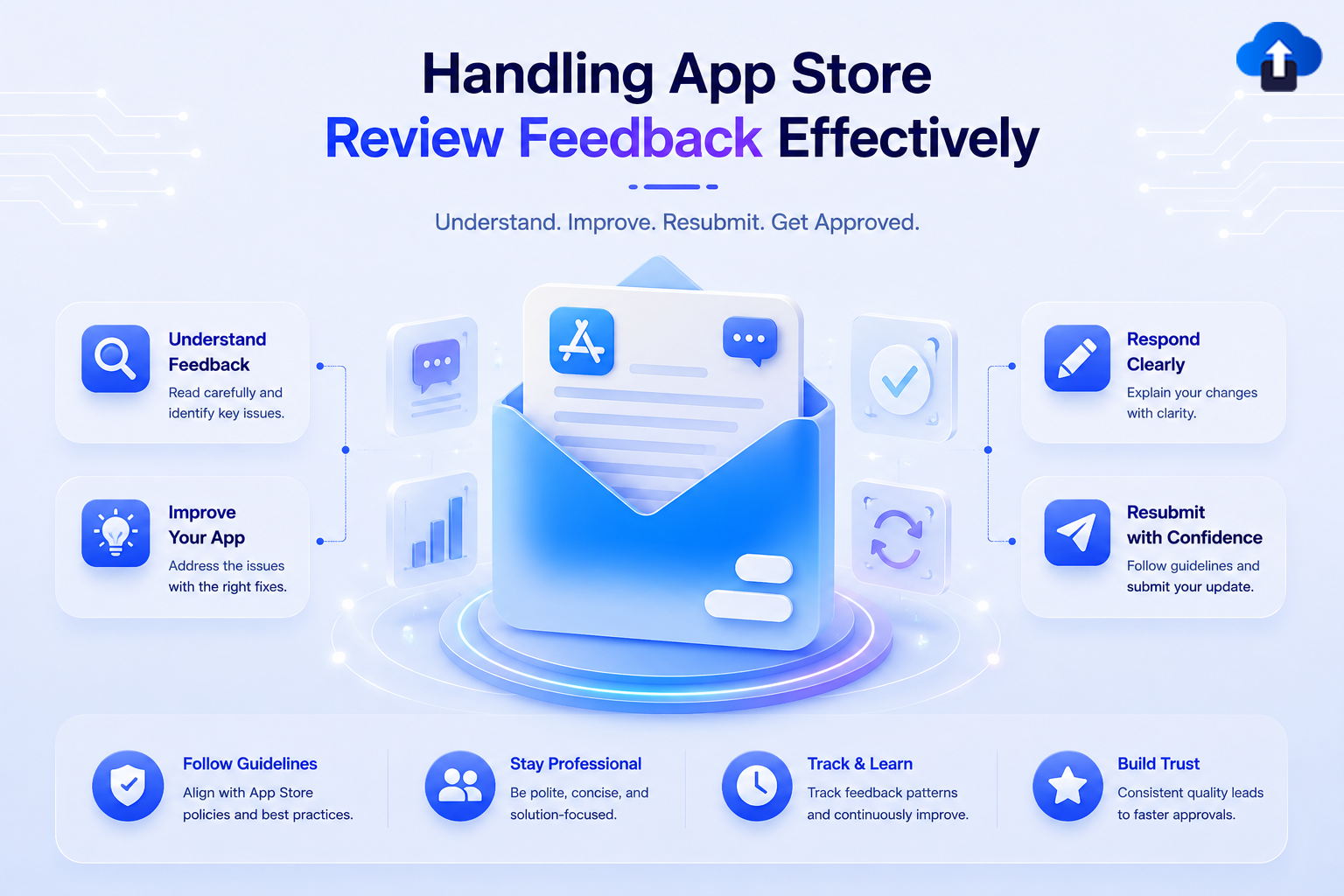
Mobile App StrategyHandling App Store Review Feedback Effectively
Stop submission delays in App Store Connect and Play Console. Discover how to read reviewer feedback accurately and resubmit compliant builds faster
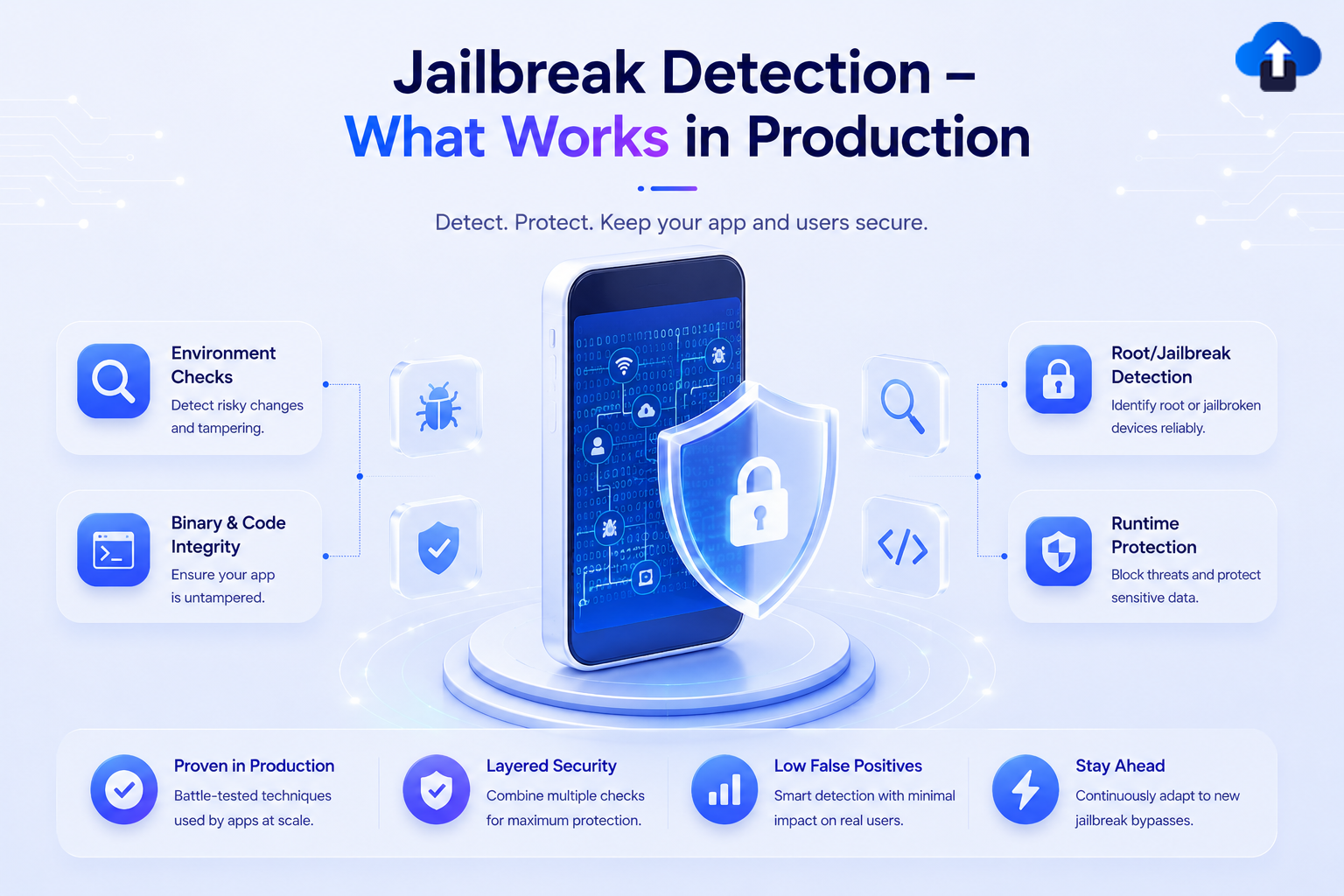
Mobile App DevelopmentJailbreak Detection: What Works in Production
Discover what actually works for jailbreak and root detection in production. Learn to protect your app from memory patching, hook frameworks, and security bypasses.
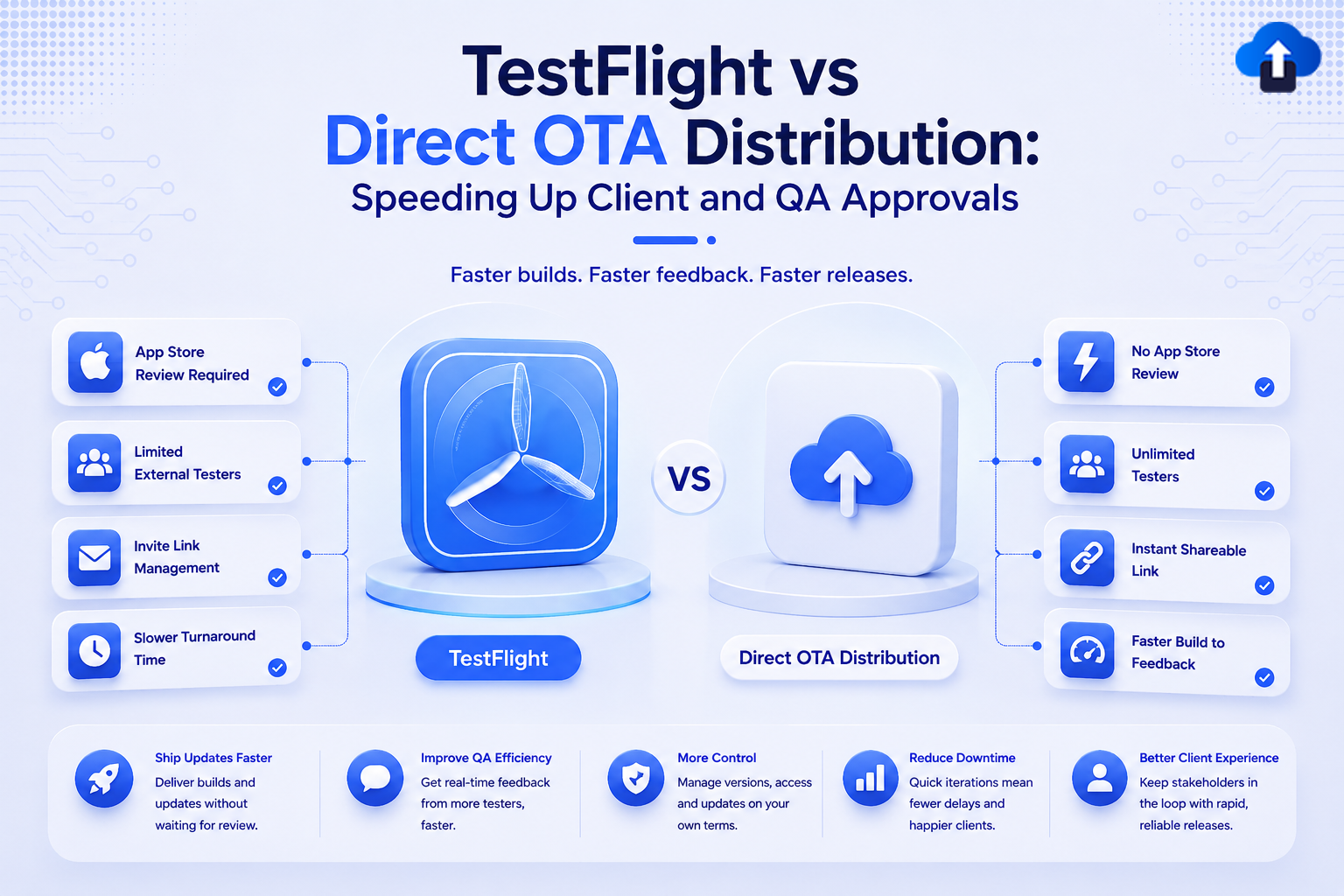
Developer TutorialsTestFlight vs Direct OTA Distribution: Speeding Up Client and QA Approvals
Slow TestFlight reviews bottlenecking your release? Compare TestFlight vs. Direct OTA distribution to speed up QA testing and client approvals today.
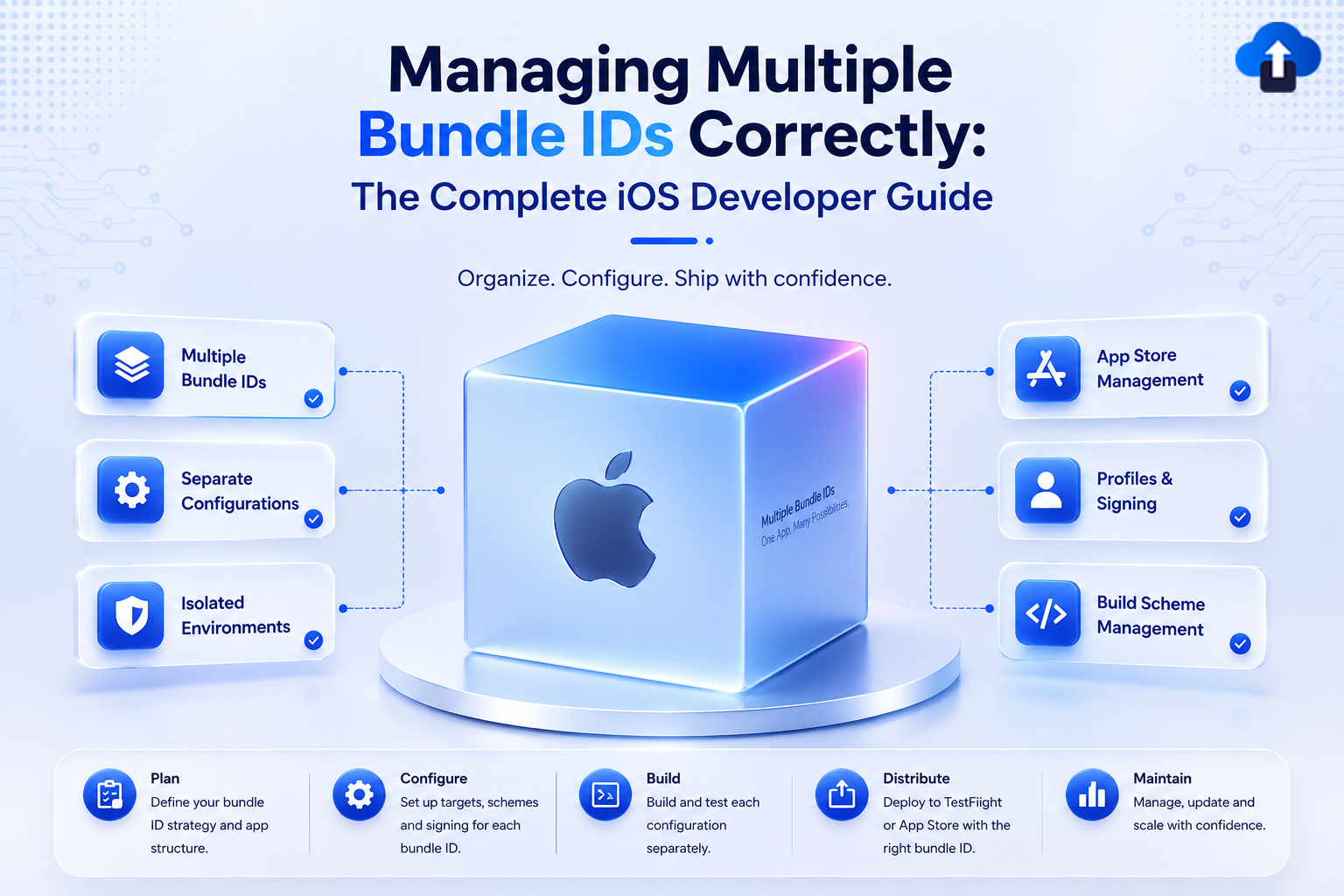
Developer TutorialsManaging Multiple Bundle IDs Correctly: The Complete iOS Developer Guide
Avoid broken builds and failed App Store submissions. Master managing multiple Bundle IDs in Xcode to protect your iOS app environments and extensions.
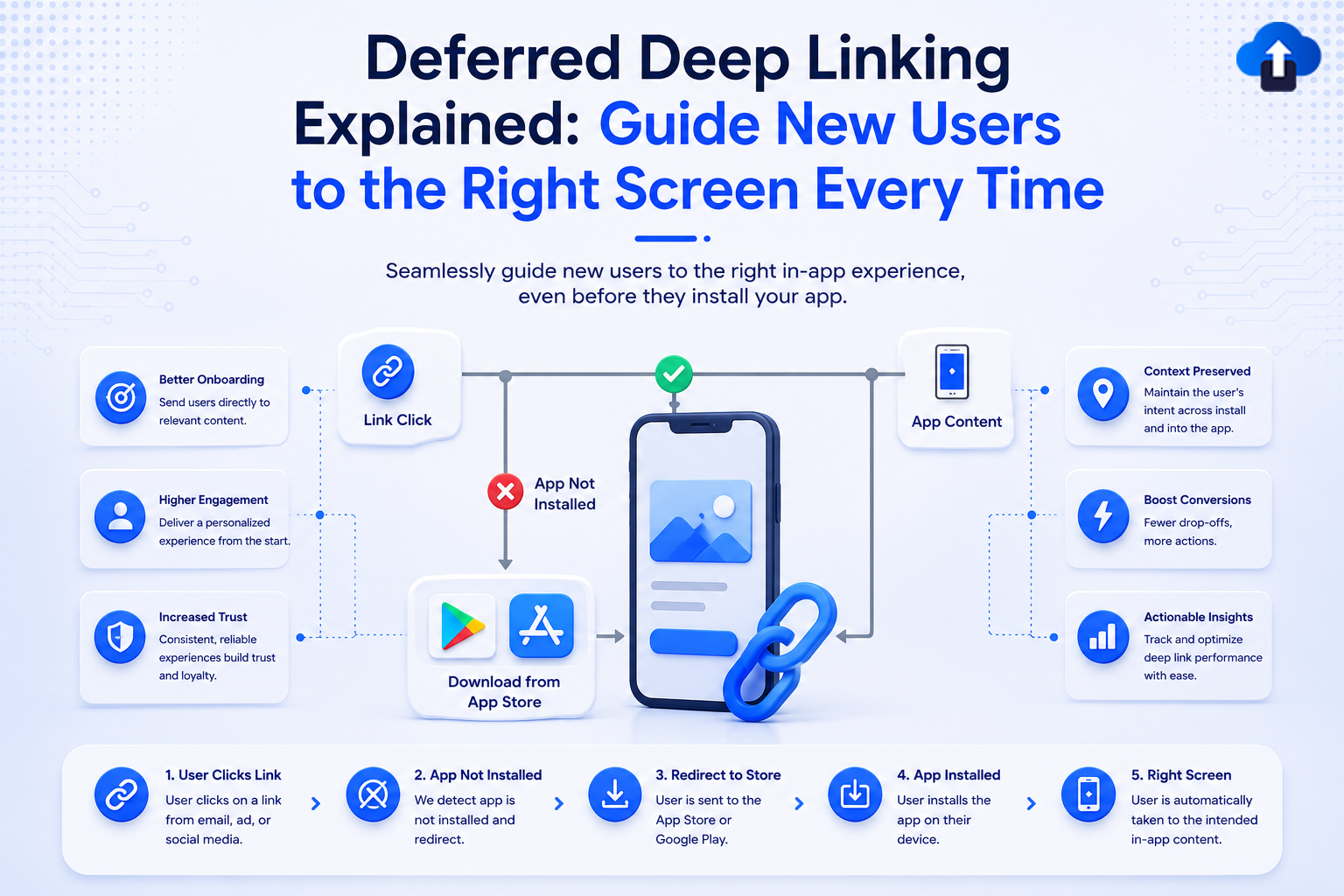
Mobile App StrategyDeferred Deep Linking Explained: Guide New Users to the Right Screen Every Time
Master deferred deep linking to boost install-to-conversion rates. Learn how to route new mobile app users directly to the right content every single time.

Mobile App StrategyHow Branded Short Links Boost SEO and User Trust for Mobile Apps
Explore how branded short links boost mobile app SEO and user trust. Master deep linking best practices to create a seamless web-to-app user journey that converts.

Developer TutorialsCommon Xcode Archive & Export Errors: A Complete Fix Guide for iOS Developers
Troubleshoot Xcode archive and export errors efficiently. Master iOS code signing, provisioning profiles, and entitlements to build and upload your .ipa file.
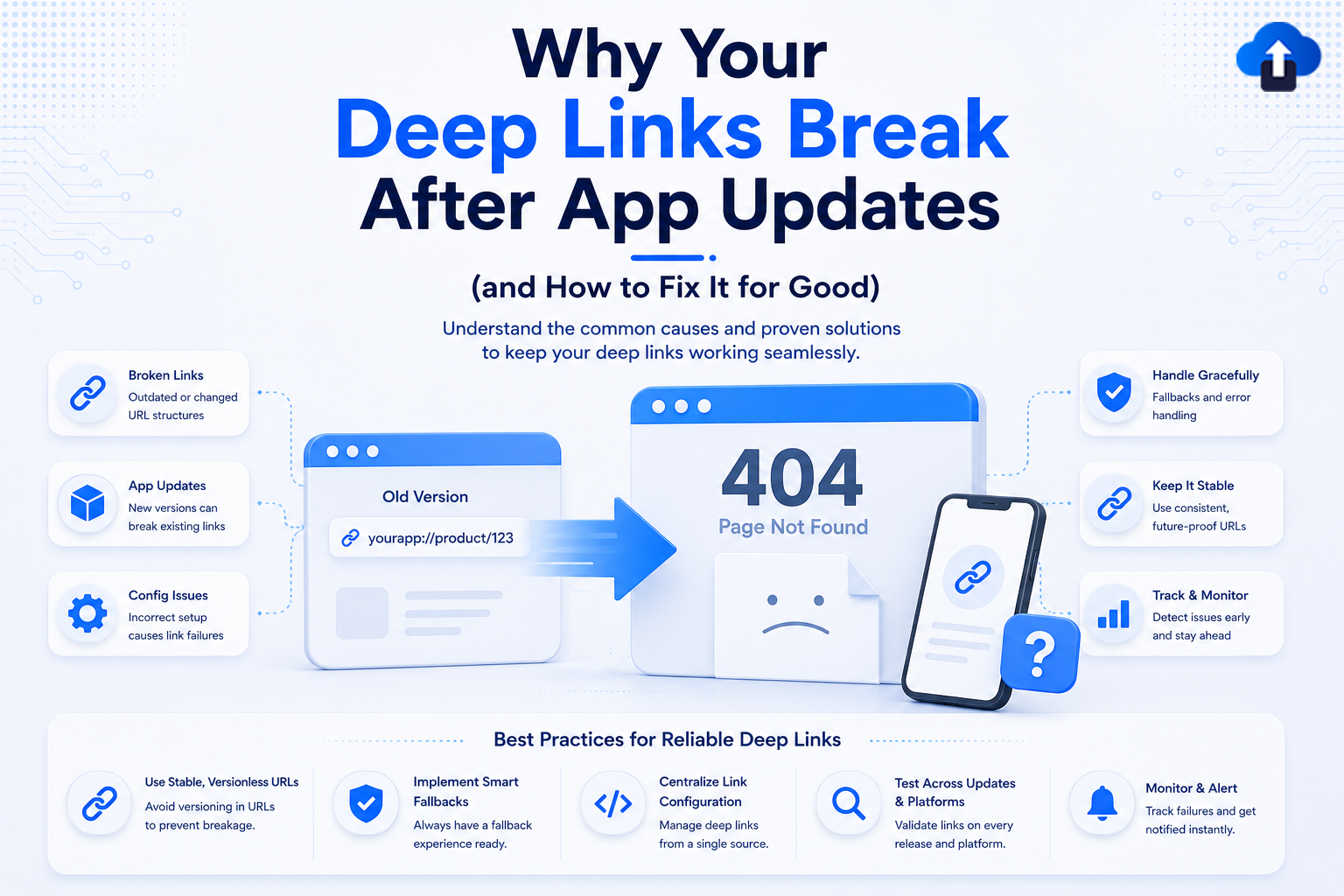
Mobile App StrategyWhy Your Deep Links Break After App Updates (and How to Fix It for Good)
Fix broken deep links for good. Learn why app updates disrupt your iOS and Android links and explore best practices to maintain a seamless user experience.







