


.svg)



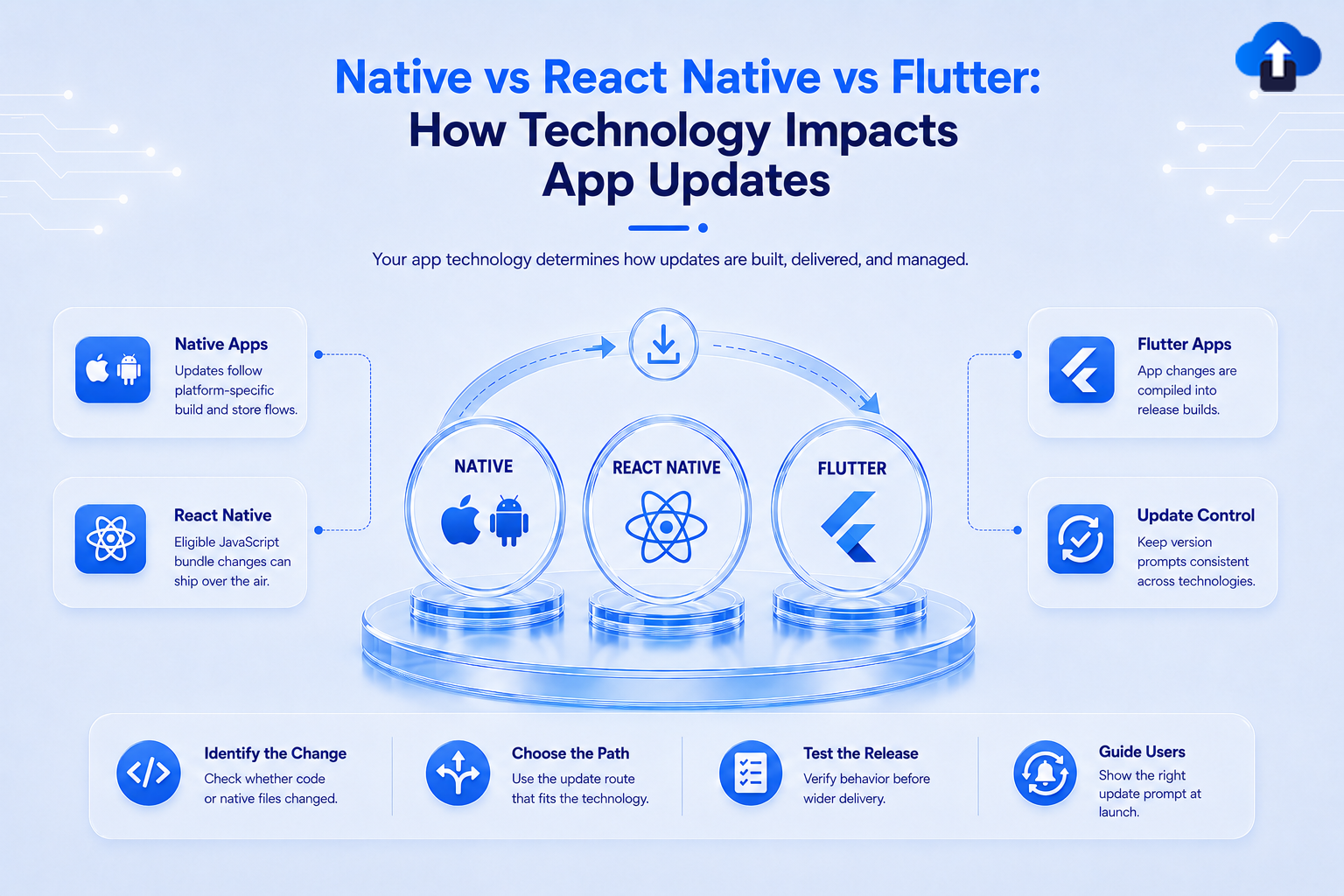
Developer TutorialsNative vs React Native vs Flutter: How Technology Impacts App Updates
Compare Native, React Native, and Flutter app update strategies. Learn how tech stack choices impact over-the-air updates, store reviews, and AppsOnAir workflows.
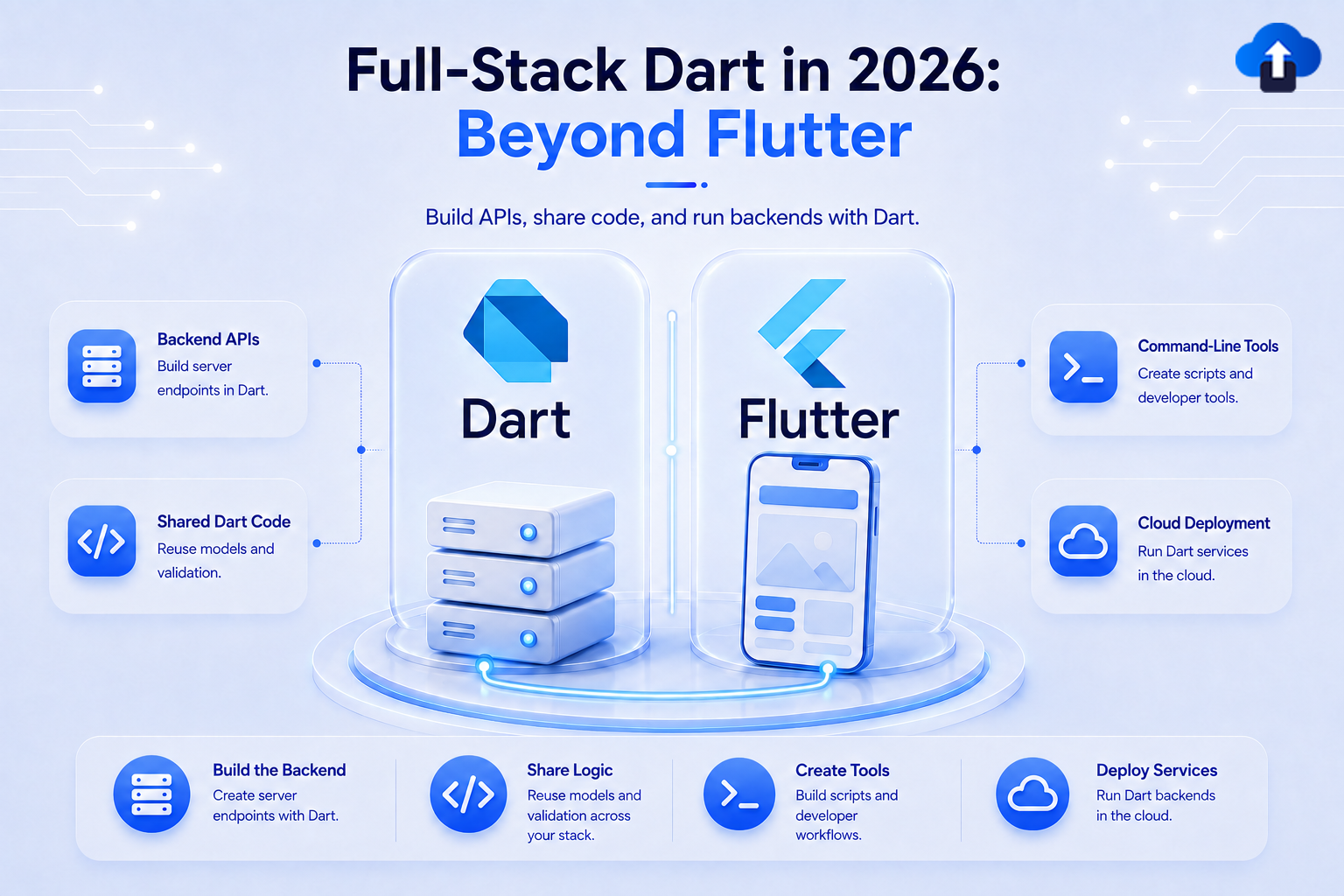
Developer TutorialsFull-Stack Dart in 2026: Beyond Flutter
Explore full-stack Dart in 2026 beyond Flutter. Learn how Jaspr for web dev and Dart support for Firebase Cloud Functions enable end-to-end single-language apps.
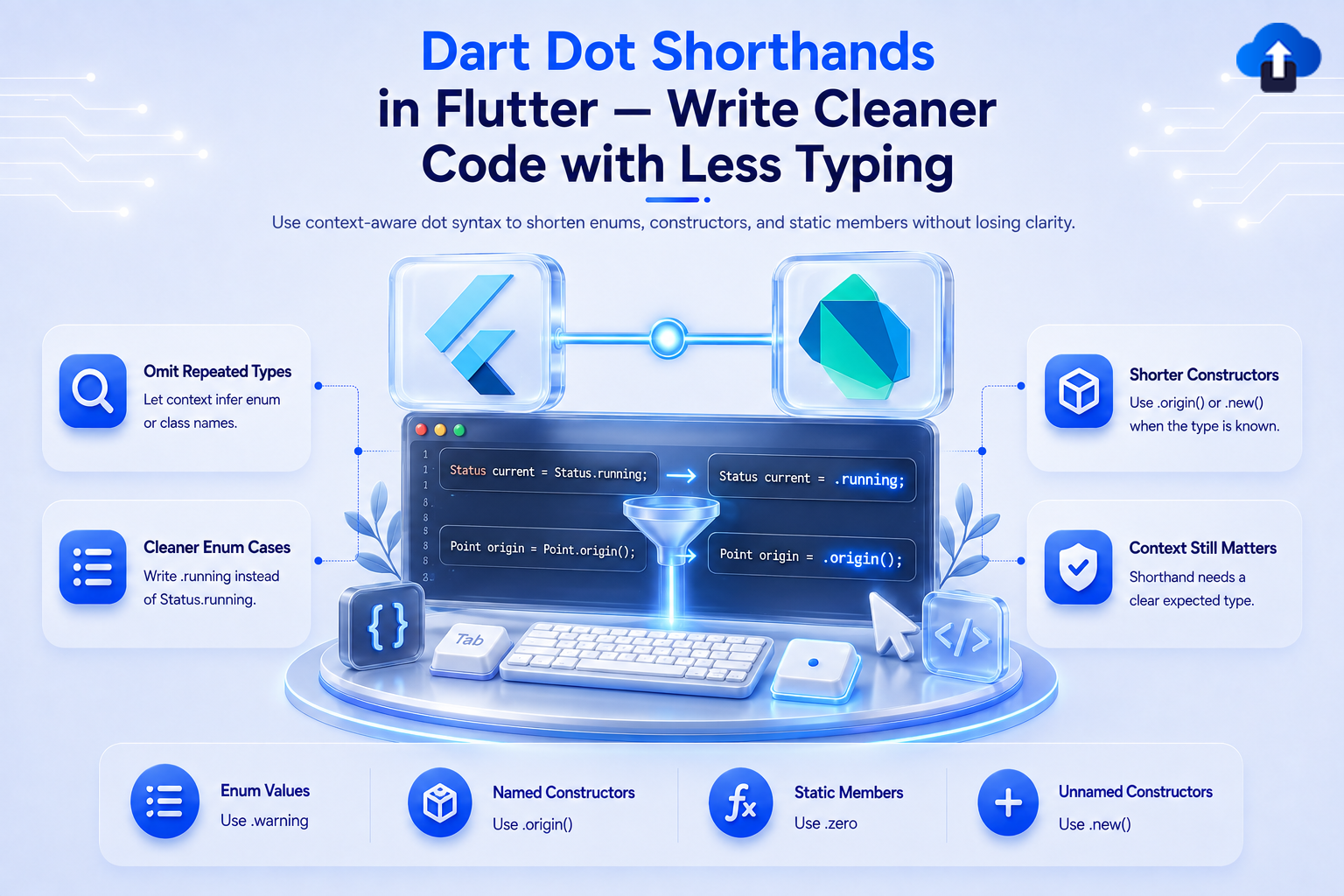
Developer TutorialsDart Dot Shorthands in Flutter — Write Cleaner Code with Less Typing
Clean up repetitive Flutter code with Dart dot shorthands. Learn how to simplify enums, static properties, and layout parameters using dot syntax.
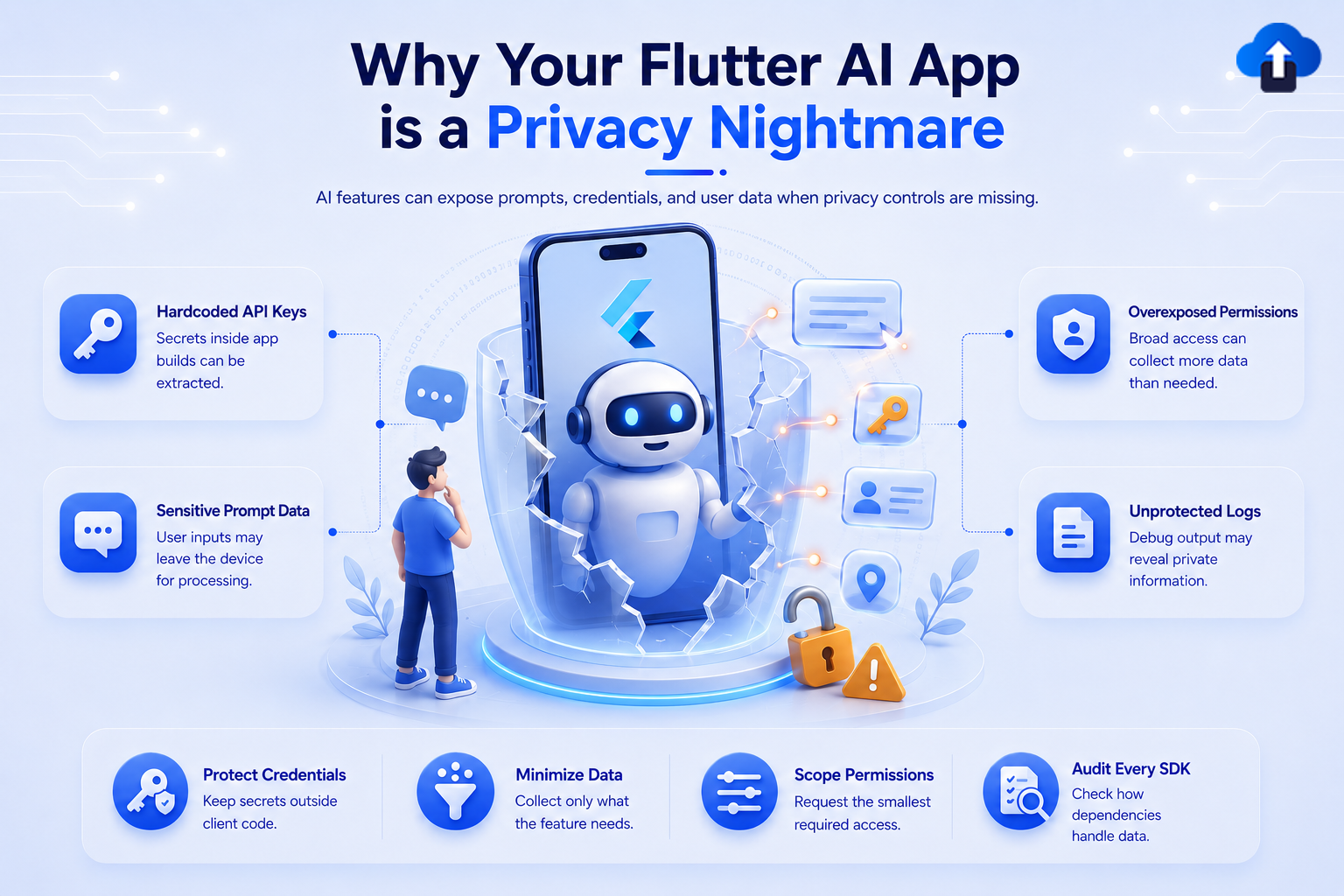
Mobile App StrategyWhy Your Flutter AI App is a Privacy Nightmare
Is your Flutter AI app leaking sensitive user data? Learn how architectural flaws and unsafe SDK integrations expose privacy risks in Flutter apps.
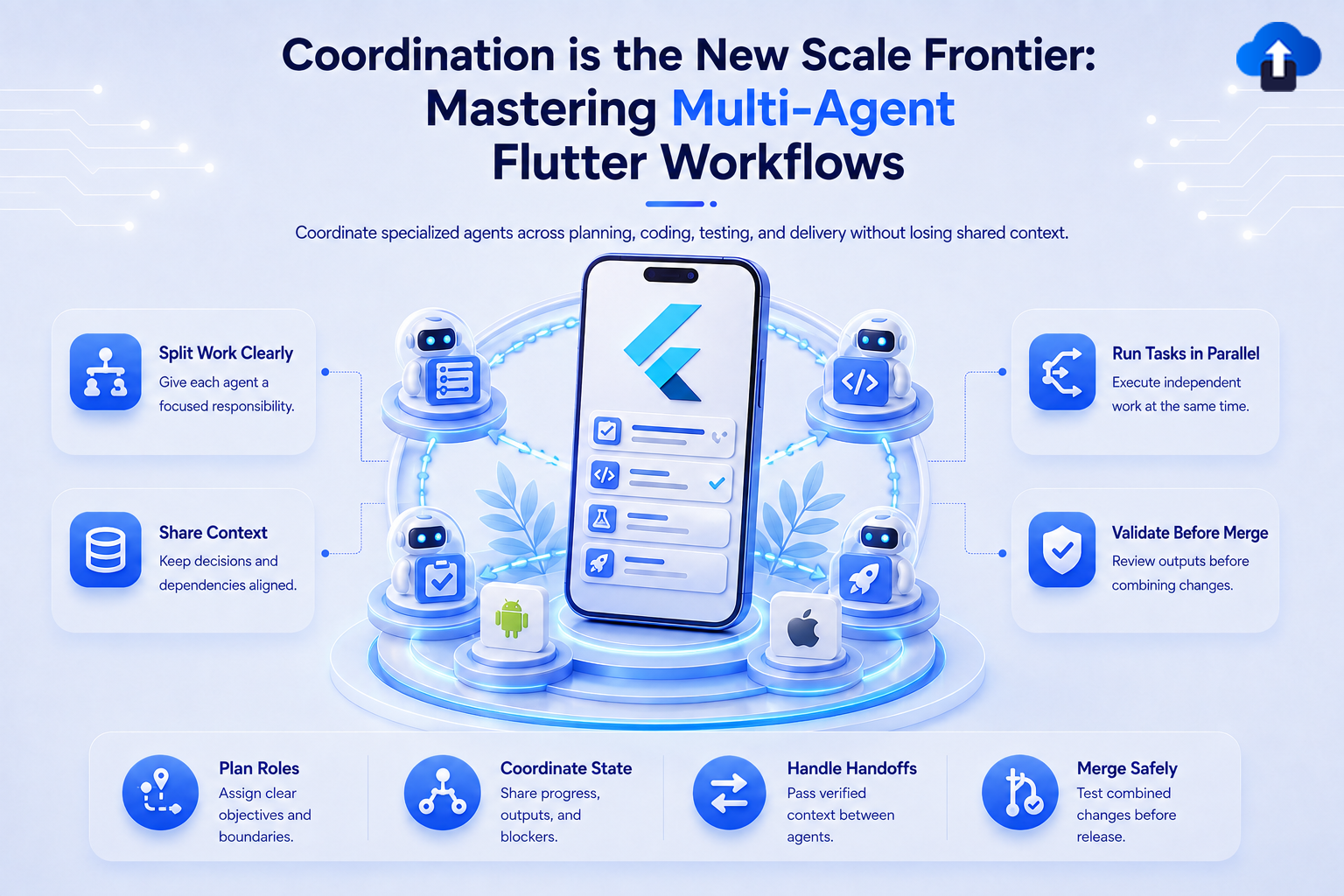
Mobile App StrategyCoordination is the New Scale Frontier: Mastering Multi-Agent Flutter Workflows
Discover how multi-agent system coordination transforms Flutter development. Explore key patterns for handling async channels, isolates, and release pipelines.
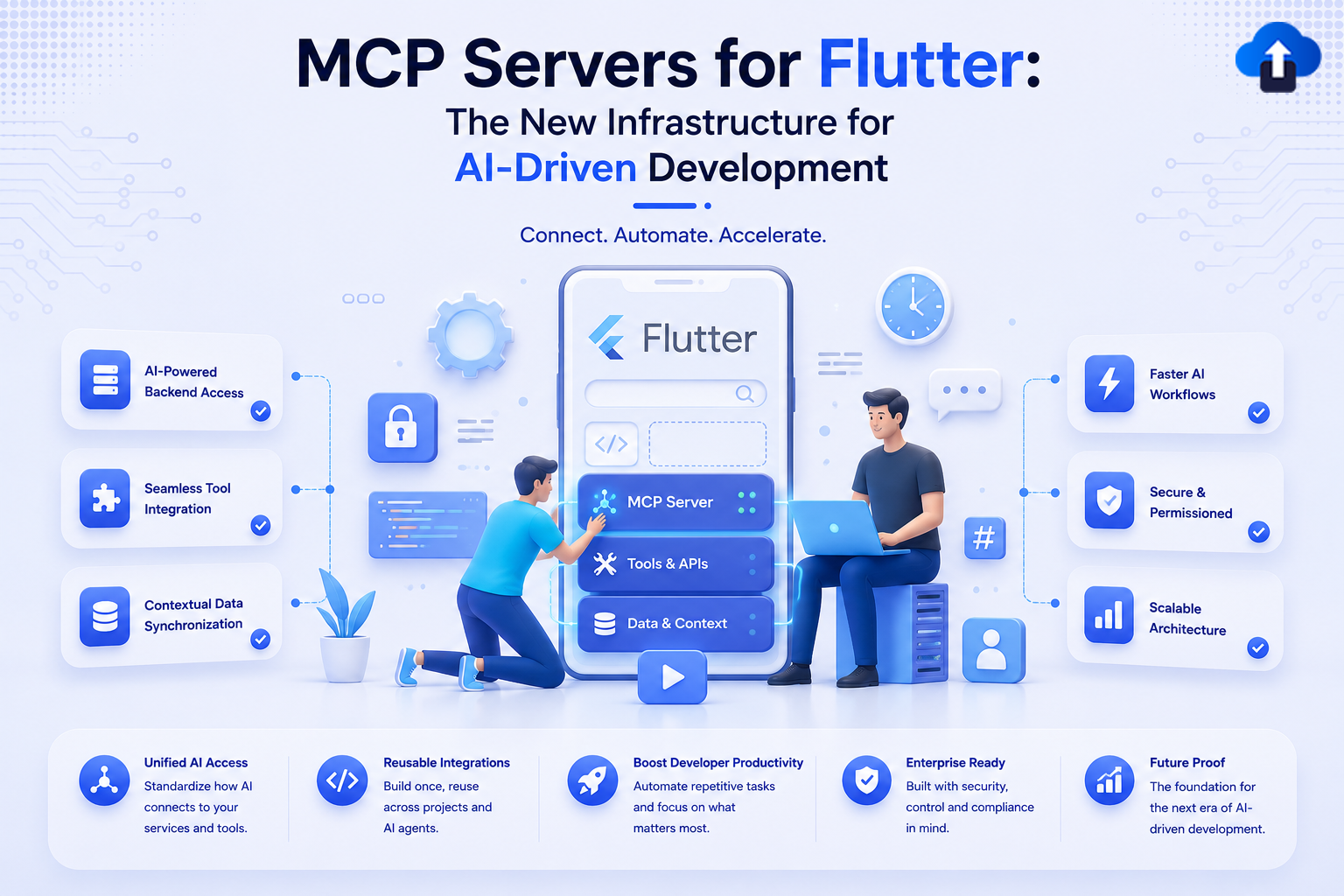
Mobile App DevelopmentMCP Servers for Flutter: The New Infrastructure for AI-Driven Development
AI development is evolving beyond simple code autocomplete. Learn how MCP servers for Flutter enable AI agents to execute structured actions in your toolchain.
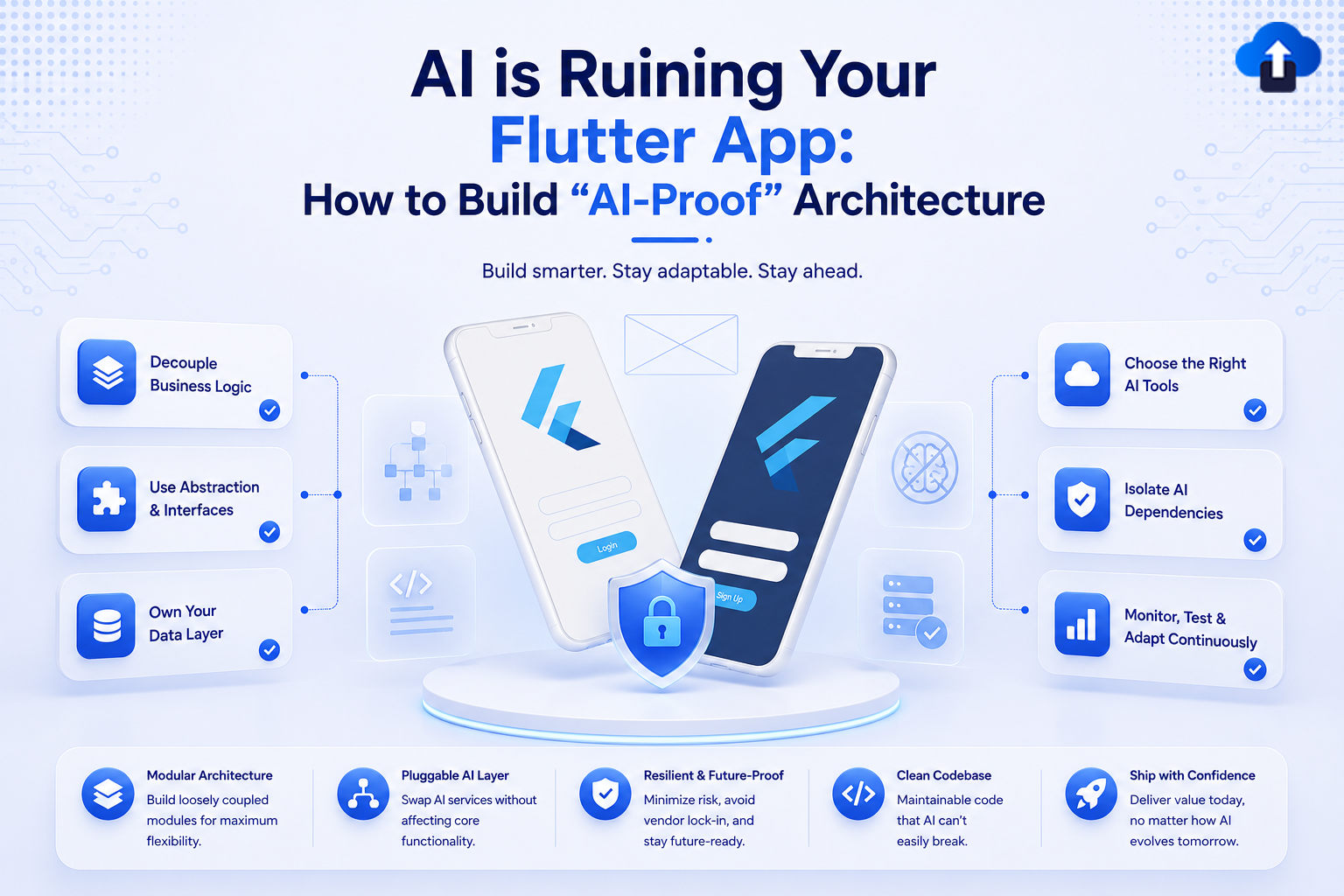
Mobile App StrategyAI is Ruining Your Flutter App: How to Build "AI-Proof" Architecture
AI coding tools can break your codebase structure. Learn how to design an "AI-proof" Flutter architecture that channels automation without sacrificing maintainability.
Flutter DevelopmentMastering Flutter’s Expansible Widget: Build Custom Expandable UIs with Ease
Discover Flutter 3.32's new Expansible widget. Learn how to break free from ExpansionTile limitations and build highly customized, smooth expandable UIs with ease.
.png)
Mobile App StrategyFlutter 3.41 iOS Migration Guide: Upgrade Your App Without Breaking Production
Learn how to migrate your iOS app to Flutter 3.41 safely. Explore Xcode 26 support, Dart 3.9 updates, iOS build fixes, Impeller blur improvements, signing changes, and step-by-step upgrade best practices.







