


.svg)



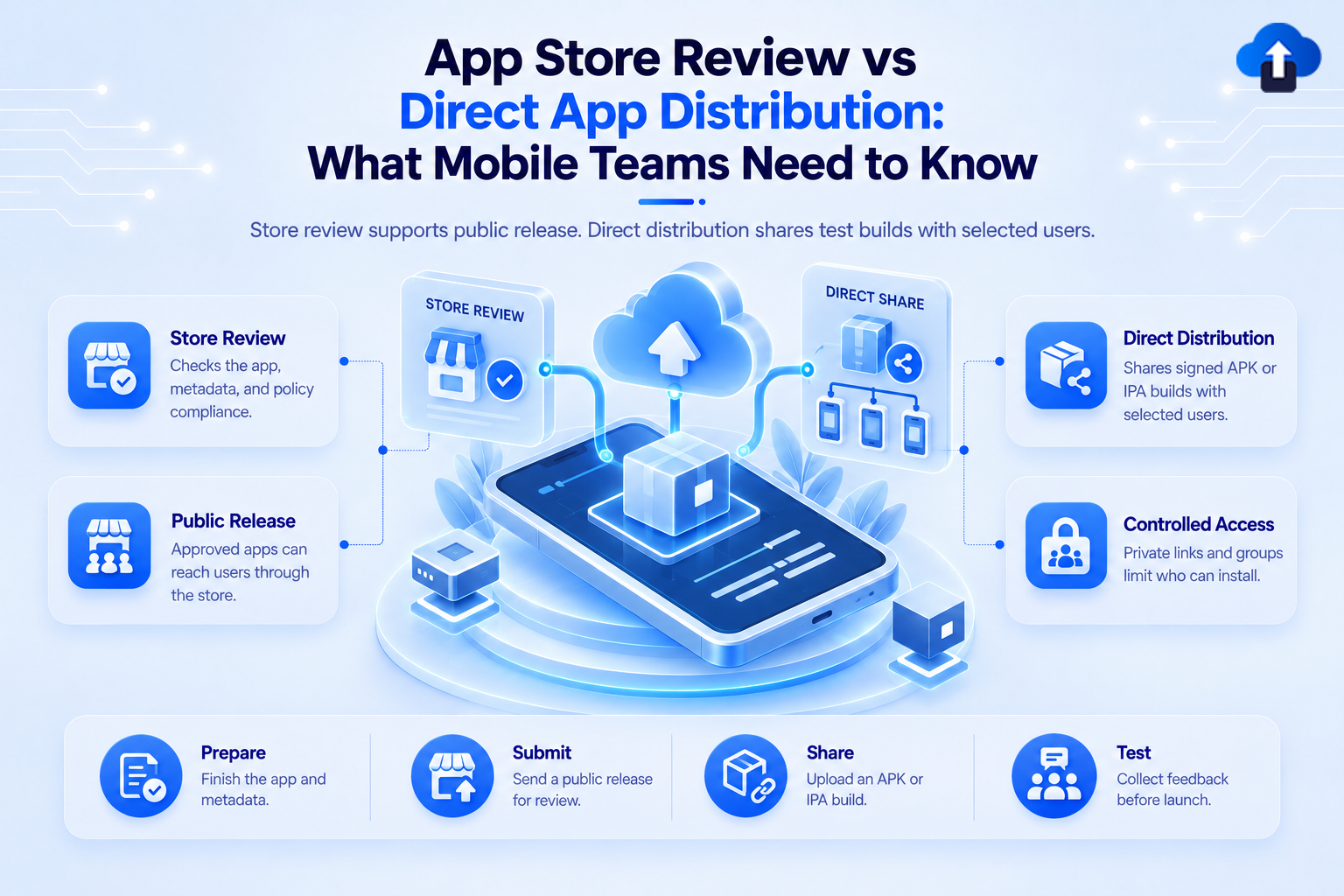
App Release ManagementApp Store Review vs Direct App Distribution: What Mobile Teams Need to Know
App Store Review vs. Direct App Distribution: Learn how direct OTA distribution accelerates QA testing before submitting public app store releases.
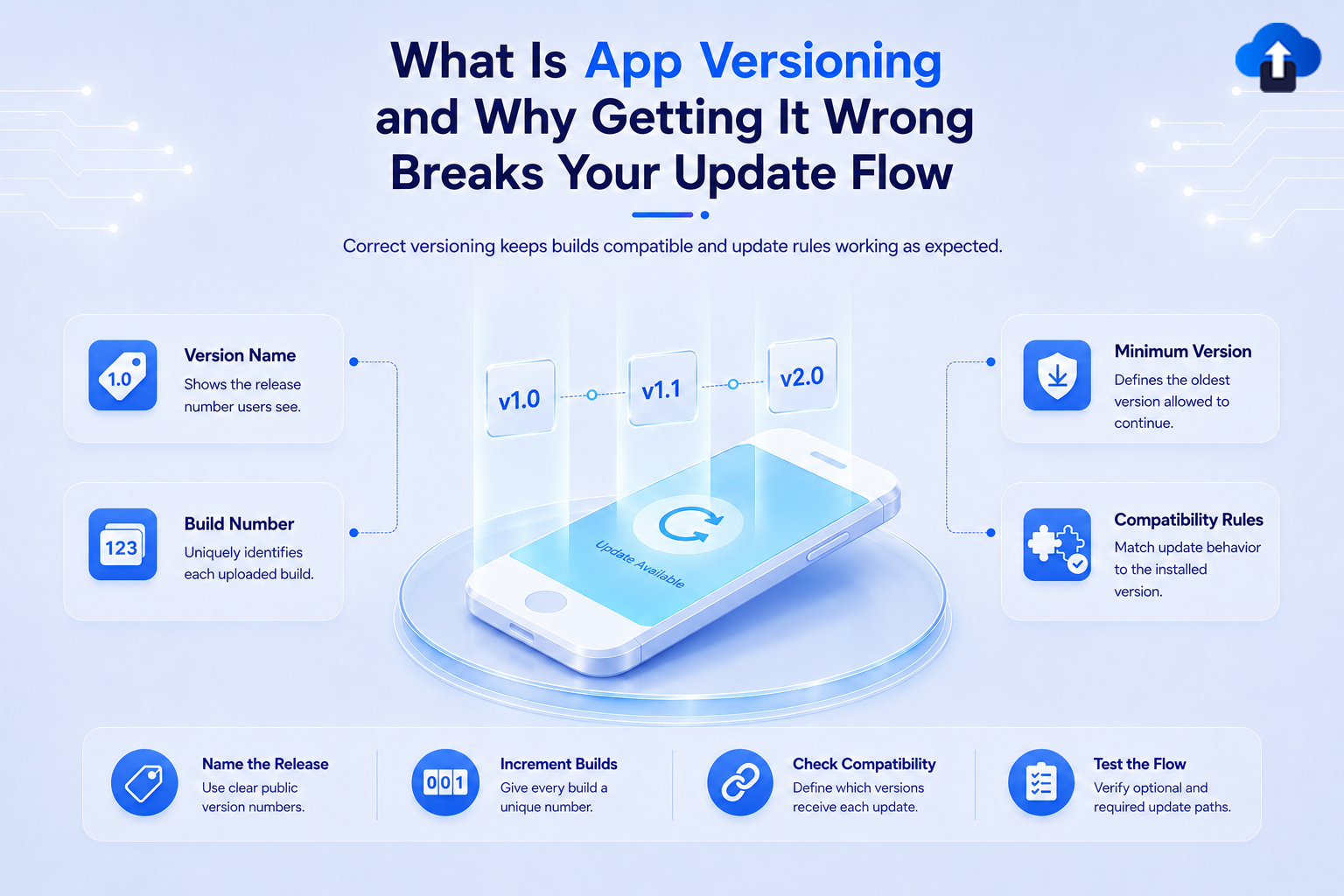
App Release ManagementWhat Is App Versioning and Why Getting It Wrong Breaks Your Update Flow
Avoid store rejections and broken update paths. Discover how proper app versioning strategies keep your mobile releases smooth and organized.
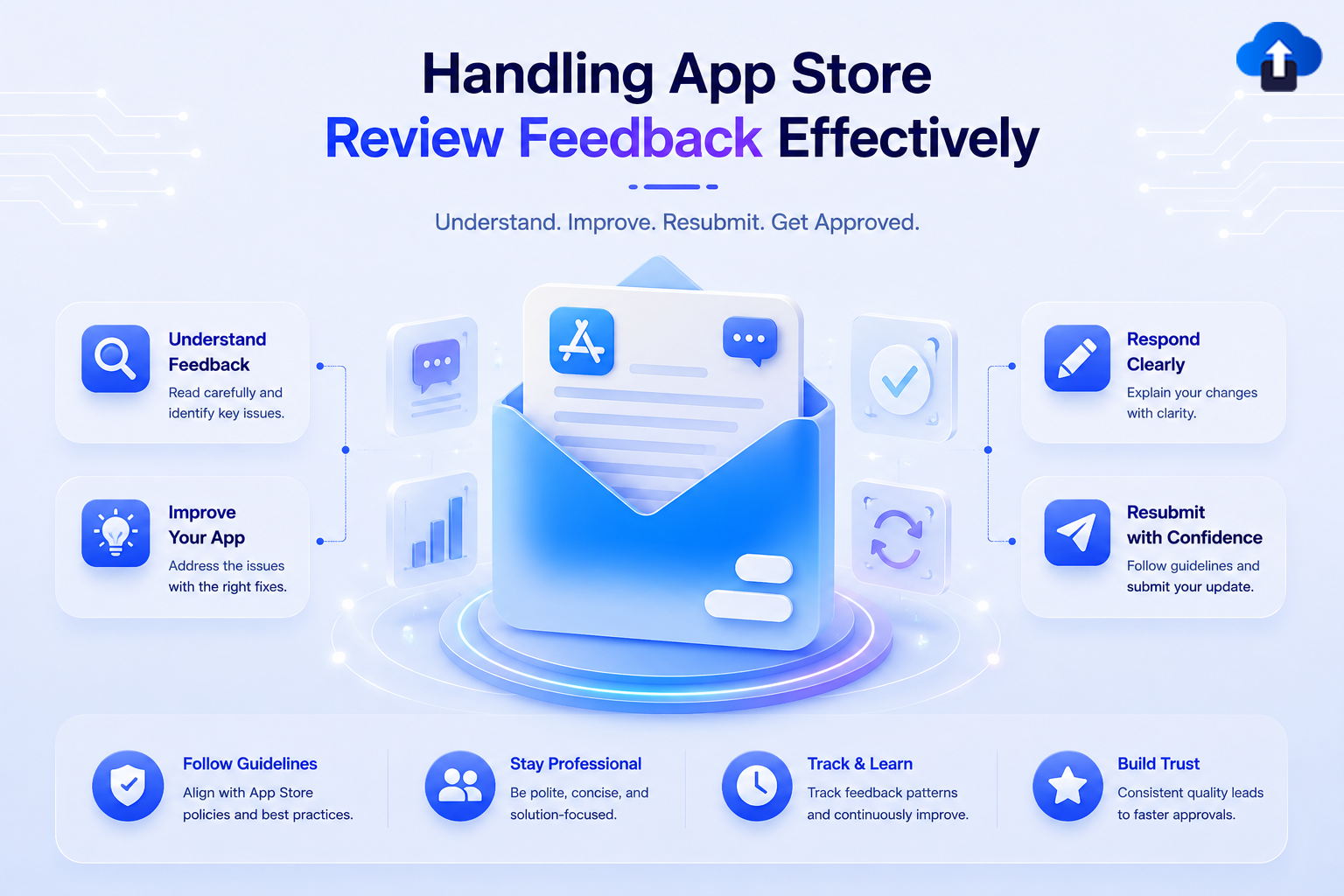
Mobile App StrategyHandling App Store Review Feedback Effectively
Stop submission delays in App Store Connect and Play Console. Discover how to read reviewer feedback accurately and resubmit compliant builds faster
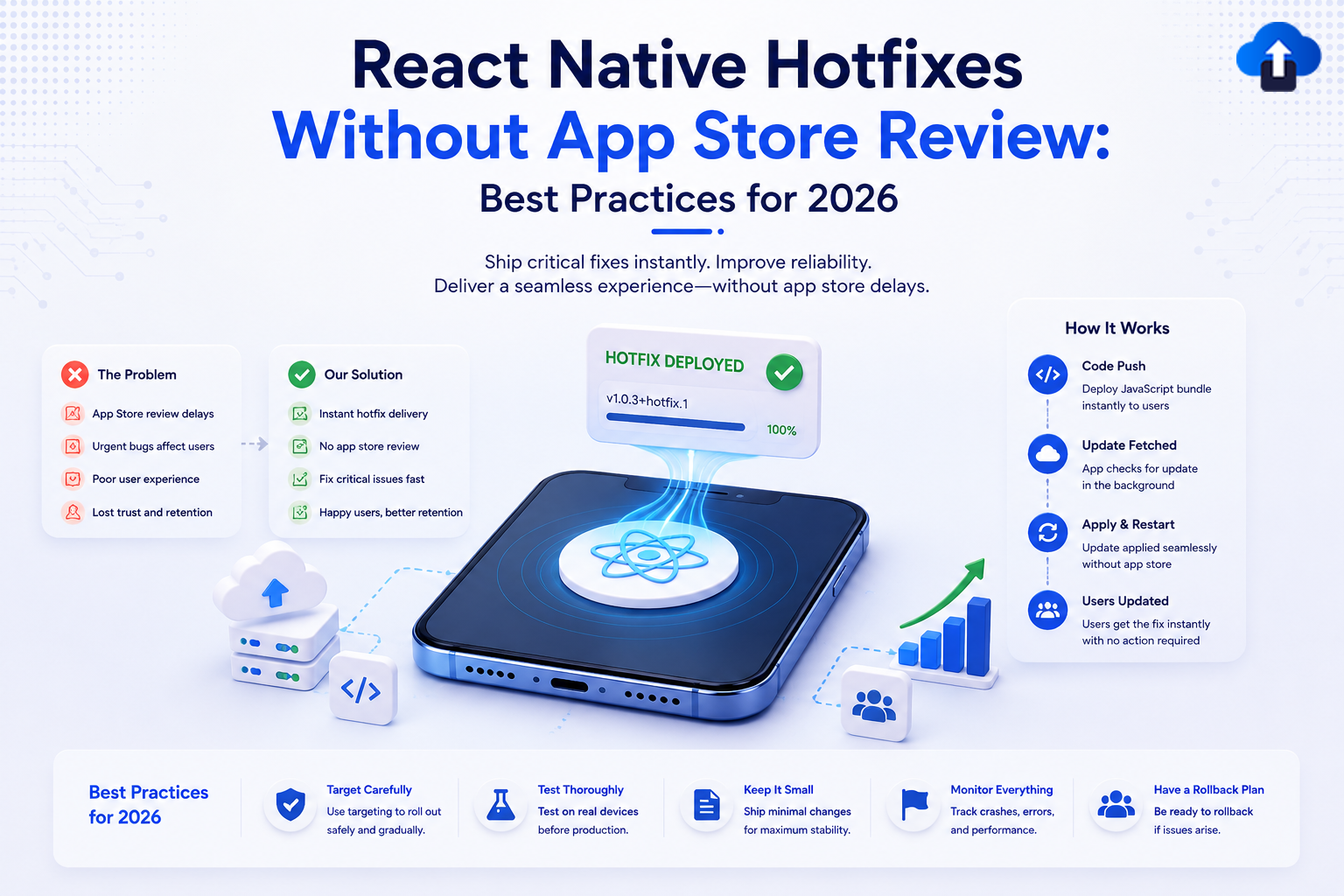
App Release ManagementReact Native Hotfixes Without App Store Review: Best Practices for 2026
Fix critical React Native bugs instantly. Learn the best OTA update practices for 2026 to deploy hotfixes without waiting for App Store approval.
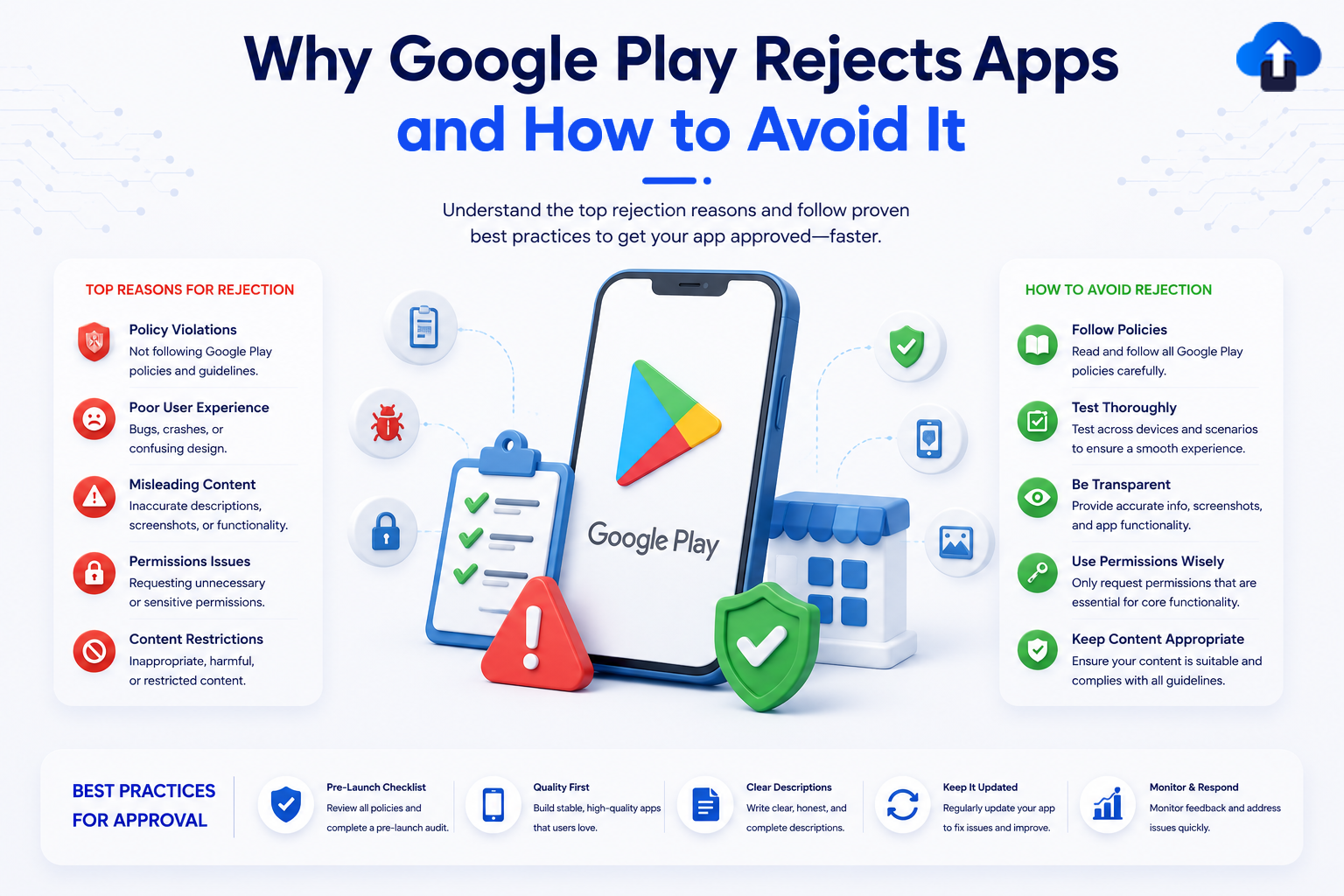
App Release ManagementWhy Google Play Rejects Apps and How to Avoid It
Avoid a costly Google Play Store app rejection. Learn the top policy violation reasons—from metadata errors to background permissions—and how to fix them.
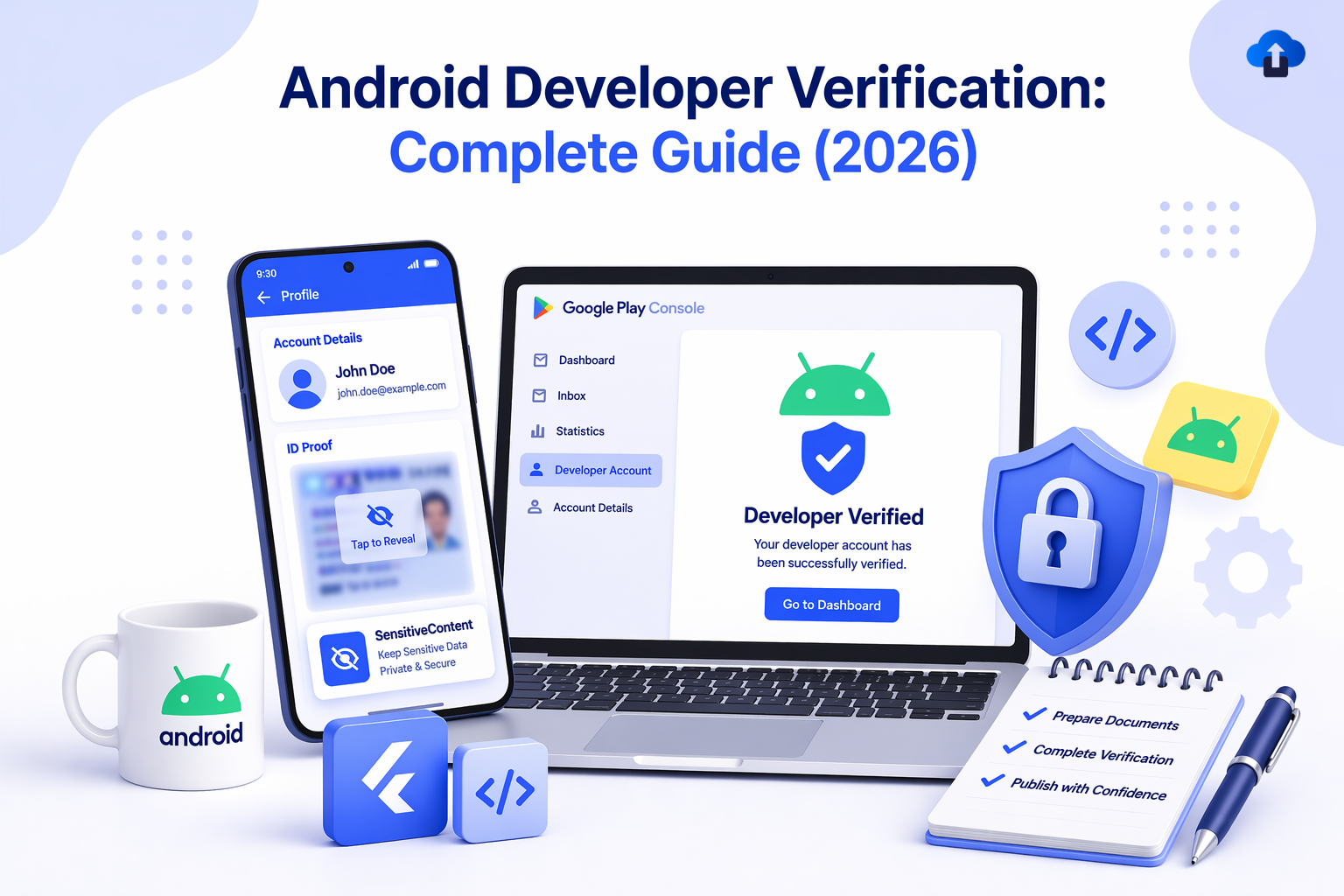
App Release ManagementAndroid Developer Verification: Complete Guide (2026)
Android Developer Verification (2026): Learn how Google’s new system links apps to verified developers, impacts distribution, and what steps you must take before enforcement begins.
Mobile App DevelopmentThe App Store Is A Graveyard: Why 80% Of Apps Never See Their Second Year
Discover why 80% of apps never reach their second year and learn the key strategies successful apps use to survive, retain users, and generate revenue.
.png)
Mobile App DevelopmentExporting PNGs Without Alpha: A Real-World App Store Problem
App Store rejecting your screenshots or icons? Hidden PNG alpha channels from Figma are likely the cause. Learn fast fixes for single or bulk image processing.
.png)
Mobile App DevelopmentGoogle Play Store App Icon Guidelines Update (2026): What Developers Must Fix Before March 31
Google Play's 2026 icon update increases corner radius to 30%. Apps with edge-aligned logos or text may appear clipped. Here's what to check and fix before March 31.







