
Android Development

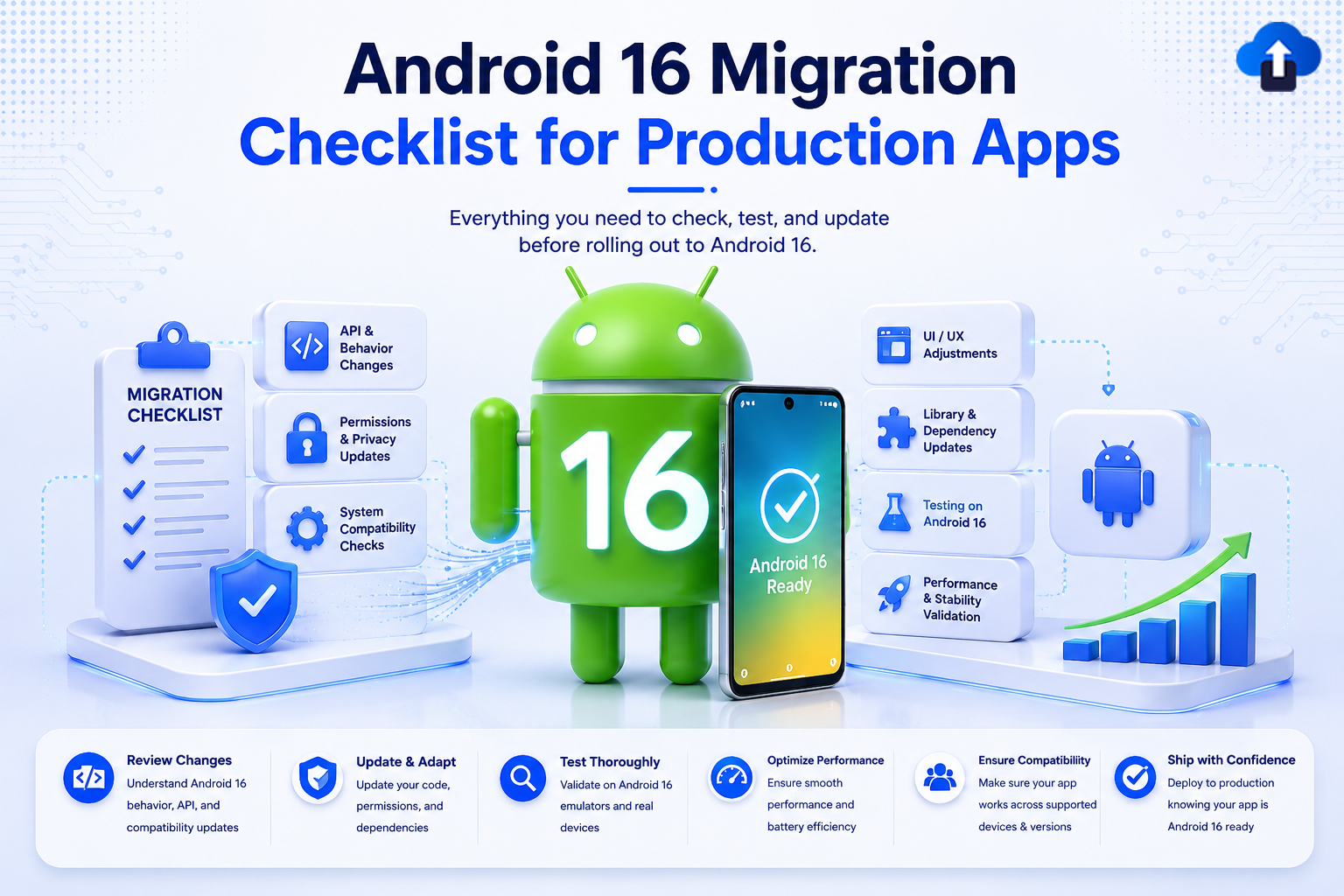
A technical development banner titled "Android 16 Migration Checklist for Production Apps" with the subtitle "Everything you need to check, test, and update before rolling out to Android 16." In the center, a 3D green Android mascot stands with the number "16" printed on its chest next to a smartphone displaying "Android 16 Ready" with a checkmark. To the left, a clipboard labeled "Migration Checklist" sits next to blocks for API & Behavior Changes, Permissions & Privacy Updates, and System Compatibility Checks. To the right are blocks for UI/UX Adjustments, Library & Dependency Updates, Testing on Android 16, and Performance & Stability Validation. A bottom horizontal banner details deployment steps: Review Changes, Update & Adapt, Test Thoroughly, Optimize Performance, Ensure Compatibility, and Ship with Confidence.
App Release Management
All
Android 16 Migration Checklist for Production Apps
Avoid launch day crashes. Use this code-backed Android 16 migration checklist to update your production app to API 36 and smoothly handle major behavioral overhauls.
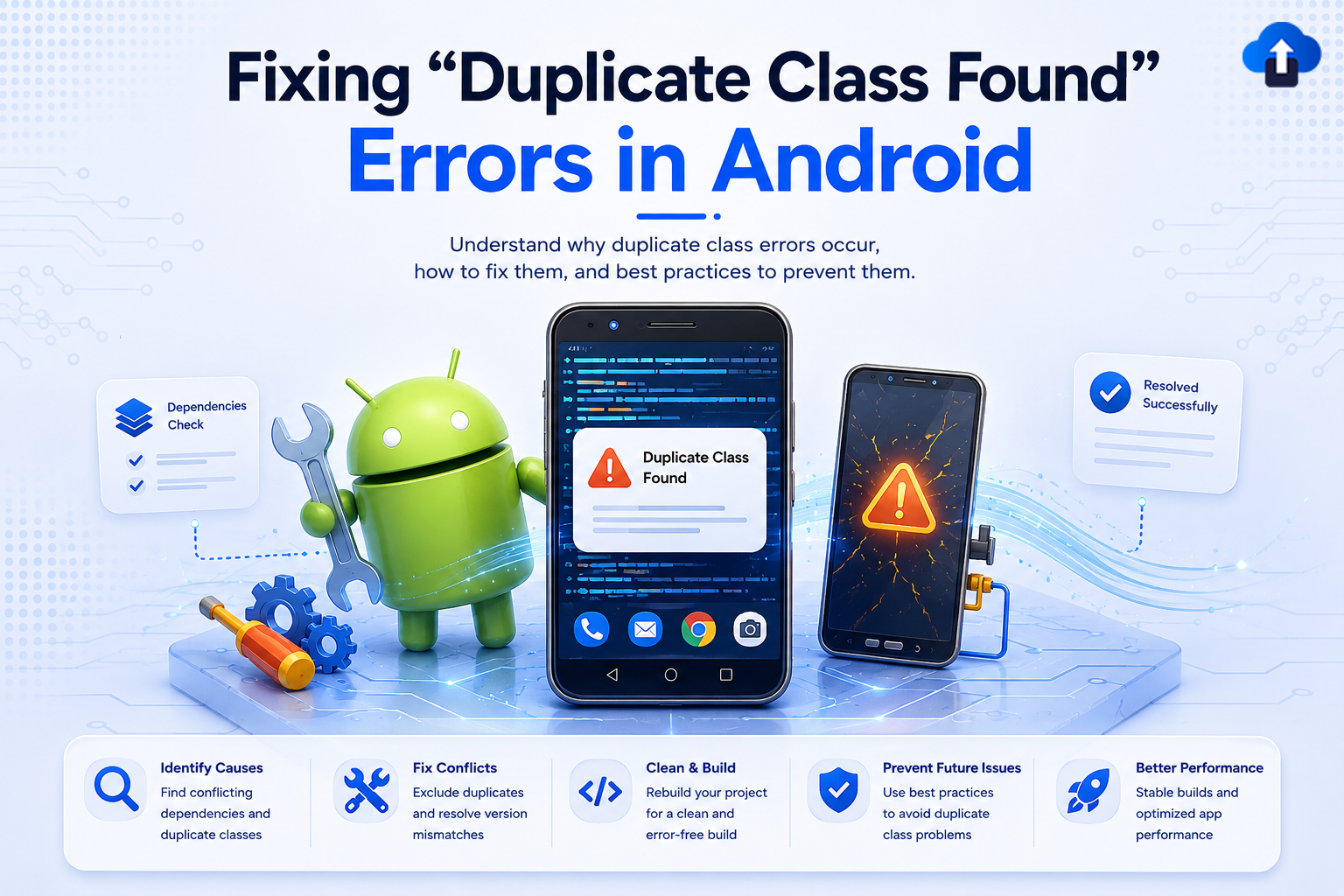
Technical tutorial banner titled "Fixing 'Duplicate Class Found' Errors in Android," with the subtitle "Understand why duplicate class errors occur, how to fix them, and best practices to prevent them." The graphic features a 3D Android mascot holding a wrench next to gears and a screwdriver. A smartphone in the center displays a "Duplicate Class Found" warning pop-up over lines of code, while a second cracked screen shows a warning symbol. A bottom bar lists steps to resolve the issue: Identify Causes, Fix Conflicts, Clean & Build, Prevent Future Issues, and Better Performance.
Developer Tutorials
All
Fixing “Duplicate Class Found” Errors in Android
Stuck on a "Duplicate class found" Gradle build error? Learn the major causes behind Android dependency conflicts and get copy-paste-ready fixes to get your build green again.
Modern cybersecurity-themed illustration showing an Android smartphone protected by a glowing shield, surrounded by hacker threat icons, secure coding checklists, encryption and cloud security elements, with the headline “Your Android App Isn’t Safe in 2026 (Fix It Now)” on a light gradient background.
Mobile App Development
All
Your Android App Isn’t Safe in 2026 (Fix It Now)
Learn why Android app security risks are rising in 2026 and how to protect your APK from sideloading malware, repackaging, tampering, data leaks, and insecure installs.

Blog cover illustration for “Mobile App RemoteConfiguration Pro Tips,” showing a light-themed remote configuration dashboard with a smartphone, cloud server, feature toggle controls, A/B testing icon, flag settings, code panel, and security shield in a blue-purple tech style.
Mobile App Development
All
Mobile App RemoteConfiguration Pro Tips
Master mobile app remote configuration with pro tips on typed schemas, feature flags, safe rollouts, caching, observability, fallback strategies, and scalable config architecture.
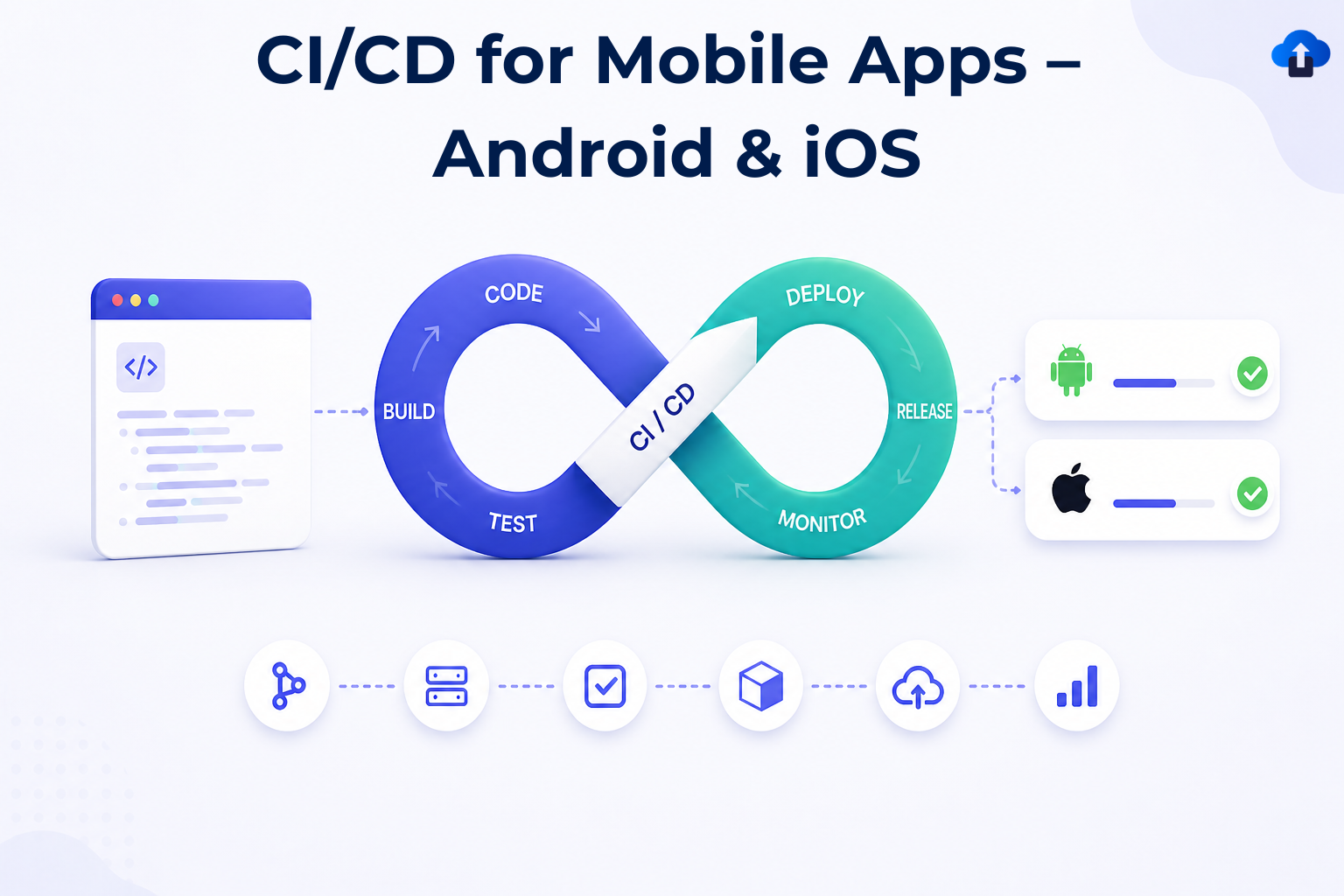
Blog cover illustration for “CI/CD for Mobile Apps – Android & iOS,” showing a light-themed DevOps infinity loop with build, test, deploy, release, and monitor stages, alongside Android and iOS deployment status cards and a mobile app delivery pipeline.
CI/CD
All
CI/CD for Mobile Apps – Android & iOS
Learn how to build scalable CI/CD pipelines for Android and iOS. Covers architecture, automation, code signing, testing, and best practices for fast, reliable mobile releases.
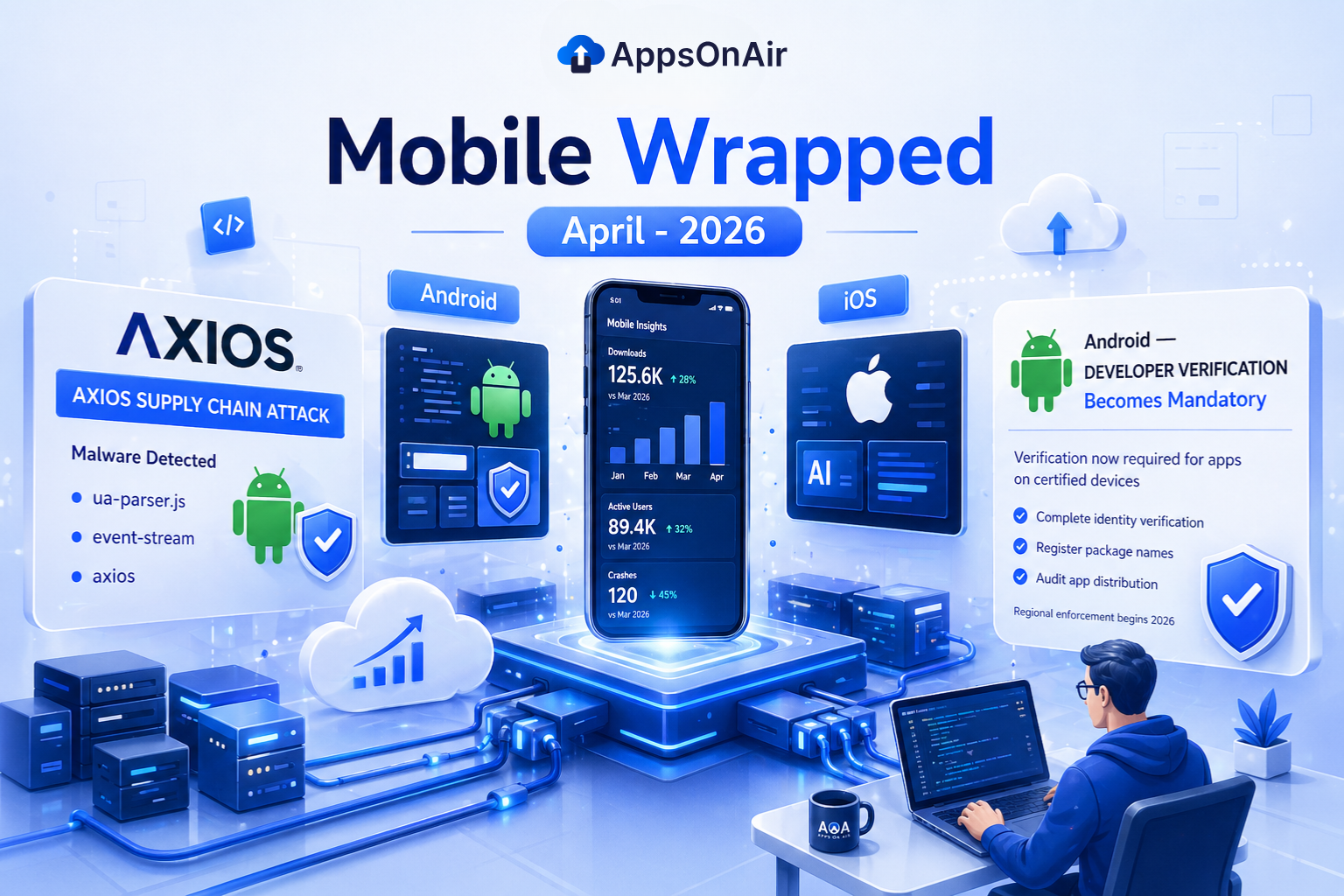
AppsOnAir Mobile Wrapped April 2026 illustration showing key mobile industry updates including the Axios supply chain attack, Android developer verification requirements, iOS and AI insights, and mobile app performance analytics dashboard with downloads, users, and crash metrics
Newsletter
All
Mobile Wrapped Apr 2026
Explore Mobile Wrapped April 2026 featuring key updates on the Axios supply chain attack, Android developer verification changes, iOS trends, AI insights, and mobile app performance metrics.

Light-themed illustration of Android developer verification process showing a smartphone and laptop with Google Play Console, “Developer Verified” screen, and security icons, with the headline “Android Developer Verification: Complete Guide (2026)” at the top.
App Release Management
All
Android Developer Verification: Complete Guide (2026)
Android Developer Verification (2026): Learn how Google’s new system links apps to verified developers, impacts distribution, and what steps you must take before enforcement begins.
Two file format icons side by side representing APK and AAB formats with a "vs" label between them, with the title text "APK vs AAB – What Changes Internally
Mobile App Development
All
APK vs AAB: Which Format Should Android Developers Use in 2026?
APK vs AAB — what's the real difference and which format is right for your app? Full breakdown for Android developers including distribution, size, and compatibility.
The React Native logo alongside a "16KB" label representing Android memory page size, with the title text "React Native Compatibility Guide for Android 16 KB Page Size
Mobile App Development
All
Android 16KB Page Size for React Native Apps: What to Fix in 2026
Android 15 requires 16KB page size support. React Native apps with misaligned .so files will crash at launch. Update AGP 8.5+, NDK r28+, and RN 0.77+ to fix it.




